Are you struggling to choose the right tool to build high-converting landing pages? Leadpages and Thrive Themes are two popular options, but which one fits your needs best?
Whether you want to grow your email list, boost sales, or create stunning pages without hassle, this comparison will help you decide. By the end, you’ll know exactly which platform suits your goals and saves you time and money. Keep reading to make a smart choice that drives real results for your business.
Leadpages Features
Drag-and-Drop Builderlets you easily create pages without coding. Just drag items and drop them where you want. This feature saves time and makes design simple for everyone.
Templates and Customizationoffer many ready-made designs. Choose one and change colors, text, and images. This helps create a unique look fast and with no fuss.
Integration Optionsconnect Leadpages with popular tools like email services and payment systems. This keeps everything working together smoothly, so your marketing flows well.
Mobile Responsivenessmeans pages look good on phones and tablets. This is important because many visitors use mobile devices to browse websites.
Conversion Toolsinclude pop-ups, alert bars, and forms. These help catch visitors’ attention and turn them into customers or subscribers.
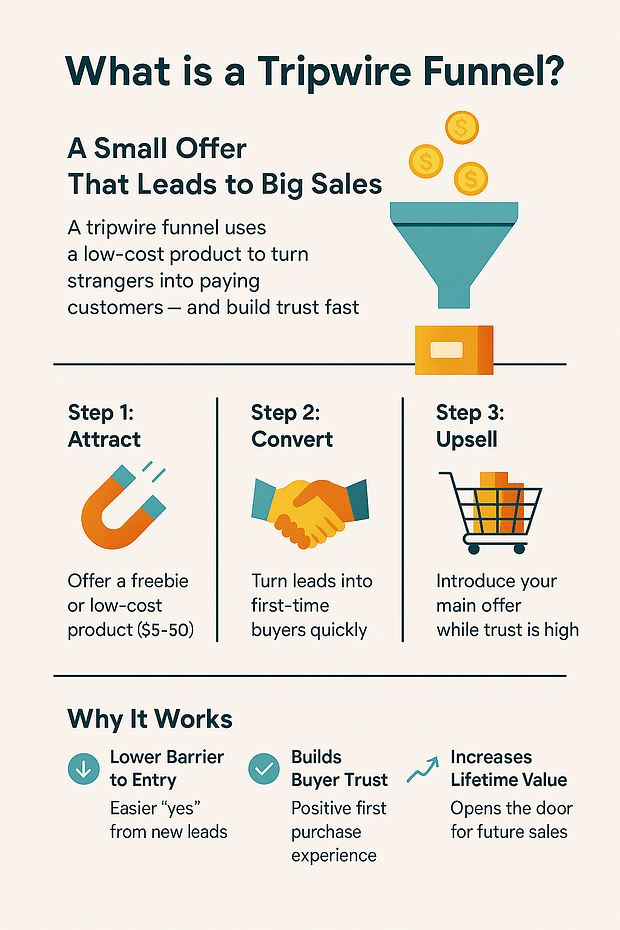
Credit: thrivethemes.com
Thrive Themes Features
The Visual Editorin Thrive Themes lets users build pages by dragging elements. It feels natural and fast. No coding skills are needed to create good-looking pages.
There are many Landing Page Templates. These templates fit different needs, like sales pages or webinars. Users can pick one and change colors and texts easily.
| Marketing Integrations | Speed and Performance | Lead Generation Tools |
|---|---|---|
| Works with popular email services and CRMs. | Pages load quickly, which helps keep visitors. | Includes forms, countdown timers, and quiz builders. |
Pricing Comparison
Leadpagesoffers three main subscription plans: Standard, Pro, and Advanced. Prices start from $37 per month billed annually. Thrive Themessells a membership plan at $19 per month with all tools included. Leadpages charges more but includes landing page hosting and email features.
Both provide good value for moneydepending on needs. Leadpages suits users wanting simple setup and hosting. Thrive Themes fits those preferring WordPress plugins and full control. Thrive Themes offers many tools under one price, Leadpages separates features by plan.
| Feature | Leadpages | Thrive Themes |
|---|---|---|
| Trial | Free 14-day trial | Free demo available |
| Refund Policy | 30-day money-back guarantee | 30-day refund on membership |
| Plans | Standard, Pro, Advanced | Single membership plan |
Credit: thrivethemes.com
Ease Of Use
Leadpageshas a clean and simple user interface. It uses drag-and-drop tools that are easy to find. Thrive Themesoffers more options but looks a bit complex. Beginners might find it harder to start with Thrive.
The learning curvefor Leadpages is gentle. Users can build pages quickly without much training. Thrive Themes has a steeper learning curve. It offers more features, which take time to learn well.
| Aspect | Leadpages | Thrive Themes |
|---|---|---|
| Customer Support | Fast email and chat support with helpful guides. | Offers good support but response can be slower sometimes. |
Customization And Flexibility
Leadpagesoffers many easy-to-use design templates. These templates suit various industries. Users can drag and drop elementsto customize pages quickly. Thrive Themesprovides more detailed customizationwith a focus on conversion optimization. It allows users to change fonts, colors, and layouts freely. Both platforms support mobile-friendly designs.
Regarding advanced features, Leadpages includes built-in A/B testingand lead capture forms. Thrive Themes goes further with smart linksand dynamic content. These features help target audiences more precisely.
| Platform | Third-Party Plugins |
|---|---|
| Leadpages | Supports popular tools like Zapierand Mailchimp |
| Thrive Themes | Works well with WordPress pluginssuch as WooCommerceand Yoast SEO |
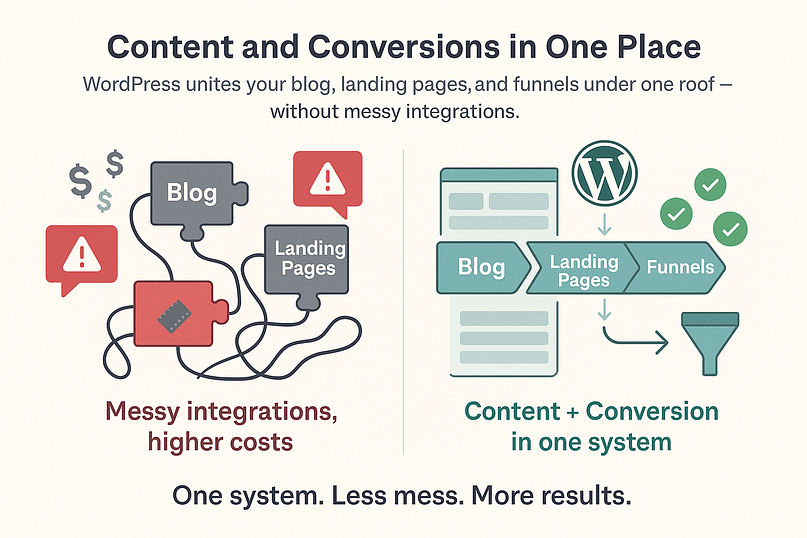
Credit: thrivethemes.com
Performance And Speed
Page load timesare key for user experience and SEO. Leadpages often loads pages faster due to its simpler design and fewer features. Thrive Themes offers more customization but this can slow down load times if not optimized well.
SEO friendlinessdepends on how well each tool handles meta tags, mobile responsiveness, and clean code. Both Leadpages and Thrive Themes support SEO basics, but Thrive Themes gives more control over SEO settings. This helps improve search rankings.
| Feature | Leadpages | Thrive Themes |
|---|---|---|
| Average Page Load Time | Fast (usually under 2 seconds) | Moderate (2-3 seconds, varies with design) |
| SEO Control | Basic SEO options | Advanced SEO customization |
| Mobile Optimization | Responsive by default | Highly customizable responsive design |
Conversion And Analytics
Leadpagesand Thrive Themesboth offer A/B testingtools. These tools help test different versions of pages to see which one performs better. Leadpages makes it easy to create tests with simple setup options. Thrive Themes provides more detailed testing for advanced users.
The analytics dashboardin Leadpages is clean and easy to read. It shows key data like visitor numbers, conversion rates, and clicks. Thrive Themes’ dashboard offers more in-depth stats and visual graphs. It helps users understand visitor behavior better.
Tracking capabilitiesdiffer between the two. Leadpages supports basic tracking with integrations for Google Analytics and Facebook Pixel. Thrive Themes has built-in tracking and supports many third-party tools. This allows more detailed data collection and analysis.
Use Cases And Suitability
Small businessesoften need simple, easy-to-use tools. Leadpages offers quick setupand pre-built templatesthat save time. Thrive Themes suits businesses wanting more customizationand control over design. Both help create landing pagesand capture leadswithout coding skills.
For agencies, Thrive Themes provides better options for client managementand custom branding. It supports multiple websitesand has many advanced marketing tools. Leadpages focuses on fast campaign launchesand easy integrationwith other apps, ideal for agencies handling many projects.
| Use Case | Leadpages | Thrive Themes |
|---|---|---|
| Small Business | Fast setup, simple templates | More design control, flexible customization |
| Agency Use | Quick launches, easy app integration | Client management, multiple sites support |
| Ecommerce Applications | Good for simple sales funnels | Better for product showcases and upsells |
Pros And Cons
Leadpagesoffers easy drag-and-drop tools for building pages fast. Its templatesare simple and mobile-friendly. Good for beginners. But, it has limited customizationcompared to others. The pricing can be higherfor small budgets. Support is helpful, but live chat is not always available.
Thrive Themesis strong in conversion-focused features. It includes tools for quizzes, opt-in forms, and A/B testing. Customization is flexiblewith many options. It works best with WordPress sites. The learning curve is a bit steeper. Some users find it complexat first. Pricing is fairfor what it offers, with one-time payment options.
Making The Right Choice
Leadpagesis great for quick setup and easy drag-and-drop tools. It suits those who want fast results with less effort. Thrive Themesoffers more control and is good for users wanting deeper website customization. Both help build landing pages but focus on different needs.
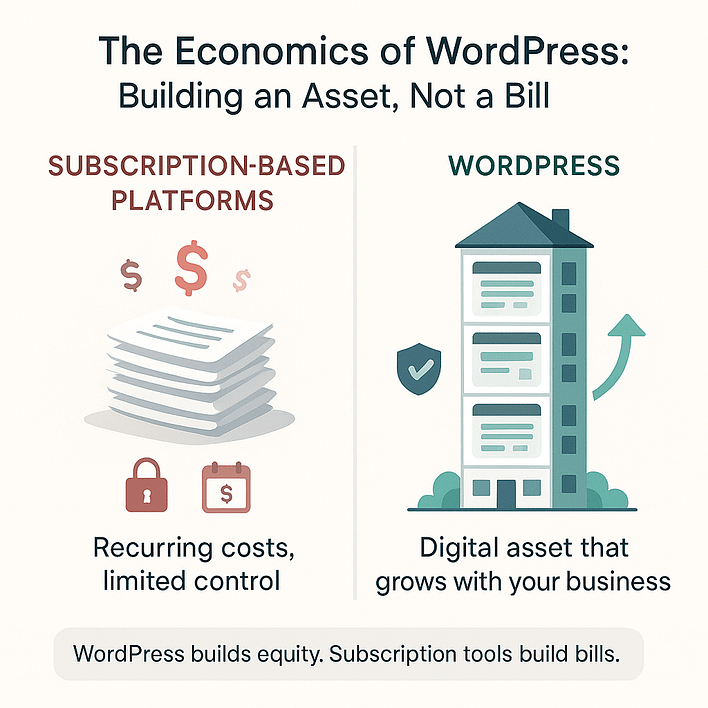
Cost matters. Leadpages charges a monthly fee that covers hosting and support. Thrive Themes is a one-time payment for the theme plus optional yearly updates. Choose based on how much you want to spend now and later.
| Feature | Leadpages | Thrive Themes |
|---|---|---|
| Setup Time | Fast, ready templates | Requires setup, more flexible |
| Cost | Monthly subscription | One-time payment + updates |
| Customization | Basic drag-and-drop | Deep website control |
| Scalability | Good for small projects | Better for long-term growth |
Frequently Asked Questions
What Are The Main Differences Between Leadpages And Thrive Themes?
Leadpages focuses on easy drag-and-drop landing pages. Thrive Themes offers a suite of conversion tools for WordPress. Leadpages is standalone, while Thrive integrates deeply with WordPress. Both target lead generation but serve different user needs and technical skills.
Which Platform Offers Better Pricing For Beginners?
Leadpages uses a subscription model starting at affordable monthly rates. Thrive Themes offers a one-time payment option with lifetime updates. Beginners may prefer Leadpages for simplicity or Thrive for long-term value. Pricing depends on features and user preferences.
Can I Use Leadpages And Thrive Themes With WordPress?
Leadpages works with WordPress via a plugin or embed code. Thrive Themes is built exclusively for WordPress sites. Thrive offers seamless integration and better control within WordPress. Leadpages is more flexible for non-WordPress users.
Which Tool Has Better Conversion Optimization Features?
Thrive Themes includes advanced A/B testing, quizzes, and smart links. Leadpages offers templates optimized for conversions with basic split testing. Thrive provides more in-depth tools for marketers focused on optimization. Leadpages is simpler but less customizable.
Conclusion
Both Leadpages and Thrive Themes offer strong tools for building websites. Leadpages is simple and fast for creating landing pages. Thrive Themes gives more design options and features for growth. Your choice depends on what fits your needs and skills best.
Consider your budget and goals carefully. Try both if you can, to see which feels right. Either tool can help you build a better online presence. Choose the one that matches your style and plans.