Asana Alternatives: Best Tools to Boost Your Team’s Productivity
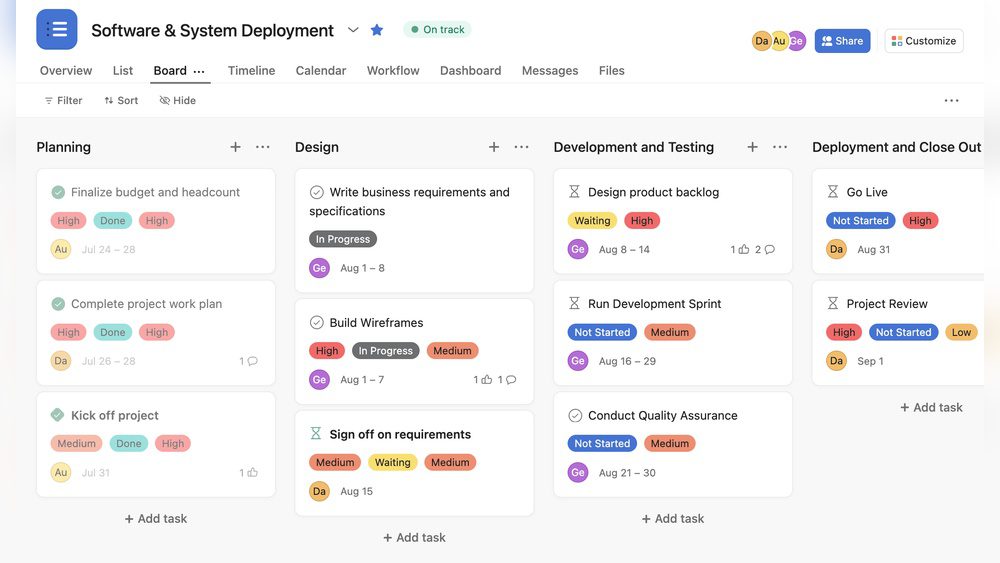
If you are searching for Asana Alternatives, you are in the right place. Asana is a popular tool that helps teams work together. It lets you create projects, assign tasks, set deadlines, and talk to your team.
But sometimes, people want to try other tools. They might want something easier, cheaper, or with different features. This article will help you find the best Asana Alternatives.
What is Asana?
Asana is a software that helps teams work together. It is called a software-as-a-service, or SaaS. This means you use it on the internet without installing anything.
With Asana, teams can:
Create projects to organize work
Assign tasks to team members
Set deadlines to finish work on time
Talk and share ideas inside the app
Use calendars to see schedules
Attach files for easy sharing
Track progress and goals
Asana is very helpful, but it might not fit everyone’s needs. That is why many people look for Asana Alternatives.
Why Look for Asana Alternatives?
There are many reasons why you might want to try other tools besides Asana. Here are some common reasons:
Cost: Asana can be expensive for big teams.
Complexity: Some people find Asana hard to use.
Features: You might want features that Asana does not have.
Interface: You may prefer a simpler or different look.
Integration: You might want a tool that works better with apps you use.
If any of these reasons sound like you, keep reading. Below are some great Asana Alternatives that can help your team.
Top 7 Asana Alternatives for Team Collaboration
Here is a list of popular and easy-to-use tools you can try instead of Asana.
Tool Name
Main Features
Best For
Pricing
Trello
Boards, cards, checklists, drag and drop
Simple task management and visual planning
Free with paid plans
ClickUp
Tasks, docs, goals, time tracking, chat
All-in-one project management
Free with paid plans
Monday.com
Custom workflows, dashboards, automation
Team collaboration and project tracking
Paid plans only
Wrike
Task management, timelines, reporting
Medium to large teams needing detailed reports
Free and paid plans
Basecamp
To-dos, messages, schedules, file sharing
Simple team communication and project work
Flat monthly fee
Notion
Notes, databases, task lists, calendars
Flexible workspace for teams and individuals
Free and paid plans
Microsoft Planner
Task boards, charts, integration with Office 365
Teams using Microsoft products
Included with Office 365
Credit: www.timechamp.io
Detailed Review of Best Asana Alternatives
1. Trello
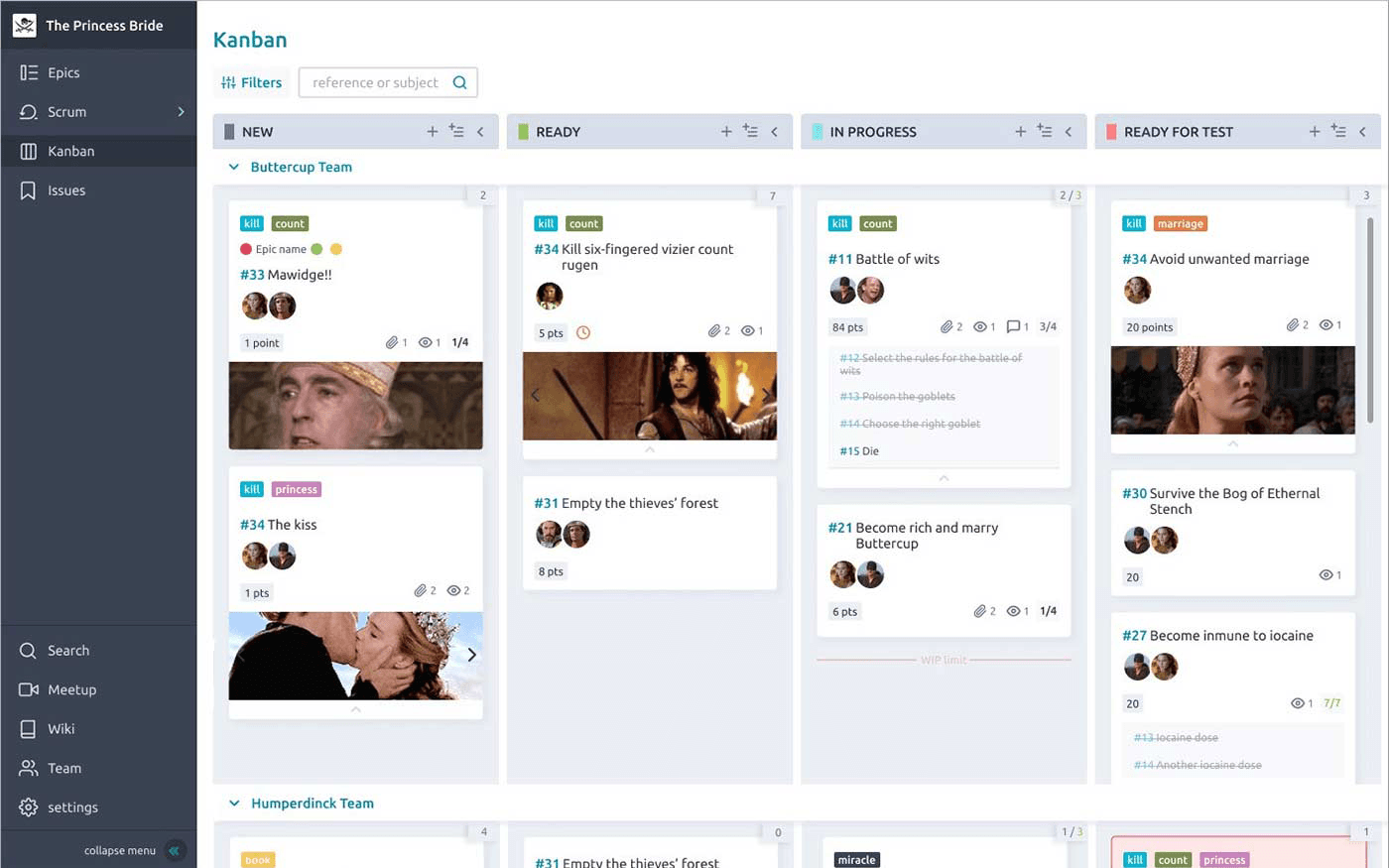
Trello is one of the easiest tools to use. It uses boards and cards to organize work. You can drag and drop cards to show progress.
Trello is great if you want a simple, visual way to manage tasks. It works well for small teams and personal projects.
Pros: Easy to use, free plan available, good for beginners.
Cons: Limited advanced features for big teams.
2. Clickup
ClickUp offers many features in one place. You get task lists, docs, chat, goals, and time tracking.
This tool is perfect if you want everything in one app. It helps teams stay organized and productive.
Pros: Many features, customizable, free plan with many tools.
Cons: Can be overwhelming for new users.
3. Monday.com
Monday.com helps teams create custom workflows. You can build dashboards and automate tasks.
This tool works well for teams that want to track work visually and automate steps.
Pros: Flexible, good for large teams, strong automation.
Cons: No free plan, costs can add up.
4. Wrike
Wrike is a powerful tool for managing projects and tasks. It includes timelines and reporting features.
Wrike is best for medium to large teams that need detailed work tracking.
Pros: Strong reporting, good for complex projects.
Cons: Learning curve, pricier plans.
5. Basecamp
Basecamp combines project management with team communication. It has to-do lists, message boards, and file sharing.
It is great for teams that want simple tools to chat and organize work.
Pros: Simple interface, flat fee pricing.
Cons: Less customization and automation.
6. Notion
Notion is a flexible workspace. You can take notes, create databases, and manage tasks.
It fits teams and individuals who want a custom tool for many uses.
Pros: Highly customizable, good for many types of work.
Cons: Setup can be time-consuming.
7. Microsoft Planner
Microsoft Planner works well if your team uses Office 365. It has task boards and charts.
This tool fits teams already in the Microsoft ecosystem.
Pros: Integrated with Microsoft apps, easy to use.
Cons: Limited outside Office 365 users.
How to Choose the Right Asana Alternative
Choosing the best tool depends on your team’s needs. Ask yourself these questions:
How many people will use the tool?
Do you want a simple or advanced system?
What is your budget for the tool?
Do you need special features like automation or time tracking?
What other apps do you use that need to connect?
Try free plans first if possible. See which tool feels easiest and fits your work style.
Credit: www.nuclino.com
Frequently Asked Questions
What Are The Best Free Asana Alternatives For Small Teams?
Trello, ClickUp, and Wrike offer free plans with task management suitable for small teams and simple projects.
Which Asana Alternatives Work Well For Remote Team Collaboration?
Monday. com, Basecamp, and Microsoft Teams support remote work with communication, task tracking, and file sharing features.
Can Asana Alternatives Handle Project Deadlines And Task Assignments?
Yes, tools like ClickUp, Wrike, and Trello allow easy task assignments and deadline tracking for better project control.
Conclusion
There are many good Asana Alternatives for team collaboration. Each tool has its strengths and weaknesses.
Trello is best for simple, visual task management. ClickUp is great for all-in-one use. Monday.com and Wrike suit bigger teams with advanced needs. Basecamp and Notion offer flexible ways to organize work. Microsoft Planner fits teams using Microsoft products.
Think about what your team needs most. Then pick the tool that helps you work better and faster.
Remember, the best tool is the one your team enjoys using every day.
FAQs About Asana Alternatives
1. Are Asana Alternatives Free?
Many alternatives offer free plans with basic features. Paid plans unlock more tools.
2. Can I Switch From Asana To Another Tool Easily?
Most tools allow you to import tasks and projects from Asana. Check their support pages.
3. Which Asana Alternative Is Best For Small Teams?
Trello and Basecamp are great for small teams because they are simple to use.
4. Do Asana Alternatives Work On Mobile Devices?
Yes, most popular tools have mobile apps for iOS and Android.
5. Can I Use Asana Alternatives For Personal Projects?
Absolutely! Many tools work well for personal task management too.