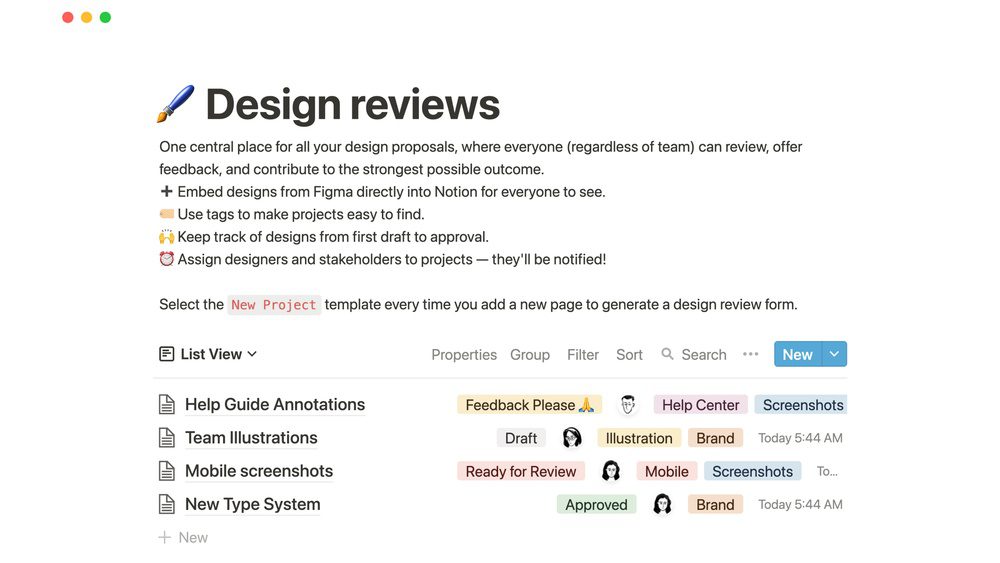
Are you looking for a tool to help you stay organized? Notion is one of the best apps today. Many people use it for note-taking, project management, and knowledge management. In this Notion Reviews article, you will learn what makes Notion special and why it might be perfect for you.
What is Notion?
Notion is a single workspace where you can do many things. It helps you take notes, plan projects, and manage information all in one place. You can use it alone or with your team. It works as an all-in-one tool for thinking, writing, and planning. You can make custom databases, work with others in real time, and even get help from AI.
To explore Notion and its AI features, visit Notion AI.
Why Do People Use Notion? – Notion Reviews Overview
Many people choose Notion because it combines many tools into one. You don’t need different apps for notes, projects, or files. You get everything in one place. Here are some reasons why Notion is popular:
- Easy note-taking: Write notes quickly and organize them nicely.
- Project management: Plan and track your tasks and deadlines.
- Knowledge management: Save and find information easily.
- Customizable databases: Make your own tables and lists.
- Real-time collaboration: Work with friends or colleagues instantly.
- AI assistance: Get help writing or brainstorming ideas.
Notion Features Explained Simply
Let’s look closer at some key Notion features. These help you understand why it is so useful.
1. Note-taking
Notion lets you write notes easily. You can add text, images, videos, and links. It helps you keep notes neat and organized. You can also use templates to start fast.
2. Project Management
You can create to-do lists and check tasks off when done. Notion allows you to see your work in different views like lists, boards, and calendars. This makes it easier to plan and finish your projects on time.
3. Knowledge Management
Notion helps store and organize information. You can create pages for different topics and connect them. This way, you find what you need quickly.
4. Customizable Databases
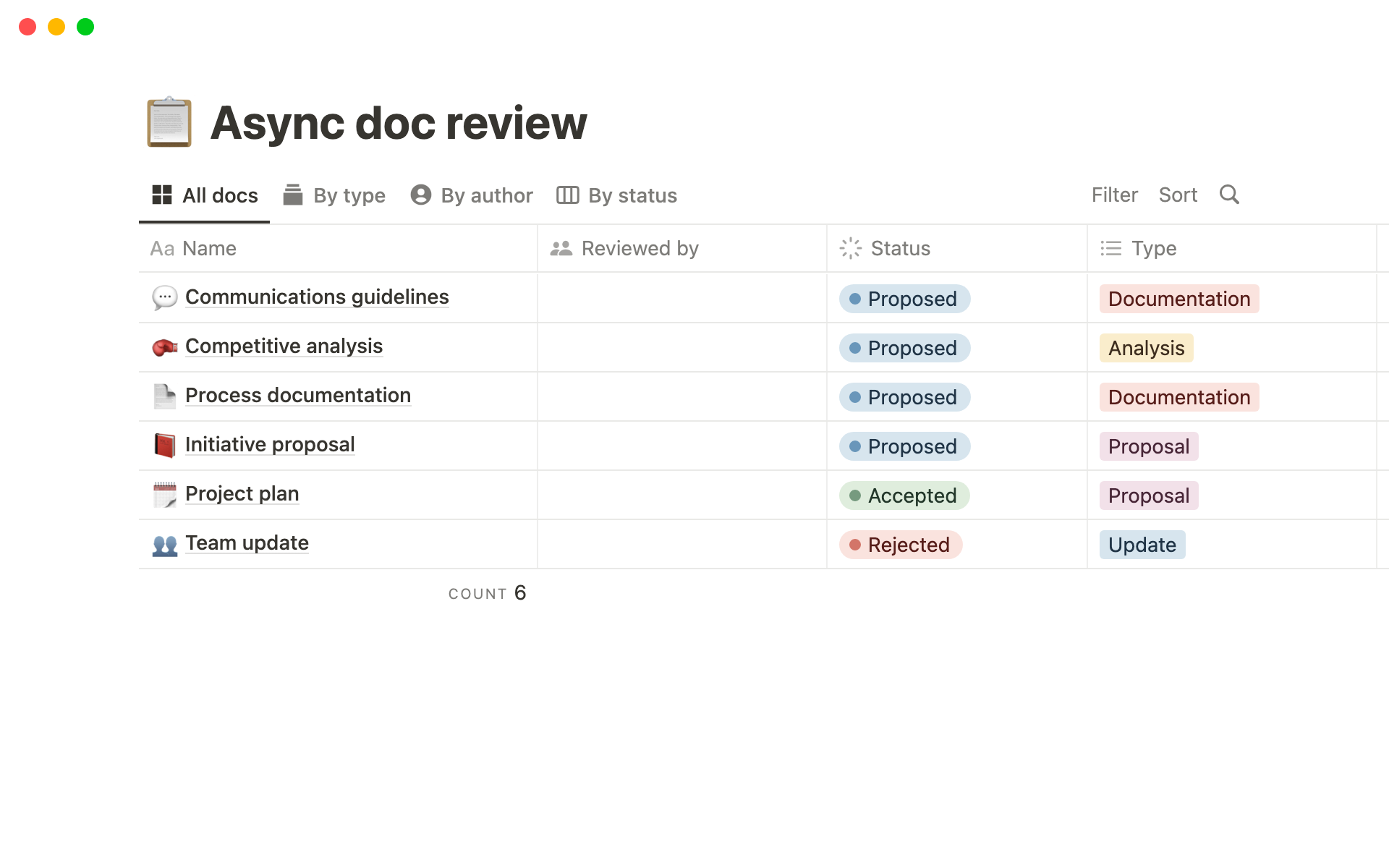
You can build your own databases with tables, lists, or boards. This is great for keeping track of books, movies, tasks, or anything else you want.
5. Real-time Collaboration
Notion lets you work with others in real time. You can share pages and edit together. This is perfect for teams or school projects.
6. Ai Assistance
Notion has AI tools to help you write better and faster. You can ask AI to suggest ideas, fix grammar, or summarize text. This makes your work easier and smarter.
How Easy Is Notion to Use? – Notion Reviews
Some people find Notion simple and fun. Others may need time to learn. But Notion offers many guides and templates to help you start. Its drag-and-drop interface lets you move things easily.
If you like to organize your work in your own way, Notion is a great choice. You can make it as simple or as complex as you want.
Who Can Benefit from Notion?
Notion is useful for many types of users. Here are some examples:
| User Type | How Notion Helps |
|---|---|
| Students | Take notes, plan homework, and share group projects. |
| Professionals | Manage tasks, keep meeting notes, and collaborate with teams. |
| Writers | Write drafts, organize ideas, and get AI writing help. |
| Teams | Track projects, share files, and communicate in one place. |
| Individuals | Organize daily tasks, personal goals, and hobbies. |
Pros and Cons of Notion
Like any tool, Notion has good and not-so-good points. Here is a quick list:
| Pros | Cons |
|---|---|
| All-in-one workspace for many uses | Can be overwhelming for beginners |
| Customizable to fit your needs | Offline mode is limited |
| Real-time collaboration with teams | Some features require paid plans |
| AI tools to assist writing and planning | Learning curve to master advanced features |
| Many templates to get started quickly | Performance can slow with very large databases |
Credit: www.notion.com
