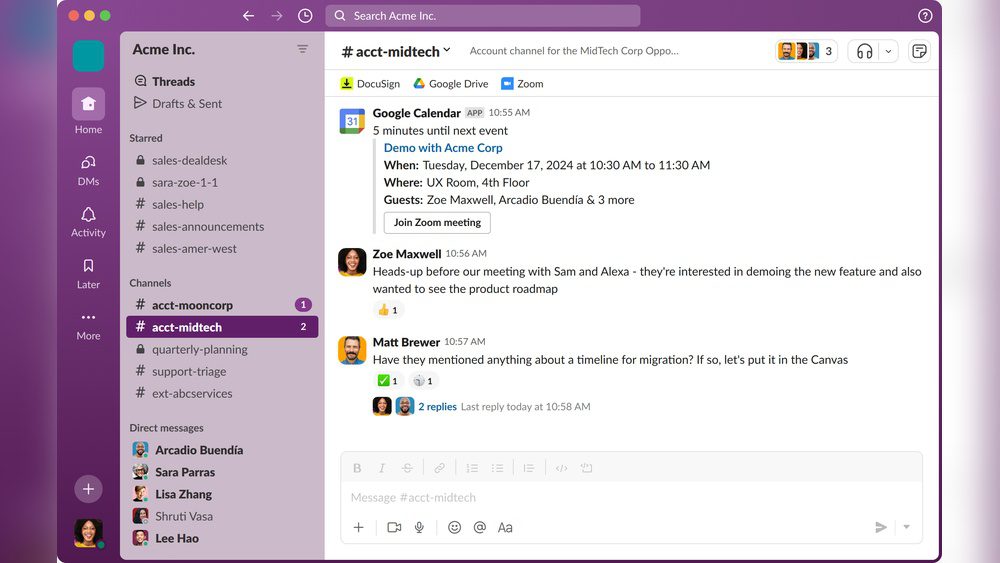
If you’ve ever felt overwhelmed by endless email threads and scattered messages, you’re not alone. That’s exactly where Slack steps in to change the game.
But what is Slack, really? Imagine having all your team’s conversations, files, and tools organized in one easy-to-use place. Slack lets you do just that, helping you communicate faster, collaborate smarter, and keep your work flowing smoothly. Whether you’re part of a small startup or a large company, understanding how Slack works can unlock a whole new level of productivity for you and your team.
Keep reading to discover how Slack can simplify your work life and boost your efficiency every day.
Slack Basics
Slack Basics introduce the essentials of this popular communication tool. Slack is designed to help teams work together easily. It offers a simple way to send messages and share files. Understanding the basics helps teams use Slack effectively every day.
Slack brings all your team’s conversations into one place. It keeps work organized and makes communication faster. Here is a look at its core features, how it works, and why it matters for team communication.
Core Features
Slack offers channels to organize discussions by topics or projects. Users can send direct messages for private chats. It supports file sharing so teams can exchange documents quickly. Voice and video calls allow real-time conversations. Search functions help find past messages and files easily. Notifications keep users updated on important activity. Integrations connect Slack with other tools your team uses daily.
How Slack Works
Slack works as a cloud-based platform accessible on any device. Users join a workspace created for their team or company. Inside, they create channels to group conversations. Messages appear instantly, making communication fast. Files can be uploaded or linked from other apps. Slack stores all data securely, allowing easy retrieval later. Automation features reduce repetitive tasks and save time.
Team Communication
Slack improves team communication by centralizing messages in one space. Channels keep topics separate and focused. Teams can chat live or leave messages to read later. Sharing files and feedback happens without email delays. It supports remote teams by bridging distance and time zones. Clear communication helps teams solve problems faster and stay aligned.
:max_bytes(150000):strip_icc()/slack-app-tour-ff7dbf62fcac4836b100809855dfd510.jpg)
Credit: www.lifewire.com
Channels And Messaging
Slack organizes team communication through channels and messaging. This setup helps teams stay connected and focused. Conversations are grouped by topic, project, or team. Messaging lets users share ideas quickly and clearly.
Channels and messages reduce clutter and keep discussions easy to follow. They allow for seamless collaboration and faster decision-making. Below are the main ways Slack handles communication.
Public Channels
Public channels are open to everyone in a Slack workspace. They let all team members join and see messages. These channels work well for company news, announcements, and broad topics.
Anyone can search and read the conversation history here. Public channels help keep the whole team informed and involved.
Private Messages
Private messages are direct chats between individuals or small groups. These messages stay confidential and are visible only to invited members. Private messaging is perfect for personal conversations or sensitive topics.
It helps reduce noise and keeps private discussions separate from group chats.
Threaded Conversations
Threaded conversations keep replies organized under a specific message. This feature prevents long chats from cluttering the main channel. Threads make it easy to follow detailed discussions without losing context.
Users can reply directly to a message and keep related comments grouped together. This keeps channels clean and improves clarity.
Collaboration Tools
Slack offers a variety of collaboration tools that help teams work better together. These tools simplify communication and keep projects on track. They make sharing information fast and easy, no matter where team members are located.
With Slack, teams can share files, hold calls, and connect apps in one place. This reduces confusion and saves time. Everyone stays updated and involved in the workflow.
File Sharing
Slack makes file sharing simple and fast. Users can upload documents, images, and videos directly into conversations. Files are easy to find later thanks to Slack’s search function. This keeps all project materials organized and accessible.
Audio And Video Calls
Slack supports both audio and video calls within the app. Teams can start calls quickly without switching tools. These calls help clarify ideas and speed up decisions. Screen sharing is also available for better collaboration.
Integrations And Apps
Slack connects with many popular apps and services. This integration brings tools like calendars, task managers, and cloud storage into one space. Teams can automate tasks and keep all important data linked. It helps keep workflows smooth and efficient.
Credit: community.maryville.edu
Organization And Efficiency
Slack improves organization and efficiency in the workplace. It helps teams keep conversations clear and tasks on track. This makes work faster and less confusing. Slack’s tools support smooth communication and easy access to information.
Structured Conversations
Slack organizes talks into channels based on topics or projects. Each channel keeps messages focused and relevant. Teams avoid mixing different subjects in one place. Threads allow users to reply directly to specific messages. This keeps discussions neat and easy to follow.
Search And Archives
Slack saves all messages and files automatically. Users can search through past conversations anytime. The search tool finds keywords, dates, or people quickly. This helps locate important information without asking others. Archives keep the team’s history safe and accessible.
Automation And Reminders
Slack offers automation to reduce repetitive work. Users can set reminders for tasks or meetings. Bots can send alerts and updates automatically. This helps teams remember deadlines and stay organized. Automation saves time and keeps work flowing smoothly.
Slack Vs Other Platforms
Slack stands out by offering unique features that improve team communication. It combines messaging, file sharing, and app integration in one platform. Comparing Slack with other platforms highlights its strengths and use cases.
Slack Vs Email
Email can be slow and cluttered. Messages get lost or buried in long threads. Slack shows conversations in real time and organizes them into channels. This helps teams find information quickly. Notifications are clearer and more manageable. Slack reduces inbox overload and speeds up decision-making.
Slack Vs Whatsapp
WhatsApp is great for casual chats but lacks work-focused tools. It does not organize conversations by topic or project. Slack offers channels for different teams and projects. It supports file sharing, video calls, and app integrations inside one workspace. This keeps work communication clear and professional. Slack also allows message search and thread replies.
Why Slack Beats Texting
Texting mixes work and personal messages, causing confusion. Slack keeps work talk separate from personal life. It provides better tools for teamwork, such as file sharing and reminders. Slack stores conversations and files securely in one place. This helps teams stay focused and productive without distraction.
Security And Privacy
Security and privacy are key priorities in Slack’s design. Slack protects your data while keeping team communication smooth. It uses strong measures to guard information and control access. Users and admins can manage who sees what, ensuring safety across all channels. Your messages and files stay private and secure during work.
Data Access Controls
Slack limits access to data based on roles and permissions. Only authorized users can view sensitive information. Teams control who joins channels and sees messages. Slack encrypts data both in transit and at rest. This prevents unauthorized access and keeps data safe from breaches.
Admin Permissions
Admins have special controls to manage workspace security. They set rules for user access and app integrations. Admins can monitor activity logs and audit usage. This helps detect unusual behavior early. They also control settings for data retention and export.
Privacy In Direct Messages
Direct messages in Slack remain private between participants. Only the people in the conversation can read these messages. Slack does not scan the content for advertising. Users can trust that their private chats stay confidential. This supports open and honest communication among team members.
Use Cases And Benefits
Slack serves many purposes across various work environments. It helps teams communicate clearly, share files, and manage projects. This platform reduces email clutter and speeds up decision-making. Its flexibility suits different team sizes and work styles.
Using Slack improves daily work life. It brings all conversations into one place. This makes information easy to find and keeps teams connected. Slack also supports many apps, boosting productivity and task management.
For Small Businesses
Small businesses use Slack to stay organized and save time. It replaces long email chains with quick messages. Teams can create channels for specific projects or topics. This keeps discussions focused and easy to follow.
Slack helps small teams share files and updates instantly. It reduces misunderstandings and speeds up tasks. Business owners can track progress without attending many meetings. It supports growth by keeping communication simple and clear. To learn more, read this article “Slack for Small Business“.
Remote Teams
Slack is ideal for remote teams working from different places. It connects members through real-time chats and video calls. Team members can share screens and files easily. This helps maintain a sense of teamwork and presence.
Remote teams use Slack to organize work by projects or goals. It allows asynchronous communication, so no one misses important updates. Notifications keep everyone informed without overwhelming them. Slack helps remote workers feel part of the team.
Cross-department Collaboration
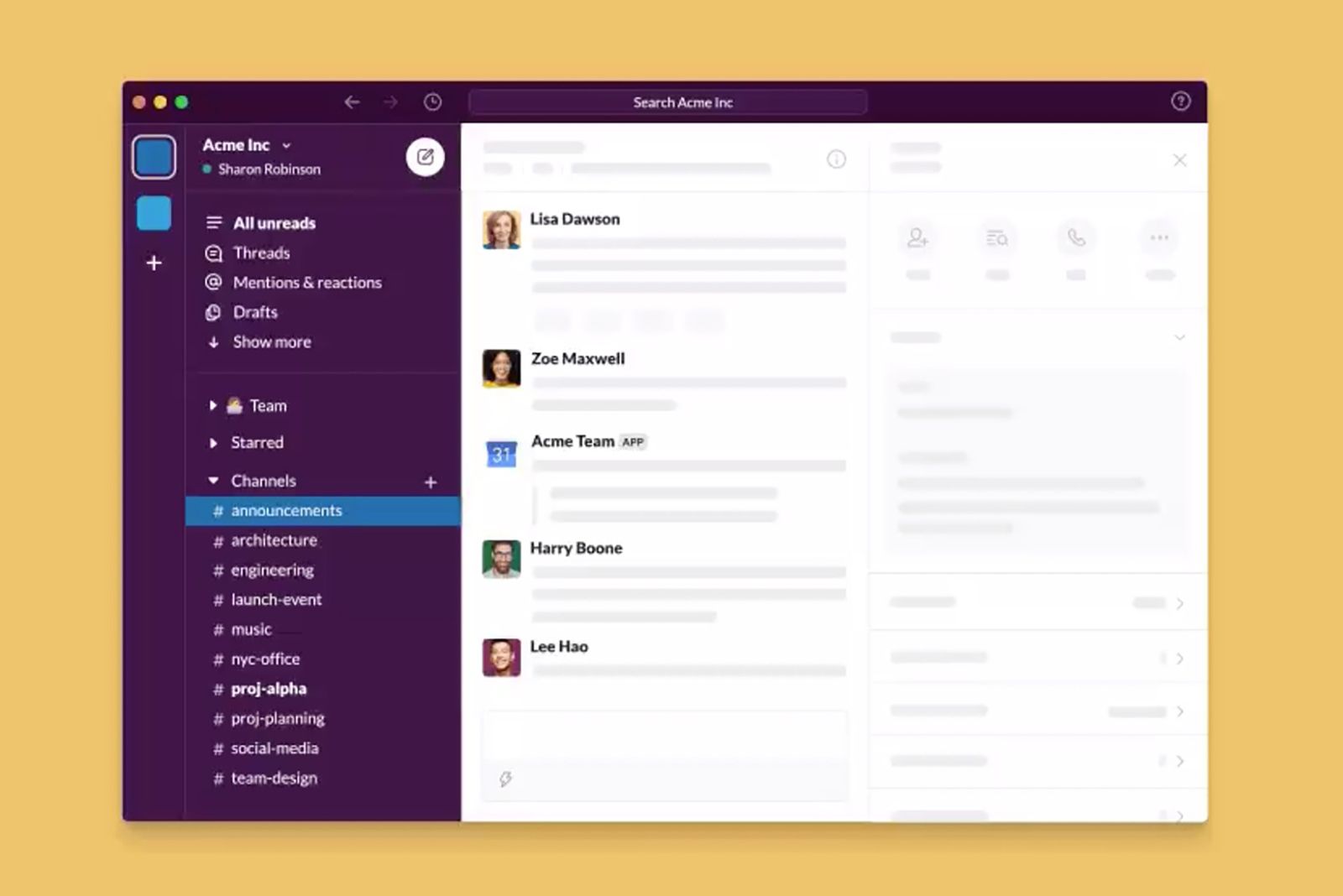
Slack breaks down barriers between departments. It creates channels where members from different teams can discuss ideas. This promotes faster problem-solving and innovation. Teams share resources and feedback in one place.
Cross-department chats reduce email delays and improve transparency. Everyone stays updated on company news and project status. Slack’s search feature helps find past conversations quickly. This supports better teamwork and decision-making across departments.
Credit: www.pocket-lint.com
Frequently Asked Questions
What Is Slack Used For?
Slack is used for real-time team communication, collaboration, file sharing, and organizing work in channels. It improves productivity by streamlining workflows and integrating with various apps. Teams use Slack to replace email, hold calls, and keep projects organized across different locations.
Why Use Slack Instead Of Texting?
Slack offers organized channels, real-time messaging, and integrated tools for efficient team collaboration, unlike simple texting. It keeps work conversations separate, searchable, and supports file sharing, calls, and automation, boosting productivity and reducing email clutter across teams and projects.
Can My Boss See What I Do On Slack?
Your boss can see messages and files shared in public channels and direct messages if they have admin access. They cannot view private activities outside Slack.
Conclusion
Slack makes team communication simple and organized. It brings messages, files, and calls into one place. Teams can work together smoothly, no matter where they are. Slack helps reduce emails and keeps important information easy to find. It supports better collaboration and saves time.
Using Slack can help any team stay connected and productive every day.