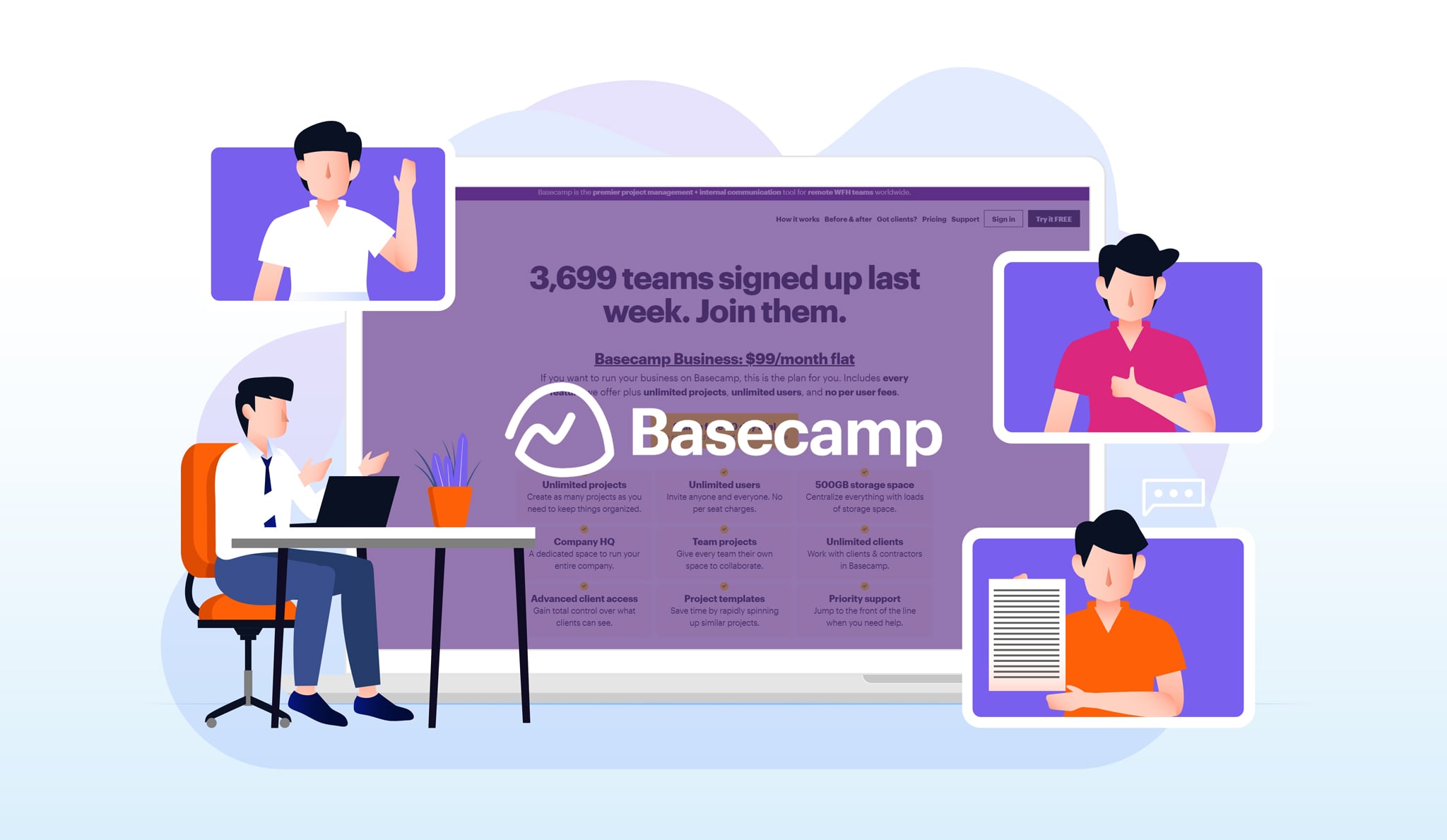
If you want a simple way to manage your team’s work, Basecamp is a great choice. It is a cloud-based project management and team collaboration software. Basecamp helps small to medium-sized teams organize work, communicate, and share files easily in one place.
One important question many people ask is: What is the Basecamp Pricing? In this article, you will learn all about Basecamp pricing plans, what they include, and which plan may suit your needs best.
What Is Basecamp?
Basecamp is designed to make teamwork easier. It is known for its simple, straightforward design. It focuses on essential features, not too many confusing tools. This makes Basecamp easy to use for everyone.
Teams can chat, create to-do lists, schedule tasks, and share files. Everything happens in one place, so no one gets lost or confused.
Why Does Pricing Matter?
When choosing project management software, pricing is very important. You want software that fits your budget. Also, you want good value for your money. So, knowing Basecamp Pricing helps you decide if it is right for your team.
Basecamp Pricing Plans Overview
Basecamp offers simple pricing plans. Unlike many other tools, Basecamp does not charge per user. This makes it easier to understand and predict your costs.
| Plan Name | Price | Key Features | Ideal For |
|---|---|---|---|
| Basecamp Personal | Free |
|
Individuals, small projects, or hobby teams |
| Basecamp Business | $99 per month (flat fee) |
|
Small to medium businesses and growing teams |
Basecamp Personal Plan – Free to Start
The Basecamp Personal plan is free. It is perfect for small projects or people just starting. You can manage up to three projects and invite up to 20 users.
This plan includes 1 GB of storage. You can use all the basic Basecamp tools like to-do lists, message boards, schedules, and file sharing.
Because it is free, this plan is a great way to try Basecamp without risk. If your team is small or if you want to manage a few projects, this plan might be all you need.
Who Should Use Basecamp Personal?
- Freelancers working on a few projects
- Students managing group work
- Small teams with simple needs
- People new to project management software
Basecamp Business Plan – Flat Fee for Unlimited Use
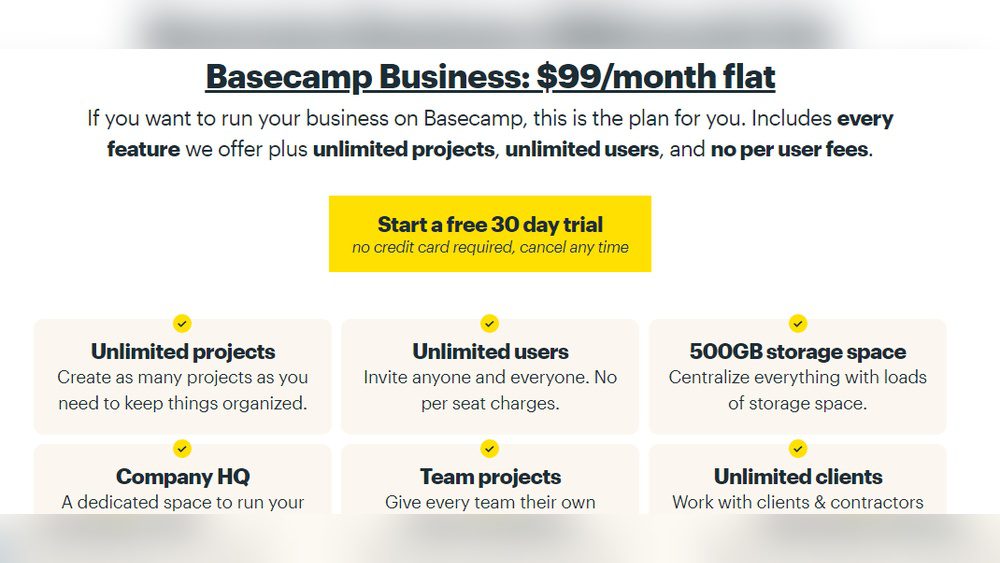
The Basecamp Business plan costs $99 per month. This is a flat fee, no matter how many users you have. This makes pricing easy to understand.
You get unlimited projects and unlimited users. You also get 500 GB of storage space. This plan is made for teams that want to do more without worrying about paying for each person.
Basecamp Business also gives you access to advanced features. These include better support and tools to help bigger teams work smoothly.
Who Should Use Basecamp Business?
- Businesses with many team members
- Teams managing multiple projects at once
- Companies needing more storage space
- Teams wanting priority support and features
What Features Do You Get With Basecamp Pricing Plans?
Both plans offer essential tools for team collaboration and project management. Here are the key features you can expect:
| Feature | Basecamp Personal | Basecamp Business |
|---|---|---|
| Project Management | Yes (up to 3 projects) | Yes (unlimited projects) |
| Team Communication | Yes | Yes |
| File Sharing | 1 GB Storage | 500 GB Storage |
| To-do Lists and Scheduling | Yes | Yes |
| Unlimited Users | No (20 users max) | Yes |
| Priority Support | No | Yes |
How Does Basecamp Pricing Compare to Other Tools?
Basecamp’s pricing stands out. Many project management tools charge per user monthly. This can get expensive as your team grows.
Basecamp charges a flat $99 per month for unlimited users. This means you can add as many team members as you want without paying extra.
The free plan is also useful for beginners or small teams. It offers a lot without any cost.
Benefits of Choosing Basecamp Pricing Plans
- Simple Pricing: Easy to understand and budget for.
- Flat Fee for Business: No surprise charges as team grows.
- Free Plan Available: Try before you buy.
- Essential Features: Focus on what matters most for teamwork.
- Easy to Use: Great for teams new to project management.
- Good Storage Options: Enough space for documents and files.
.png)
Credit: www.basecampreno.com