Looking for the perfect logo but not sure if Brandmark is the right fit for you? You want a tool that’s easy, reliable, and fits your style without breaking the bank.
Maybe Brandmark feels too limited, or you’re craving more creative control. Whatever your reason, you deserve options that make designing your brand’s identity simple and exciting. Keep reading, and you’ll discover top Brandmark alternatives that could be exactly what your business needs to stand out and shine.
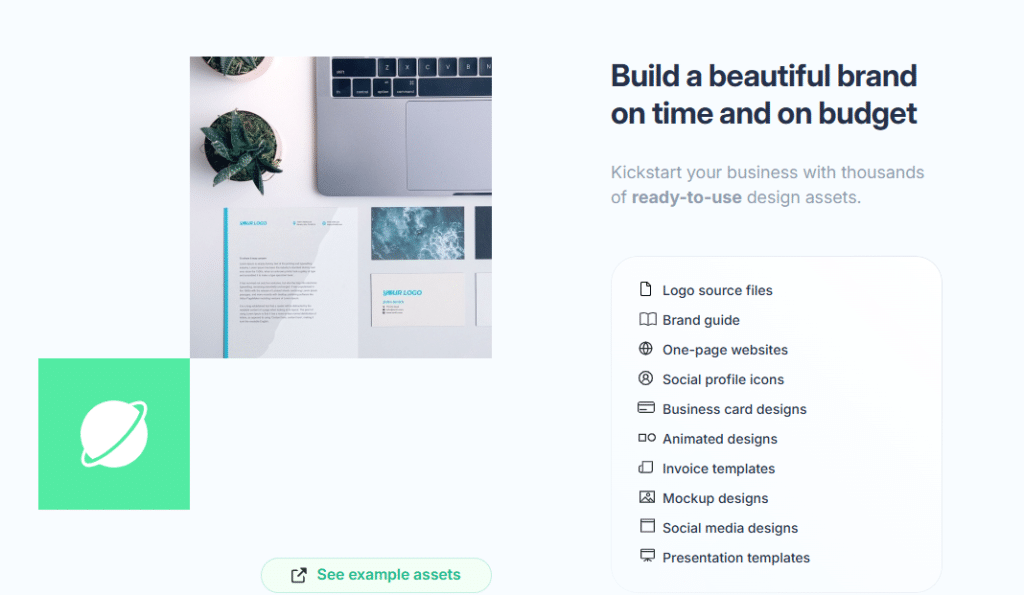
Popular Logo Makers
Popular logo makers help you create brand images fast. They offer easy tools for beginners and pros. These platforms provide templates, icons, and fonts. You can make a unique logo without design skills.
Many logo makers work online. No software downloads needed. You see your logo ideas come alive in minutes. Here are some popular logo makers as alternatives to Brandmark.
Canva
Canva is a user-friendly design tool. It offers many logo templates to customize. Drag and drop features make editing simple. You can change colors, fonts, and icons easily. Canva is great for simple and quick logos.
Looka
Looka uses AI to suggest logo designs. It asks a few questions about your brand. Then, it creates many logo options for you. You can adjust designs and preview them on products. Looka balances automation with personal touch.
Tailor Brands
Tailor Brands also uses AI for logo creation. It focuses on brand identity and style. You enter your business name and preferences. The tool generates logos matching your vision. It offers branding tools beyond logos too.
Hatchful
Hatchful by Shopify is free and easy to use. It offers many templates by industry type. You pick your style and color preferences. Hatchful creates logos quickly for small businesses. It also provides social media branding kits.
Logomaker
LogoMaker provides thousands of icons and fonts. It allows quick logo creation in minutes. Simple editing tools help personalize your design. You can download high-resolution logo files instantly. LogoMaker suits users needing fast logo solutions.
Design Features
Design features shape how a logo looks and feels. They influence your brand’s identity and how people see it. Brandmark alternatives offer various tools to create unique logos. These tools focus on customization, templates, icons, and fonts. Each feature helps tailor your logo to fit your style and business.
Customization Options
Customization lets you change colors, shapes, and sizes easily. You can adjust details to match your brand’s personality. This control helps create a logo that stands out. Simple sliders and color pickers make editing quick. Some tools allow you to upload your own images too.
Template Variety
Templates provide a starting point for your design. Many alternatives offer dozens or hundreds of templates. These cover different industries and styles. Templates save time and help those with little design skill. You can pick one and change it to suit your needs.
Icon Libraries
Icons add meaning and style to your logo. A large icon library gives many choices. You can find icons for business, tech, nature, and more. The best tools offer high-quality and simple icons. This makes your logo clear and memorable.
Typography Choices
Fonts affect how your brand’s name looks. Many tools provide a wide range of fonts. You can select bold, modern, classic, or playful styles. Clear typography improves readability and brand recognition. Adjusting font size and spacing is usually easy too.
User Experience
User experience is key when choosing Brandmark alternatives. A smooth and simple process helps users create logos faster. Good tools save time and reduce frustration. This section explores user experience aspects such as ease of use, interface design, and editing tools.
Ease Of Use
Simple steps make logo design quick and clear. Most alternatives offer guided setups to help beginners. Clear instructions avoid confusion and mistakes. Users can create logos without special skills. Easy navigation helps find features fast. This keeps the design process stress-free.
Interface Design
A clean interface improves focus and creativity. Alternatives use uncluttered layouts with clear icons. Bright colors highlight important buttons and tools. Responsive design works well on phones and tablets. This makes logo design possible anywhere. A good interface invites users to explore features.
Editing Tools
Editing tools let users customize logos fully. Options include changing colors, fonts, and shapes. Some alternatives provide drag-and-drop features. Undo and redo buttons help fix mistakes easily. Preview modes show logos on different backgrounds. These tools give control without complexity.
Credit: typetype.org
Pricing And Plans
Pricing and plans vary widely among Brandmark alternatives. Choosing the right option depends on your budget and design needs. Some tools offer free features, while others require payment for full access. Understanding the differences helps you pick a suitable service.
Free Vs Paid Features
Free plans typically provide basic logo creation tools. These include limited templates and low-resolution downloads. Paid plans offer advanced design options and higher-quality files. Some platforms restrict commercial use in free versions. Paid features often include brand kits and vector files.
Subscription Models
Many logo makers use monthly or yearly subscriptions. This model allows access to continuous updates and support. Subscriptions may include multiple design projects and file downloads. Plans can vary based on the number of users or brands. Cancel anytime options add flexibility for short-term needs.
One-time Purchases
One-time purchase plans provide lifetime access to logo files. This suits users who want a single payment without recurring fees. Some platforms sell individual logos or design bundles. One-time plans usually include high-resolution files and commercial rights. Ideal for businesses wanting permanent ownership of their logos.
Output Quality
Output quality is crucial when choosing a Brandmark alternative. It affects how your logo looks on screens and print. High-quality output ensures your brand appears sharp and professional everywhere.
File Formats
Good Brandmark alternatives offer multiple file formats. Common types include PNG, SVG, and EPS. PNG files work well for websites. SVG and EPS are best for printing and resizing without losing quality. Having various formats helps use your logo in many places.
Resolution Options
Resolution matters for clear images. Some tools provide only low-resolution files. The best alternatives offer high-resolution logos. These logos stay crisp on large signs or small business cards. High resolution prevents pixelation and blurriness.
Branding Materials
Logos go beyond digital use. They appear on merchandise, packaging, and promotional materials. Quality output ensures your logo looks good on these items. Choose alternatives that support different branding materials. This helps maintain a consistent brand image everywhere.
Credit: aitoolboard.com
Customer Support
Customer support plays a key role in choosing the right Brandmark alternative. It ensures users get help quickly. Good support saves time and reduces frustration. It also builds trust and confidence in the service.
Help Resources
Many Brandmark alternatives offer detailed help resources. These include guides, FAQs, and tutorials. Users can find answers without waiting for a reply. Clear instructions make learning easier. These resources cover common questions and tool features.
Live Support Availability
Live support offers real-time assistance. Some alternatives provide chat or phone support. Quick responses help solve problems fast. Availability during business hours or 24/7 is common. It gives users peace of mind and support when needed.
Community Forums
Community forums connect users with peers and experts. They share tips, advice, and solutions. Forums often have active members ready to help. This support complements official help channels. It creates a space to learn from others’ experiences.
Best Use Cases
Brandmark alternatives offer versatile solutions for various user needs. They provide simple tools to create logos and brand visuals without complex design skills. These options cater to different groups, each with unique requirements and budgets.
Small Businesses
Small businesses benefit from affordable and easy-to-use logo makers. These tools help create professional brand images quickly. They allow business owners to focus on growth instead of design challenges. Most alternatives offer templates suited for local shops and services.
Startups
Startups need fresh and modern designs to attract attention. Brandmark alternatives provide creative options to build strong brand identities. Fast logo creation supports quick market entry. Startups can test different styles without spending much money.
Freelancers
Freelancers require unique logos that reflect their personal brand. These tools help generate distinct and customizable designs. Freelancers can create logos for their portfolios or client projects. The ease of use saves time for busy professionals.
Nonprofits
Nonprofits often work with limited budgets and need simple branding solutions. Brandmark alternatives offer cost-effective ways to design meaningful logos. These tools support nonprofit missions by providing accessible design resources. Clear and impactful visuals help raise awareness and support.
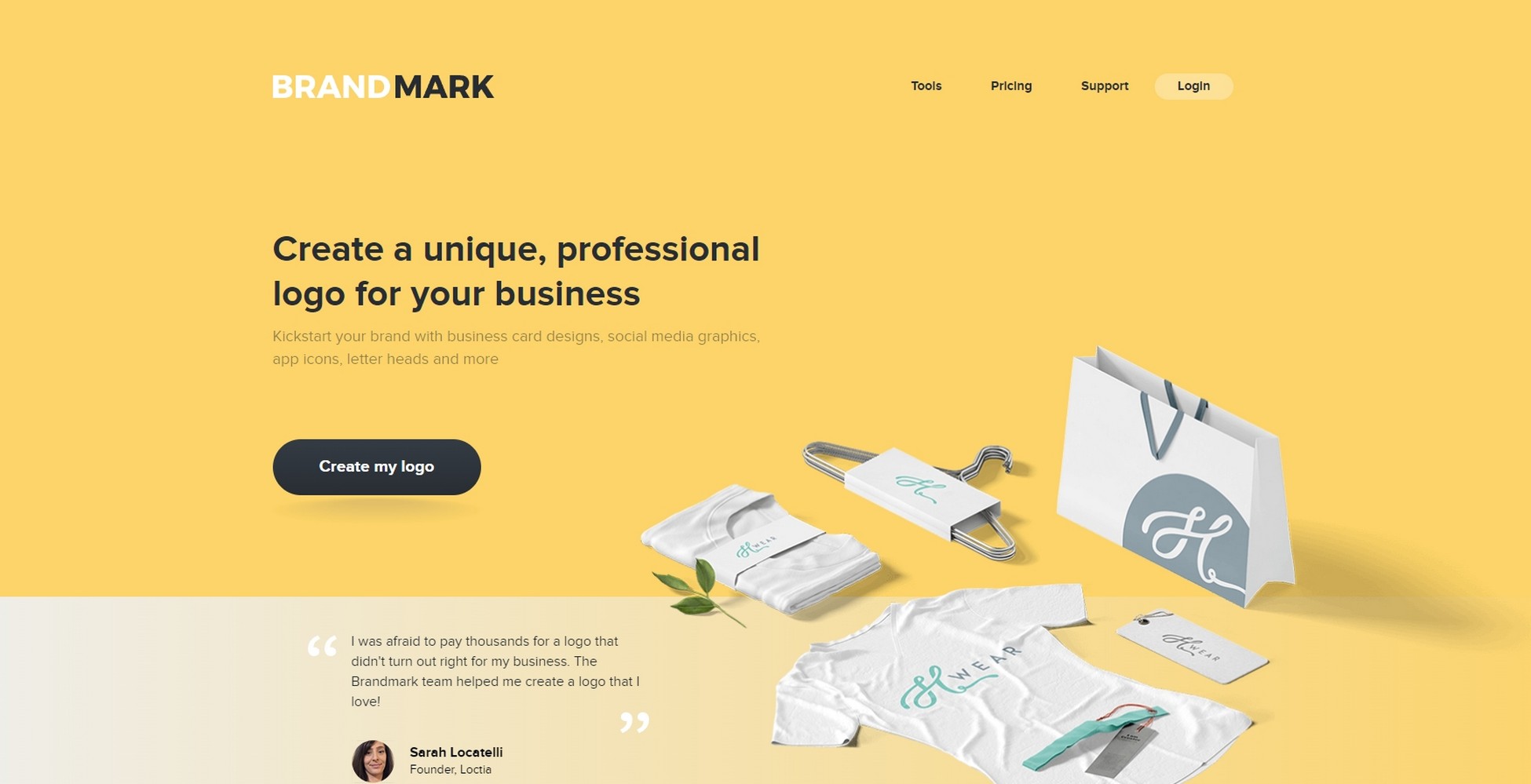
Credit: www.wpcrafter.com
Comparison Summary
The Comparison Summary helps you see how Brandmark alternatives stack up. It breaks down key points to help you choose the best option. This section covers strengths and weaknesses, value for money, and overall recommendations. Each part is clear and easy to understand. It guides you through the main features and drawbacks.
Strengths And Weaknesses
Each Brandmark alternative has its own strengths. Some tools offer simple design processes. Others provide more customization options. Many have user-friendly interfaces for beginners. Weaknesses vary too. Some lack advanced features. Others may have fewer template choices. Speed and customer support can differ. Knowing these helps match a tool to your needs.
Value For Money
Value for money depends on features offered. Some alternatives give many tools in one package. Others may charge extra for premium designs. Free trials or plans are common. These help test the software before buying. Choose an option that fits your budget. Also, consider how often you will use it. The goal is to get good features at a fair price.
Overall Recommendations
Pick a Brandmark alternative that matches your skill level. Beginners benefit from simple, guided tools. More experienced users may want detailed control. Consider your budget and design needs. Try free versions before paying. Focus on ease of use and output quality. Choose the software that feels right and meets your goals.
Frequently Asked Questions
What Are The Best Free Brandmark Alternatives Available?
Free Brandmark alternatives include Canva, Looka, and Hatchful. These tools offer easy logo creation with no cost. They are user-friendly for beginners and small businesses.
How Do Brandmark Alternatives Compare In Features?
Many Brandmark alternatives provide customizable templates and icon libraries. Some offer AI-based design suggestions too. Feature sets vary, so check each tool’s options before choosing.
Can Brandmark Alternatives Create Professional-quality Logos?
Yes, several Brandmark alternatives can create high-quality logos. They support vector files and multiple formats. This helps ensure logos look good on all platforms.
Conclusion
Choosing the right logo design tool matters a lot. Brandmark alternatives offer many options to fit your needs. Some tools are easy to use, while others give more control. Think about what features you want before picking one. Many alternatives provide good results at low cost.
Testing a few can help find the best match. Your brand’s image depends on a clear, simple logo. Take your time to decide. A strong logo helps people remember your business. Good tools make the process smooth and fun.