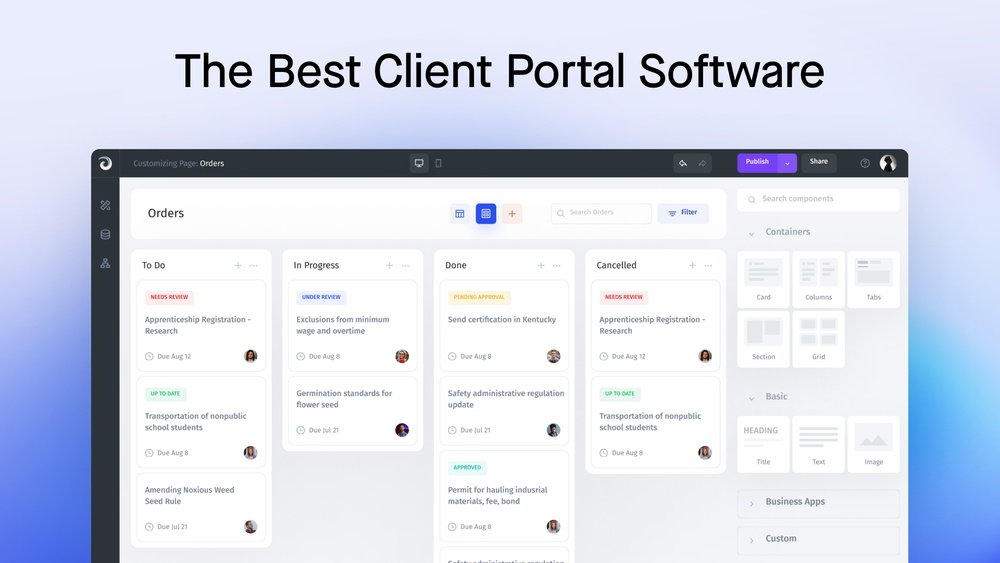
Imagine having a single, secure space where you and your clients can easily share files, track progress, and communicate without endless emails or confusion. That’s exactly what client portal software offers.
If you want to save time, keep your projects organized, and impress your clients with smooth, transparent collaboration, this tool is designed for you. You’ll discover how client portal software can transform your workflow, strengthen your client relationships, and help your business run more efficiently.
Ready to see how it works? Keep reading to unlock the full potential of your client interactions.

Credit: zapier.com
Benefits Of Client Portals
Client portal software offers many benefits for businesses and their clients. It creates a secure space online to share information and communicate easily. This software helps save time and reduce errors. It also builds trust by giving clients direct access to important data. Many companies see improved efficiency and satisfaction using client portals.
Enhancing Communication
Client portals improve communication by providing a direct channel. Messages and updates are sent instantly. Clients can ask questions and get answers quickly. This reduces phone calls and emails. Clear communication helps avoid misunderstandings and delays.
Streamlining Document Sharing
Sharing documents becomes simple and safe with client portals. Files are stored in one place and easy to find. Clients and teams can upload, download, and review documents anytime. This saves time and prevents lost paperwork. Secure access protects sensitive information.
Improving Client Visibility
Clients can see project progress and important updates in real time. This transparency builds trust and keeps clients informed. They can track deadlines, invoices, and tasks without calling support. Better visibility leads to higher client satisfaction.
Reducing Manual Work
Client portals automate many routine tasks. Sending reminders, updating status, and sharing files happen automatically. This reduces repetitive work for staff. Teams can focus on more important tasks. Automation also lowers the risk of human error.
Key Features To Look For
Choosing the right client portal software involves understanding key features. These features ensure smooth communication and efficient management. Focus on security, ease of use, and integration capabilities. The right tools enhance client satisfaction and business workflow.
Secure File Storage
Secure file storage protects sensitive client documents from unauthorized access. It allows easy uploading, downloading, and organizing of files. Encryption and access controls keep data safe. Reliable storage ensures clients trust your portal for important information.
Messaging And Collaboration Tools
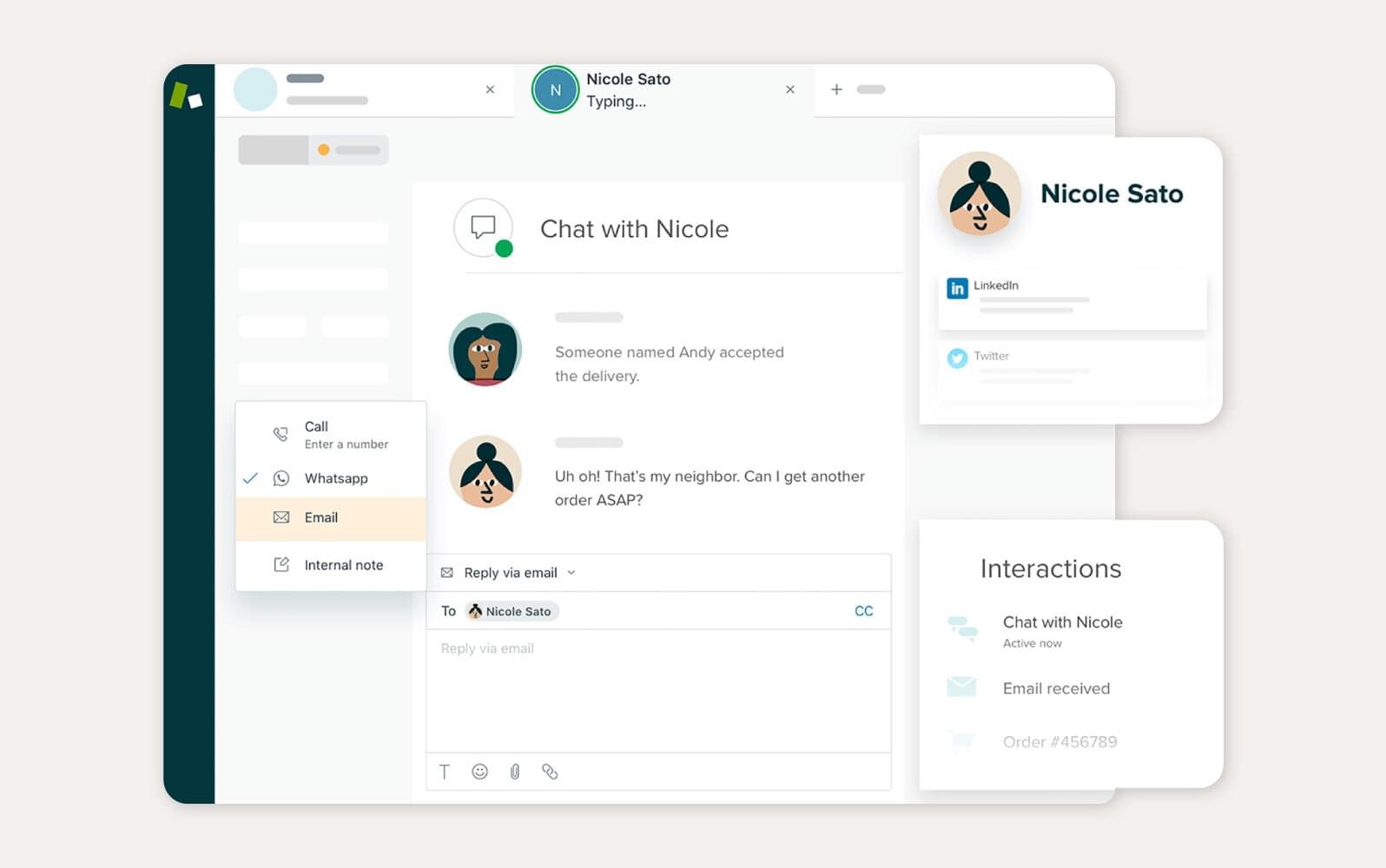
Messaging tools enable direct, real-time communication between clients and teams. Collaboration features support sharing ideas and updates within the portal. These tools reduce email clutter and speed up project progress. Clear communication improves client relationships.
Payment And Invoice Management
Payment and invoice management simplifies billing processes. Clients can view, pay, and track invoices securely online. Automated reminders help reduce late payments. This feature saves time and improves cash flow for businesses.
Integration With Crm Systems
Integration with CRM systems links client data and interactions seamlessly. It helps keep all information in one place for better management. This connection improves customer service and marketing efforts. Smooth integration reduces manual work and errors.
Top Client Portal Solutions
Measuring the return on investment (ROI) of client portal software helps businesses see the true value of this tool. It shows how much time and money the portal saves. It also reveals how client satisfaction and workflows improve. Tracking these benefits makes it easier to justify the cost of the software.
Tracking Time Savings
Client portals reduce time spent on routine tasks. Automated document sharing cuts down email exchanges. Clients access information anytime, which lowers support calls. Tracking the hours saved helps quantify efficiency gains. Use time-tracking tools to measure these improvements clearly.
Monitoring Client Satisfaction
Happy clients are more likely to stay loyal. Use surveys and feedback forms within the portal. Measure client satisfaction regularly to spot trends. Positive feedback indicates the portal meets client needs. Higher satisfaction often leads to more referrals and repeat business.
Analyzing Workflow Improvements
Client portals streamline project management and communication. Analyze how tasks move faster through the system. Look for fewer delays and errors in workflows. Improved workflows mean better team productivity. Data from the portal helps identify bottlenecks and fix them.
Budget Justification Strategies
Show clear savings and gains to support budget requests. Compare costs before and after portal implementation. Highlight reduced labor hours and increased client retention. Use real data to prove the portal’s impact on profits. Presenting facts helps secure ongoing investment.

Credit: www.zendesk.com
Choosing The Right Software
Client portal software keeps evolving to meet business needs and improve user experience. New trends focus on smarter tools and better access. These advances help businesses manage client interactions efficiently. They also create smoother, faster communication and service delivery.
Ai And Machine Learning Integration
AI helps portals understand client behavior and preferences. Machine learning enables portals to offer personalized content and support. These technologies speed up response times and improve accuracy. AI chatbots can handle common questions without human help. This saves time and reduces errors.
Enhanced Automation Features
Automation reduces manual tasks in client portals. It helps with document management, billing, and scheduling. Automated alerts notify clients and teams about important updates. Workflows can run automatically, ensuring tasks are done on time. This makes portals more efficient and reliable.
Mobile Accessibility Improvements
Mobile access is essential for modern client portals. Improvements focus on faster load times and easy navigation. Responsive design ensures portals work well on all devices. Mobile apps offer offline access and push notifications. These features keep clients connected anytime, anywhere.
Credit: onramp.us
Frequently Asked Questions
What Is Client Portal Software?
Client portal software provides a secure online platform for businesses to share documents, communicate, and collaborate with clients efficiently.
What Is The Best Client Portal?
The best client portal offers secure file sharing, easy communication, and seamless project management. Top options include HoneyBook, Zoho CRM, and Zoom Contact Center. Choose based on your business size, features needed, and budget for optimal client collaboration and productivity.
What Is The Difference Between Crm And Client Portal?
CRM manages customer data and sales processes, while a client portal offers clients secure access to documents and communication. CRM focuses on internal business operations, and client portals enhance client interaction and service delivery.
Conclusion
Client portal software simplifies communication and document sharing. It keeps client information safe and easy to access. This software saves time and reduces errors. Small and large businesses both benefit from its features. Choosing the right client portal helps improve customer satisfaction.
Stay organized and build stronger client relationships with ease. Investing in this tool supports smoother workflows every day.