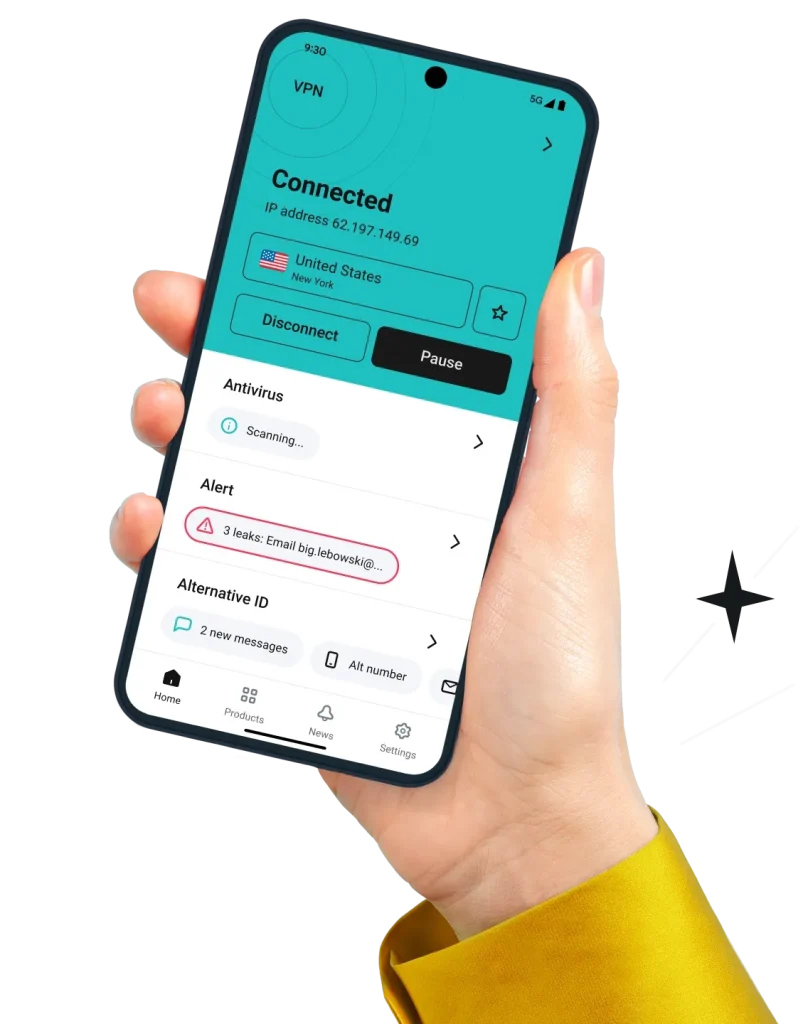
Are you worried about your online privacy when using your Android device? You should be.
Every time you connect to public Wi-Fi or browse the internet, your personal data is at risk. That’s where a VPN for Android comes in. It protects your information, hides your location, and lets you access content freely and safely.
Keep reading to discover how the right VPN can transform your Android experience and give you peace of mind every time you go online.
Why Use A Vpn On Android
Using a VPN on your Android device protects your privacy and data. It keeps your online actions private from hackers, advertisers, and even your internet provider. VPNs also help you access content that may be blocked in your region. Android users benefit from a VPN as they often use public Wi-Fi, which is not always secure.
Benefits Of Vpn For Android Users
A VPN encrypts your internet connection. This stops others from spying on your data. It hides your real IP address, giving you anonymity online. VPNs also let you access websites and apps that are restricted in some locations. This means more freedom to browse and use your favorite services. Many VPNs reduce ads and trackers, improving your browsing speed and experience.
Common Risks Without A Vpn
Public Wi-Fi networks are easy targets for hackers. Without a VPN, your data can be stolen on these networks. Your browsing history and personal information may be tracked by advertisers or even your internet provider. Some websites and apps block content based on your location. Without a VPN, you might miss out on important or fun content. Your Android device may become vulnerable to cyber attacks and spying.
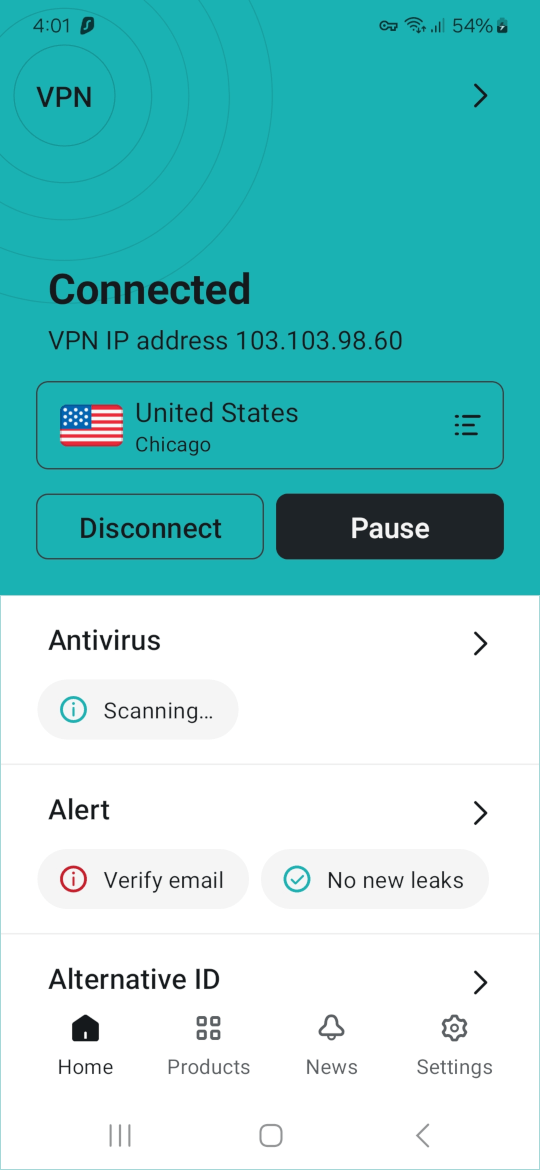
Credit: cyberinsider.com
Choosing The Right Android Vpn
Choosing the right VPN for your Android device is important for online privacy and security. A good VPN helps protect your data and hides your online activity. It also lets you access content safely and freely. Picking the best one needs some thought. Consider features, costs, and trusted apps before deciding.
Key Features To Look For
Strong encryption keeps your data safe from hackers. A no-logs policy means the VPN does not save your activity. Fast connection speeds prevent slow browsing or buffering. A wide server network allows access to many locations. Easy-to-use apps help you connect quickly and without problems. Look for split tunneling if you want to choose which apps use the VPN.
Free Vs Paid Vpn Services
Free VPNs may seem attractive but often have limits. They might restrict data, slow speeds, or show ads. Paid VPNs usually offer better security and faster connections. They provide more servers and stronger privacy policies. Paying a small fee can give you peace of mind and reliable service.
Top Vpn Apps For Android
Many VPN apps work well on Android devices. Choose ones with good reviews and strong security. Popular choices include apps with easy setup and responsive customer support. Look for apps that update regularly to fix bugs and improve safety. Test a few apps with free trials to find the best fit.
Setting Up Vpn On Android
Setting up a VPN on your Android device helps protect your privacy and access content safely. The process is simple and takes only a few minutes. This guide explains how to install VPN apps, configure VPN manually, and fix common connection issues.
Installing Vpn Apps
Start by choosing a reliable VPN app from the Google Play Store. Search for the VPN name you trust and tap the install button. After installation, open the app and sign in with your account details. Follow the app instructions to connect to a VPN server. Most apps have a one-tap connect button for easy use.
Manual Vpn Configuration
Manual setup is useful if you want to use a VPN without an app. Go to your Android settings and find the “Network & internet” section. Select “VPN” and then tap “Add VPN.” Enter the VPN details like server address, username, and password. Save the profile and tap it to connect. This method works with most VPN services.
Troubleshooting Connection Issues
If the VPN does not connect, check your internet first. Restart your phone and try again. Make sure the VPN app or profile has correct settings. Clear app cache or reinstall the VPN app if needed. Disable battery saver mode, as it can block VPN connections. Contact your VPN provider for help if problems persist.
Maximizing Vpn Speed On Android
Using a VPN on Android can slow down your internet speed. This happens because VPNs encrypt your data and send it through their servers. You can make your VPN faster with some easy steps. Faster VPN means better streaming, quicker downloads, and smoother browsing on your phone.
Tips To Improve Vpn Performance
Choose a VPN app that works well on Android devices. Keep your app updated to get the latest speed improvements. Use the VPN’s light or fast protocol option if available. Turn off other apps using the internet in the background. Connect to Wi-Fi instead of mobile data for better stability.
Best Servers For Fast Browsing
Select a server close to your real location for quicker connections. Avoid servers that show high traffic or slow response times. Some VPN apps show the fastest or recommended servers—use those. Try different servers until you find one with the best speed. Pick servers in countries with good internet infrastructure.
Avoiding Common Speed Killers
Don’t use free VPNs with overcrowded servers; they slow down speed. Avoid connecting through multiple VPNs at once. Disable VPN features like ad blockers if they reduce speed. Close apps running in the background that use data. Check your phone’s battery saver mode; it can slow internet.
Maintaining Privacy And Security
Maintaining privacy and security is vital when using a VPN on Android devices. VPNs help protect your data from hackers and spying. They also make your online actions private. This section explains key ways a VPN keeps your Android secure.
Encryption Standards To Know
Encryption is the process of scrambling your data. It makes your information unreadable to outsiders. Strong encryption keeps your data safe on public Wi-Fi and mobile networks. Look for VPNs using AES-256 encryption. This is a top standard used by many security experts. It protects your data with strong algorithms. Some VPNs use protocols like OpenVPN or WireGuard. These ensure fast and secure connections. Knowing these terms helps you choose a secure VPN for Android.
Protecting Against Data Leaks
Data leaks happen when your real IP or DNS requests slip outside the VPN. This can expose your location or browsing. Good VPNs have leak protection features. They stop your data from leaving the encrypted tunnel. Kill switch is another key feature. It blocks internet access if the VPN drops. This prevents accidental exposure of your data. Always check if the VPN app includes these protections for Android devices.
Safe Browsing Practices With Vpn
VPNs add a layer of security but safe habits matter too. Avoid clicking on unknown links or suspicious sites. Use secure websites with HTTPS to keep data safe. Clear your browsing history and cookies regularly. Use strong, unique passwords for online accounts. Combining these habits with a VPN improves your privacy. It creates a safer Android browsing experience.

Credit: cooltechzone.com
Vpn Use Cases On Android
Using a VPN on Android opens many possibilities. It helps protect your privacy and expand your internet access. Many people use VPNs for simple tasks that improve their daily online experience. Below are some common VPN use cases on Android devices.
Accessing Geo-restricted Content
Some websites and apps block content based on your location. A VPN changes your IP address to appear in another country. This lets you watch videos or visit sites not available in your area. Android users benefit by gaining access to a wider range of content.
Safe Public Wi-fi Usage
Public Wi-Fi networks are often not secure. Hackers can steal your data on these networks. A VPN encrypts your connection, making it hard for others to spy on your activity. Using a VPN on Android keeps your information safe while on public Wi-Fi.
Bypassing Censorship
Some regions restrict access to certain websites or apps. A VPN helps bypass these limits by routing your traffic through different servers. Android users can access blocked content freely and maintain internet freedom. This is especially useful for travelers or people living in restricted areas.
Common Myths About Android Vpns
Many people have wrong ideas about Android VPNs. These myths can stop users from getting the protection they need. Clearing up these myths helps users make better choices.
Android VPNs do not always slow down your device. A good VPN uses fast servers and smart technology. This keeps your connection quick while protecting your data. Some slowdowns can happen, but they are usually small.
Vpns Slow Down Your Device
Some think VPNs make phones very slow. This is not true for most good VPNs. They use strong servers that keep speed high. Small delays may happen but do not ruin the experience. Your browsing and streaming will mostly stay smooth.
Vpns Are Illegal Everywhere
Many believe VPNs are illegal in all countries. This is false. Most countries allow VPN use. VPNs help keep online privacy safe. Only a few places restrict or ban VPNs. Always check local laws before use.
Free Vpns Offer Full Protection
Free VPNs seem like a good idea. But they often have limits and risks. Free versions may sell your data or show ads. They usually lack strong security features. Paid VPNs provide better protection and privacy.

Credit: www.comparitech.com
Frequently Asked Questions
What Is The Best Vpn For Android Devices?
The best VPN for Android offers strong security, fast speeds, and easy app use. Look for features like no-logs policy, multiple servers, and reliable encryption to protect your privacy and unblock content.
How Do I Install A Vpn On My Android Phone?
To install a VPN on Android, download the app from Google Play Store. Open the app, sign in, and connect to a server to start securing your internet connection instantly.
Can A Vpn Improve Android Internet Speed?
A VPN can sometimes improve speed by reducing throttling from your ISP. However, it may also slow your connection slightly due to encryption overhead. Choose a fast server for best performance.
Is Using A Vpn On Android Legal And Safe?
Yes, using a VPN on Android is legal in most countries. It enhances your online safety by encrypting data and protecting your privacy from hackers and trackers.
Conclusion
Using a VPN for Android keeps your data safe and private. It helps you browse the internet without worries. You can access apps and websites securely, even on public Wi-Fi. Choosing a trusted VPN app is very important. It protects your personal information from hackers and trackers.
A VPN also helps you stay anonymous online. Enjoy safer internet use on your Android device every day. Staying protected has never been easier or more important. Try a VPN to improve your online security now.