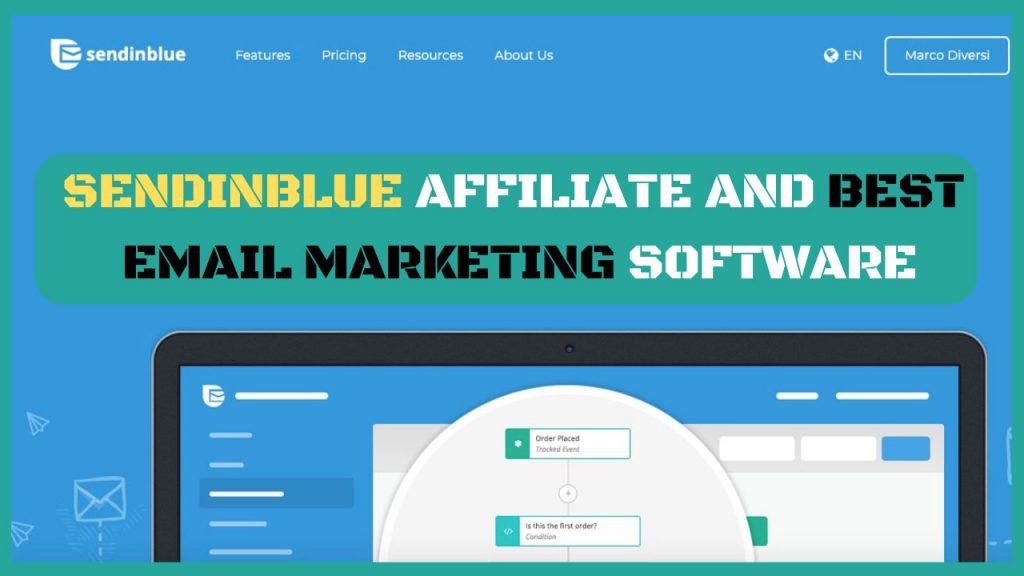
Are you looking for an email marketing tool that’s easy to use, affordable, and packed with powerful features? Sendinblue Email Marketing Software might just be the solution you need to grow your business and connect with your audience like never before.
Whether you want to send newsletters, automate your campaigns, or track your results—all without breaking the bank—Sendinblue puts these tools right at your fingertips. Keep reading to discover how this platform can simplify your marketing efforts and help you achieve better results faster.
Credit: www.failory.com
Brevo: The New Sendinblue
Brevo is the new name for Sendinblue, a well-known email marketing software. This change marks a fresh chapter for the company, aiming to expand its services and reach more users worldwide. Brevo keeps the same easy-to-use tools that helped many businesses grow their email campaigns.
The software focuses on helping companies send emails, manage contacts, and automate marketing tasks. It remains a strong choice for small and medium businesses seeking affordable and effective email marketing solutions.
Company Background
Sendinblue started in 2012 in Paris, France. It was founded by Armand Thiberge and his team. The company grew quickly by offering email marketing tools that are simple and powerful. Over the years, it added features like SMS marketing and marketing automation. This made it a complete platform for digital marketing.
Rebranding Insights
In 2023, Sendinblue changed its name to Brevo. This rebranding reflects its goal to become more than just an email marketing tool. The new name shows the company’s focus on building stronger customer relationships. Brevo aims to offer a wider range of services under one brand. The update includes a fresh logo and a clearer message about its mission.
Global Presence
Brevo serves over 500,000 users in more than 180 countries. Its main office remains in Paris, with additional offices worldwide. The company supports multiple languages and currencies. This helps businesses from different regions use the platform easily. Brevo’s global reach makes it a reliable partner for marketers everywhere.
Core Features
Sendinblue offers a rich set of core features designed to help businesses communicate effectively with their audience. These features cover essential aspects of email marketing and customer engagement. Each tool is built to simplify your marketing efforts and boost results.
Email Campaigns And Newsletters
Sendinblue allows users to create professional email campaigns with ease. You can design newsletters using drag-and-drop editors. This feature helps you reach your subscribers with personalized content. It supports A/B testing to optimize your messages. Scheduling options let you send emails at the best time for your audience.
Marketing Automation
Marketing automation in Sendinblue helps save time by automating repetitive tasks. You can set up workflows based on user actions or events. This feature sends targeted emails automatically, improving engagement. It supports triggers like website visits, email clicks, or purchases. Automation also helps nurture leads through personalized communication.
Transactional Emails
Sendinblue manages transactional emails such as order confirmations and password resets. These emails are sent instantly and reliably. The platform ensures high deliverability so your messages reach the inbox. You can customize templates to match your brand style. Detailed tracking helps monitor the success of each email.
Multi-channel Messaging
Sendinblue supports more than just email marketing. You can reach customers via SMS, chat, and Facebook ads. This multi-channel approach increases your chances of connecting with your audience. Managing all channels from one platform saves time and effort. It also helps keep your marketing consistent across different media.
Pricing Plans
Sendinblue offers flexible pricing plans to suit various business needs. Each plan provides different features and limits, allowing users to choose based on their email marketing goals and budget.
The pricing structure is simple and designed to grow with your business. From free access to custom enterprise solutions, Sendinblue covers a wide range of requirements.
Free Plan Benefits
The Free plan lets you send up to 300 emails daily at no cost. It includes core features like email campaigns and contact management. This plan is ideal for small businesses or beginners testing email marketing. You get unlimited contacts and basic reporting tools without any time limit.
Lite And Business Options
The Lite plan removes daily sending limits and increases monthly email volume. It offers advanced statistics and no Sendinblue branding on emails. The Business plan targets growing companies needing marketing automation and multi-user access. It includes priority support and additional tools like landing pages and CRM integration.
Enterprise Solutions
Enterprise plans provide tailored services for large organizations with complex needs. Pricing depends on email volume, customization, and dedicated account management. This option offers advanced security, service-level agreements, and personalized onboarding. It suits businesses requiring high volume and premium support.
Factors Affecting Costs
Email volume is the main factor influencing Sendinblue pricing. Higher monthly email limits increase plan costs. Choosing annual billing often reduces expenses compared to monthly payments. Extra features like marketing automation, A/B testing, and removing branding may add to the price. Adding multiple users or advanced analytics can also affect overall costs.
Credit: selzy.com
User Experience
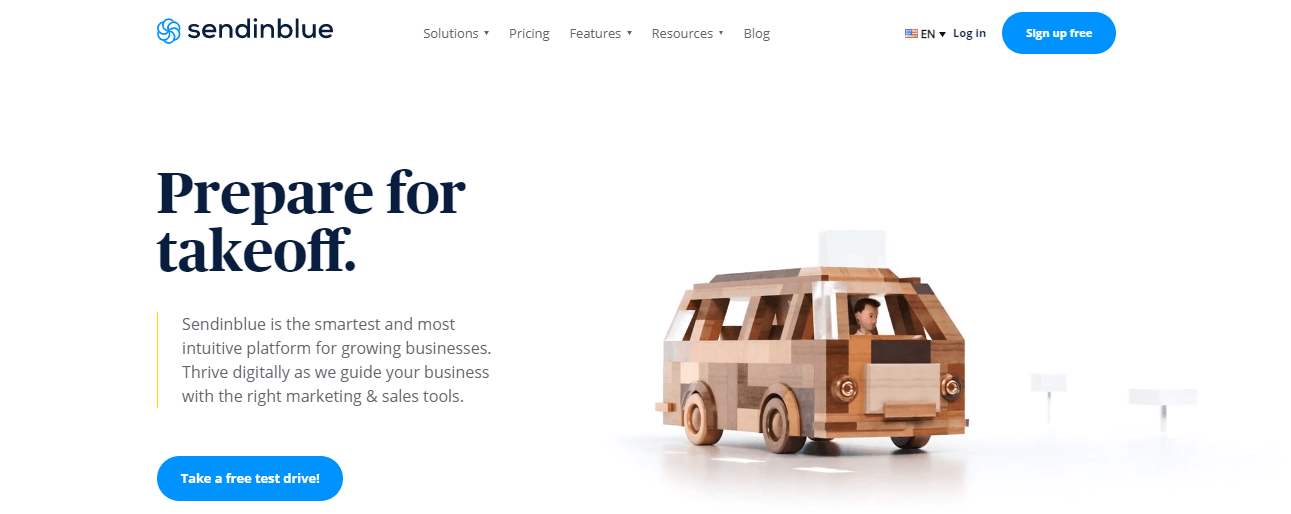
User experience plays a crucial role in choosing an email marketing software. Sendinblue offers a smooth and intuitive interface that helps users complete tasks with ease. Its design focuses on simplicity, making it accessible even for beginners. Every function is clearly labeled, reducing confusion and boosting productivity.
The platform balances powerful features with straightforward navigation. This balance enhances user satisfaction and encourages consistent use. Exploring the dashboard feels natural, and accessing different tools requires minimal effort. These aspects contribute to an overall positive experience for marketers of all levels.
Ease Of Use
Sendinblue’s interface is clean and user-friendly. The drag-and-drop email editor allows quick creation of campaigns. Users can customize templates without needing technical skills. The dashboard organizes key features logically, so users find what they need fast. Reporting tools display data clearly, helping users track campaign success easily.
Onboarding Process
The onboarding process guides new users step-by-step. It starts with a simple setup to connect contacts and configure email settings. Tutorials and tooltips provide clear instructions throughout. Users receive helpful tips to create their first campaign confidently. This approach reduces the learning curve and speeds up getting started.
Customer Support
Sendinblue offers responsive customer support through multiple channels. Users can access live chat for immediate help. Email support is available for detailed questions or technical issues. The knowledge base includes articles and FAQs to solve common problems. Support staff communicate in simple language, aiding users worldwide.
Sales Boosting Strategies
Sendinblue Email Marketing Software offers smart ways to increase your sales. It helps you connect better with your audience. Using the right strategies can improve your campaign results quickly.
Below are key sales boosting strategies that work well with Sendinblue. They help you send the right message to the right people at the right time.
Segmentation And Targeting
Segmenting your email list lets you group contacts by interests or behavior. This makes your messages more relevant and personal. Sendinblue allows easy list segmentation based on data like location, purchase history, or engagement. Targeted emails get higher open and click rates. This leads to more sales and better customer loyalty.
A/b Testing Campaigns
A/B testing means sending two versions of an email to see which performs better. Sendinblue lets you test subject lines, content, and send times. Testing helps find what your audience likes most. Small changes can boost open rates and conversions. Regular A/B testing improves your email campaigns over time.
Automation Workflows
Automation saves time and sends emails at the right moment. Sendinblue’s workflows can trigger emails based on actions like sign-ups or purchases. You can set welcome emails, cart reminders, or follow-ups. Automated messages keep customers engaged without extra work. This steady communication helps increase sales and customer retention.
Sms And Chat Integration
Sendinblue combines email with SMS and chat tools. SMS messages have high open rates and reach customers instantly. Chat features allow quick, direct conversations on your website. Using multiple channels improves customer support and sales chances. This integration keeps your audience connected and ready to buy.
Comparisons With Competitors
Comparing Sendinblue with other email marketing tools helps businesses choose the best option. Each platform offers unique pricing, features, and user experiences. Understanding these differences clarifies which tool fits your needs.
Pricing Competitiveness
Sendinblue offers a free plan with basic features and a daily email limit. Paid plans start at a low monthly cost, based on the number of emails sent, not contacts. This pricing suits businesses with large contact lists but moderate email volume. Competitors often charge by contact list size, making Sendinblue more affordable for some users.
Feature Set Differences
Sendinblue includes email marketing, SMS campaigns, and marketing automation. It also offers transactional email and chat features. Some competitors focus mainly on email marketing and may lack multi-channel options. Sendinblue’s drag-and-drop editor and simple automation tools appeal to beginners. Advanced users might find other platforms offer deeper integrations or more complex automation.
Ideal Business Sizes
Sendinblue targets small to medium businesses with growing marketing needs. Its pricing and features fit startups and mid-sized teams. Larger enterprises might need more advanced tools and custom pricing options. Competitors may better serve very large companies with extensive automation and analytics. Overall, Sendinblue suits businesses seeking cost-effective, easy-to-use marketing software.
Use Cases And Success Stories
Sendinblue Email Marketing Software serves many businesses of all sizes. It offers tools that help improve communication with customers. Many companies use it to send emails, automate marketing, and manage contacts. This section explores real use cases and success stories of Sendinblue users.
Small Business Growth
Small businesses benefit from Sendinblue’s easy-to-use platform. They create newsletters and promotional emails quickly. The software’s automation features save time and increase efficiency. Many small shops report higher customer engagement and sales after using Sendinblue. Its affordable pricing suits limited budgets well.
Medium Enterprise Adoption
Medium-sized companies adopt Sendinblue for its scalability and advanced options. They use marketing automation to nurture leads and track results. Multi-user access helps different teams work together smoothly. Many enterprises integrate Sendinblue with other tools for better workflows. This software supports growing businesses with complex needs.
Case Studies
A clothing retailer increased email open rates by 25% using Sendinblue’s A/B testing. A tech startup automated follow-up emails and boosted conversion rates by 30%. A local restaurant used SMS marketing through Sendinblue to attract more customers. These examples show how diverse businesses achieve success with this software.
Getting Started
Getting started with Sendinblue Email Marketing Software is simple and fast. This platform offers clear tools for beginners. It helps you create campaigns and connect with your audience easily.
Follow these steps to set up your account, build your first campaign, and learn some best practices. These will guide you to use Sendinblue effectively from the start.
Setting Up Your Account
Visit the Sendinblue website and click on the sign-up button. Enter your email and create a password. Confirm your email address through the link sent to your inbox.
Next, fill in your company details and contact information. This helps personalize your experience. Choose your plan depending on your needs. The free plan is great for beginners.
Finally, verify your domain to improve email deliverability. This step ensures your emails reach your contacts’ inboxes and not spam folders.
Building Your First Campaign
Log in to your Sendinblue dashboard. Click on “Campaigns” and then “Create a Campaign.” Give your campaign a clear and catchy name.
Choose your email template from the library. Customize it with your text, images, and links. Make sure your message is clear and easy to read.
Select your contact list or create a new one. Review your email and send a test to yourself. Once satisfied, schedule or send your campaign immediately.
Best Practices
Write short and clear subject lines to grab attention. Personalize your emails with the recipient’s name for better engagement. Avoid using too many images to reduce loading time.
Test different sending times to find when your audience is most active. Monitor your campaign results using Sendinblue’s analytics. Use this data to improve future emails.
Always include an easy way for contacts to unsubscribe. Keep your contact list clean by removing inactive subscribers regularly.
Credit: www.failory.com
Frequently Asked Questions
What Is Sendinblue Called Now?
Sendinblue is now called Brevo. Brevo offers cloud-based marketing and relationship management solutions. It rebranded to reflect expanded services and growth.
Is Sendinblue Legit?
Sendinblue, now Brevo, is a legitimate, trusted email marketing platform serving over 500,000 businesses worldwide. It offers reliable, affordable marketing tools with strong user reviews.
How Much Does Sendinblue Cost?
Sendinblue offers a free plan with limited emails. Paid plans start at $25/month, scaling by email volume and features. Enterprise pricing requires a custom quote.
What Is Sendinblue Used For?
Sendinblue is used for email marketing, marketing automation, transactional emails, SMS campaigns, and managing customer relationships effectively.
Conclusion
Sendinblue email marketing software offers simple tools for small businesses. It helps create, send, and track email campaigns easily. The platform suits users with limited technical skills. Plans vary to match different needs and budgets. Automation features save time and improve customer engagement.
Overall, Sendinblue provides a clear way to grow your email marketing efforts. Give it a try to see how it fits your business goals.