Are you juggling a busy team schedule and struggling to keep everything organized? Managing appointments, client bookings, and team availability can quickly become overwhelming.
That’s where the Acuity Scheduling tool steps in to make your life easier. Designed specifically for busy teams like yours, Acuity streamlines scheduling by handling everything from booking appointments to processing payments—all in one place. Imagine saving hours every week while ensuring your team stays perfectly coordinated.
Keep reading to discover how Acuity Scheduling can transform your team’s workflow and help you focus on what matters most.

Credit: acuityscheduling.com
Benefits For Busy Teams
Acuity Schedulinghelps busy teams save timeby automating appointment bookings. It offers real-time schedulingso everyone sees available slots instantly. This reduces the back-and-forth emails and calls.
Teams can easily share calendars to improve coordination. Each member’s schedule updates automatically, which keeps the whole team on the same page. This also helps with planning and task management.
Scheduling conflictshappen less often because Acuity blocks double bookings. It sends automatic remindersto reduce no-shows and late cancellations. This keeps the workflow smooth and steady.

Credit: acuityscheduling.com
Key Features
Appointment Managementlets teams easily schedule and track meetings. It helps avoid double bookings and sends reminders to clients automatically.
Client Intake Formscollect important info before appointments. These forms are customizable to fit any business need. They save time and keep data organized.
Payment Integrationallows clients to pay when booking. This feature supports multiple payment methods and ensures secure transactions.
Staff and Location Handlinglets teams manage different employees and office sites. It shows availability for each staff member and location clearly.
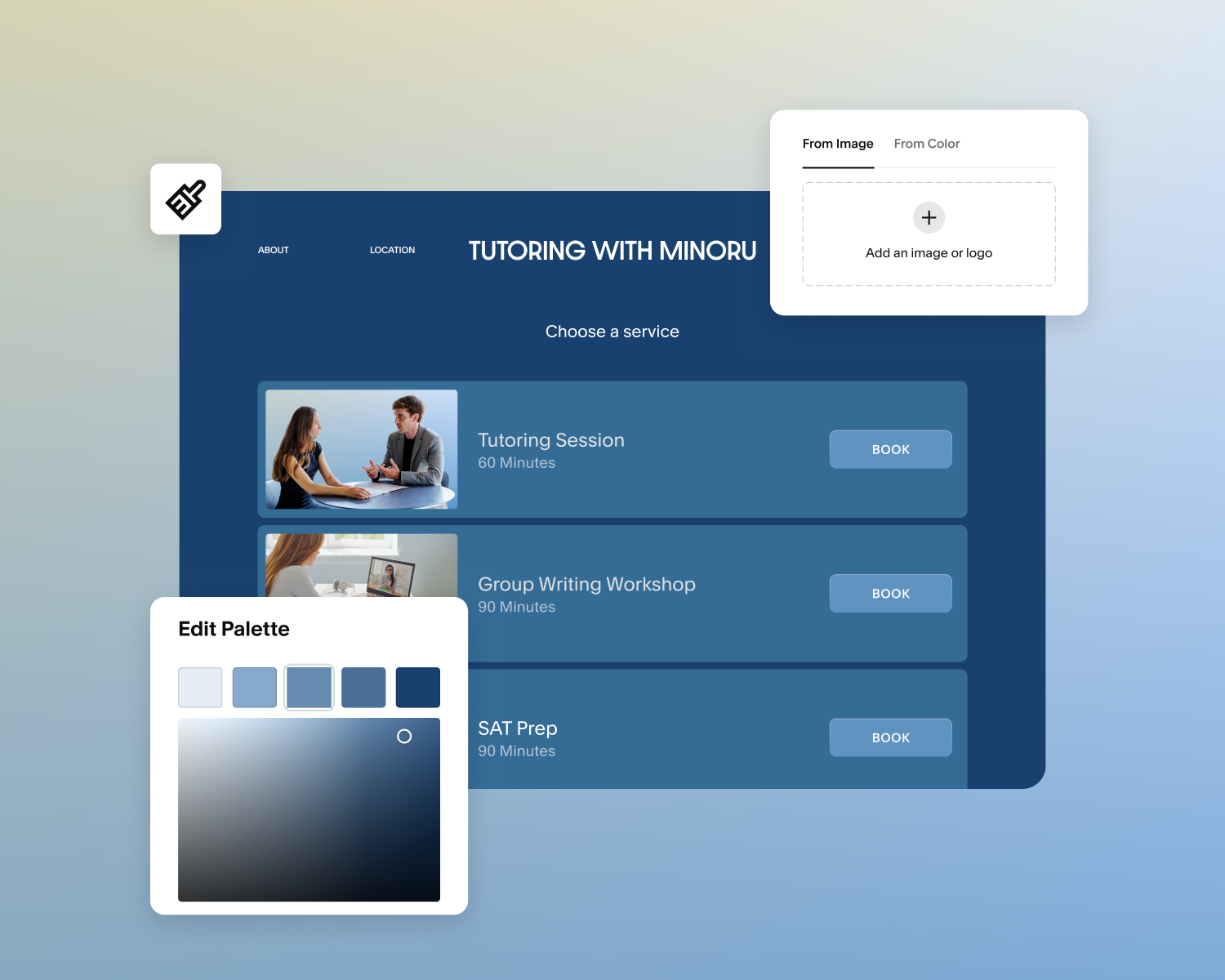
Custom Branding Optionslet businesses add their logo and colors. This creates a consistent look across all scheduling pages, making the experience professional.
Integration With Collaboration Tools
Acuity Schedulingconnects smoothly with Microsoft Teams. It sends automatic updates when appointments change. Your team stays informed instantlywithout extra effort.
Zapier automationslink Acuity to hundreds of apps. Tasks like sending emails or updating spreadsheets happen on their own. This saves time and reduces mistakes.
| Calendar App | Compatibility |
|---|---|
| Google Calendar | Syncs instantly with Acuity for easy scheduling |
| Outlook Calendar | Shows all appointments in one place |
| Apple Calendar | Works well with Acuity on all Apple devices |
These integrations make teamwork smoother and scheduling faster. Everyone stays up-to-date without switching apps.
Setting Up Acuity Scheduling
Configuring availabilityis the first step in setting up Acuity Scheduling. Define the days and times your team can take appointments. This helps avoid double bookings and keeps schedules clear.
To enable Look Busy mode, go to the Availability tab, select Global scheduling limits, and turn on the Look Busy toggle. Set a percentage to control how often the system shows you as busy, even if you have openings.
Creating appointment typesallows customization based on service length, price, or location. Each type can have its own settings, making it easy for clients to pick what fits their needs. This keeps the booking process simple and organized for busy teams.
Comparing Alternatives
Calendlyoffers a very simple and easy schedulingexperience. It works well for individuals and small teamswho need quick meeting setups. The free basic planhelps users manage meetings without extra costs. It lacks advanced features like payment processing.
Microsoft Bookingsintegrates smoothly with Microsoft 365 apps. It suits businesses already using Microsoft tools. Doodleis best for group schedulingwhere many people must agree on a time. It focuses on poll-based availability.
Zoho Bookingsoffers a good mix of features, including custom booking pages and payment support. It works well for teams needing more controlover appointments. Setmoreprovides free and paid planswith easy-to-use scheduling and payment optionsfor small businesses.
Credit: acuityscheduling.com
Choosing Between Acuity And Calendly
Calendlyworks well for teams needing a simple, easy-to-use scheduler. It offers a free basic planfor quick meeting setups. Great for internal meetingsand simple client calls. It focuses on fast schedulingwithout extra features.
Acuitysuits businesses needing more than just scheduling. It includes payment processing, custom forms, and client management. Ideal for teams managing many clients and appointments. It helps with full client lifecycleand revenue tracking.
| Feature | Calendly | Acuity |
|---|---|---|
| Pricing | Free basic plan | Paid plans only |
| Payment processing | No | Yes |
| Custom forms | Limited | Advanced |
| Client management | Basic | Comprehensive |
| Best for | Simple scheduling | Client-focused businesses |
Maximizing Workflow Efficiency
Acuity Schedulingsends automatic notifications to clients and team members. This helps reduce missed appointments and keeps everyone informed. Notifications include reminders, confirmations, and updates.
Communicating with clients becomes simple. Teams can answer questions, send follow-ups, and share important details. This improves client satisfaction and saves time for busy teams.
| Feature | Benefit |
|---|---|
| Appointment Tracking | View all upcoming and past bookings in one place |
| Payment Tracking | Keep records of client payments easily and securely |
| Client Management | Access client info, notes, and history quickly |
Tips For Busy Teams
Set clear scheduling limitsto prevent overbooking and reduce stress. Adjust daily and weekly appointment caps to match your team’s capacity.
Custom intake formshelp gather important client details before meetings. Use simple questions to save time and improve service quality.
| Reporting Tool | Benefit |
|---|---|
| Appointment Summary | Track number and types of meetings easily |
| Team Performance | See who has the most appointments and when |
| Client Data | Analyze client trends for better planning |
Use reports to find busy times and balance workloads.
Frequently Asked Questions
How To Look Busy On Acuity?
To look busy on Acuity, enable the “Look busy” setting under Availability. Set a percentage limit and save changes. This limits visible booking slots, creating a busy appearance.
Does Acuity Work With Teams?
Yes, Acuity works well with teams by allowing multiple staff scheduling and real-time appointment updates. It integrates with Microsoft Teams to keep your team instantly informed.
What’s Better Than Acuity Scheduling?
Calendly, Microsoft Bookings, and Zoho Bookings offer simpler, budget-friendly scheduling with user-friendly interfaces. Acuity excels in client management and payment integration. Choose based on your business needs for features, pricing, and ease of use.
Which Is Better, Acuity Or Calendly?
Calendly suits simple, free scheduling for individuals and teams. Acuity excels in client management, payments, and customization for businesses. Choose Calendly for easy meeting coordination; select Acuity for comprehensive client appointment handling and revenue integration.
Conclusion
Acuity Scheduling helps busy teams save time and stay organized. It offers easy booking, clear calendars, and smooth client management. Teams can share schedules and avoid conflicts quickly. The tool fits well with many business types and sizes. Using Acuity means fewer scheduling mistakes and happier clients.
Try it to see how your team works better every day. Simple, smart scheduling makes a big difference.