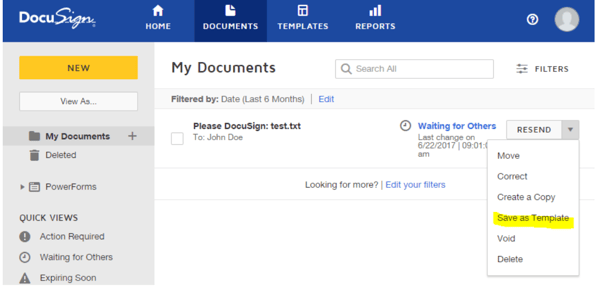
Managing contracts can often feel overwhelming and time-consuming, especially when you’re juggling multiple agreements, deadlines, and approvals. What if you could simplify the entire process and gain full control over your contracts with just a few clicks?
That’s exactly what the DocuSign Contract Management Tool offers. Designed to streamline how you create, track, and organize your contracts, this tool helps you save time, reduce errors, and stay on top of every important detail. If you want to make contract management easier and more efficient, keep reading to discover how DocuSign CLM can transform your workflow and boost your business success.
Docusign Clm Features
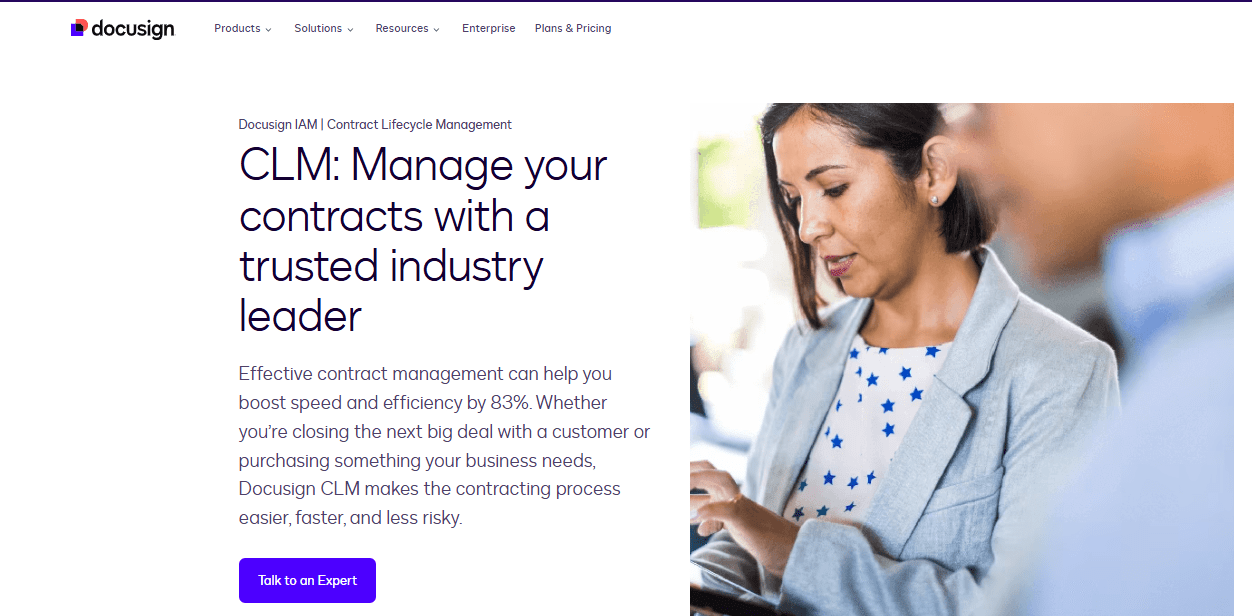
Docusign CLMstores all contracts in one central place. This repositoryis easy to search and organize. It helps teams find contracts fast and keep track of their status.
Workflows are automatedto save time. Tasks like approvals and reminders happen without manual work. This reduces mistakes and speeds up contract processing.
The tool uses AI-powered analyticsto give insights. It spots trends and risks in contracts. This helps businesses make better decisions and avoid problems.
Templatescan be customizedto fit different needs. Users can create contracts quickly using ready-made forms. This ensures consistency and saves effort.
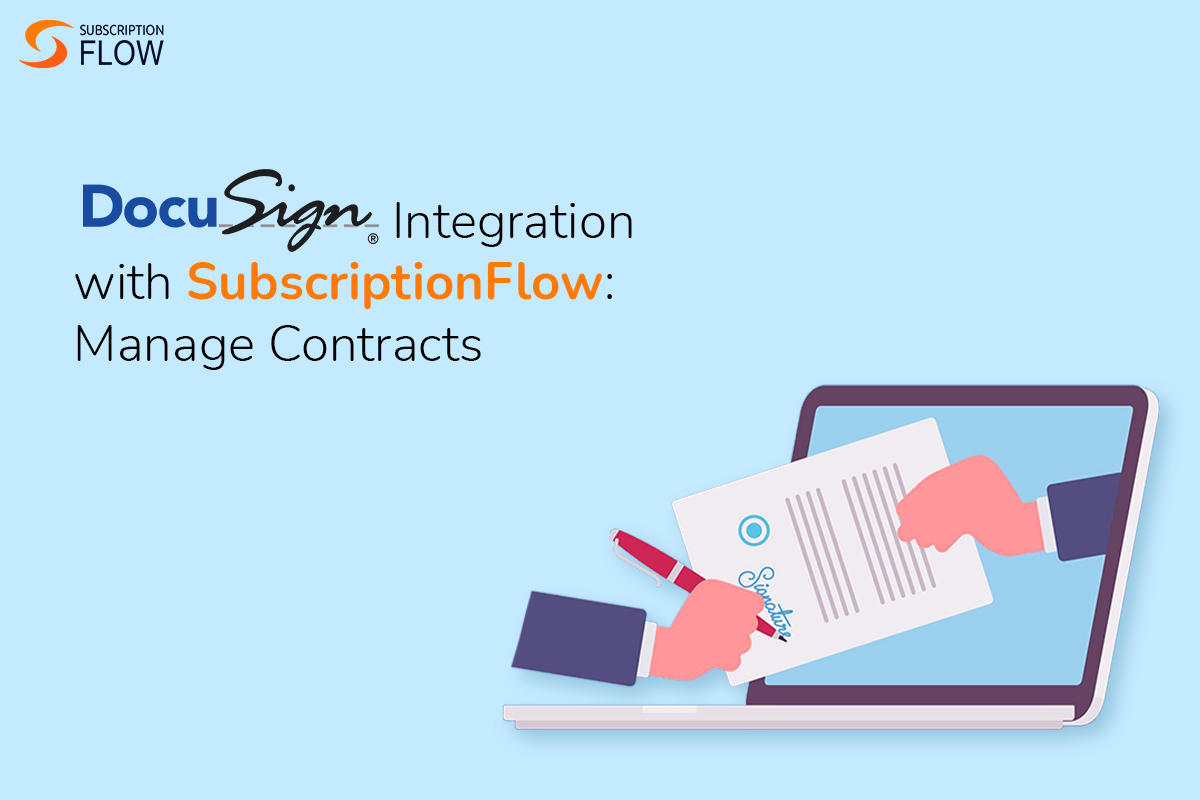
Credit: www.subscriptionflow.com
Benefits For Businesses
Faster contract processingsaves time by automating workflows and approvals. This reduces delays and speeds up deal closure. Users can create, send, and sign contracts digitally without waiting for physical copies. It helps businesses handle many contracts at once, boosting productivity.
Improved complianceensures all contracts follow legal rules and company policies. The system tracks changes and stores documents safely. Automatic alerts remind users of important dates, preventing missed deadlines. This keeps businesses safe from penalties and legal issues.
Risk reductionhappens by identifying potential problems early. DocuSign highlights unusual clauses or missing signatures. It also controls who can view and edit contracts, reducing fraud risks. Businesses gain peace of mind by managing contracts carefully.
Enhanced collaborationallows teams to work together easily. Multiple people can review and comment on contracts online. This avoids version confusion and speeds decision-making. Everyone stays updated with real-time notifications and shared access.
Cost Factors
The user countgreatly affects the overall cost. More users need more licenses, which raises expenses. Small teams pay less, while large teams face higher fees.
Feature levelsalso impact price. Basic plans offer simple contract storage. Advanced plans include automation and analytics, costing more. Choose features based on your needs to control costs.
Integration requirementsadd to expenses. Connecting DocuSign with tools like Salesforce may increase fees. Custom integrations require additional investment. Clear integration needs help estimate the budget.
Credit: vizajobs.com
Pricing And Quotes
Requesting a quote for DocuSign Contract Management Toolis simple. Start by visiting the official DocuSign websiteor the Salesforce AppExchangeif you use Salesforce. You will find the sales team contact detailsthere.
Prepare to share key information such as your company size, the number of userswho need access, and the featuresyou want. Also, mention any integration needswith other software. This helps the sales team give an accurate price.
| Information Needed | Why It Matters |
|---|---|
| Number of Users | More users increase the overall cost. |
| Features Required | Advanced features cost more than basic ones. |
| Integration Needs | Some integrations may affect the price. |
| Company Size | Helps tailor the quote to your business scale. |
After sharing these details, the sales teamwill provide a customized quotesuited to your needs. This approach ensures you get a fair price based on your specific requirements.
Integration Capabilities
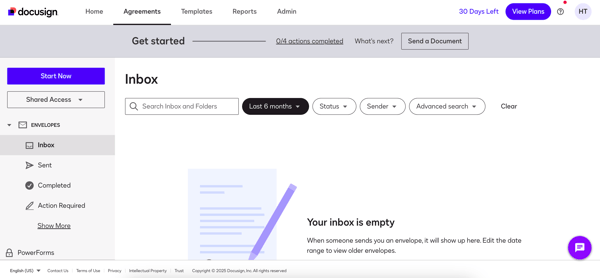
Salesforce integrationallows seamless syncing of contracts and customer data. It helps teams work faster by keeping all information in one place. Users can send documents for signature directly within Salesforce. This reduces errors and saves time.
Other platform connections include popular tools like Microsoft Dynamics, SAP, and Workday. These integrations enable smooth data flow and reduce manual entry. They help keep contracts updated across different systems.
| Benefit | Description |
|---|---|
| Efficiency | Speeds up contract creation and approval processes. |
| Accuracy | Reduces errors by syncing data automatically. |
| Visibility | Tracks contract status in real time. |
| Collaboration | Supports teamwork across different departments. |
Credit: learn.g2.com
Comparison With Other Tools
Jurooffers a simple contract editor and good collaboration tools. It suits small to medium teams well. PandaDocincludes features for document creation and e-signatures. It also supports payment collection inside contracts.
Ironcladand Icertisfocus on enterprise needs. They provide advanced automation and compliance tracking. These tools are better for large companies with complex contracts.
Zoho Contractsintegrates well with other Zoho apps. It has easy workflow automation and contract renewal alerts. Pricing is often more affordable for smaller businesses.
DocuSign stands out with strong e-signature features and a vast user base. Its contract repository and search tools help organize agreements efficiently. Each tool has its own strengths depending on company size and needs.
Tips For Streamlining Workflows
Automate repetitive tasksto save time and reduce errors. Use templates and pre-set workflows to handle common contract steps without manual work.
Use searchable labelsto organize contracts clearly. Labels help you find documents fast by category, status, or date.
| Feature | Benefit |
|---|---|
| Generate Status Reports | Track contract progress easily and keep all team members informed. |
| Leverage Analytics Insights | Spot trends and risks early to improve decision-making. |
Frequently Asked Questions
Can Docusign Do Contract Management?
DocuSign offers contract management through its CLM platform. It organizes, stores, and automates contracts in one searchable system. This streamlines workflows, improves compliance, and reduces risks by providing status tracking and actionable insights.
How Much Does Docusign Clm Cost?
DocuSign CLM pricing varies by user count, features, and integrations. Contact DocuSign sales for a personalized quote.
What Is The Best Contract Management Software?
The best contract management software depends on your needs. Top choices include DocuSign CLM, Juro, PandaDoc, Ironclad, and Icertis. Each offers unique features like e-signatures, automation, and integrations tailored for different business sizes and requirements.
What Does Clm Mean For Docusign?
CLM in DocuSign means Contract Lifecycle Management. It streamlines contract creation, storage, tracking, and automation in one platform.
Conclusion
Docusign Contract Management Tool helps organize and manage contracts easily. It saves time by automating contract tasks and reducing errors. Users can quickly find agreements in one place. This tool supports better decision-making with clear contract insights. It fits businesses of different sizes and needs.
Using it can improve contract workflow and reduce risks. Overall, it offers a simple way to handle contracts efficiently. Try it to see how it can help your business grow steadily.