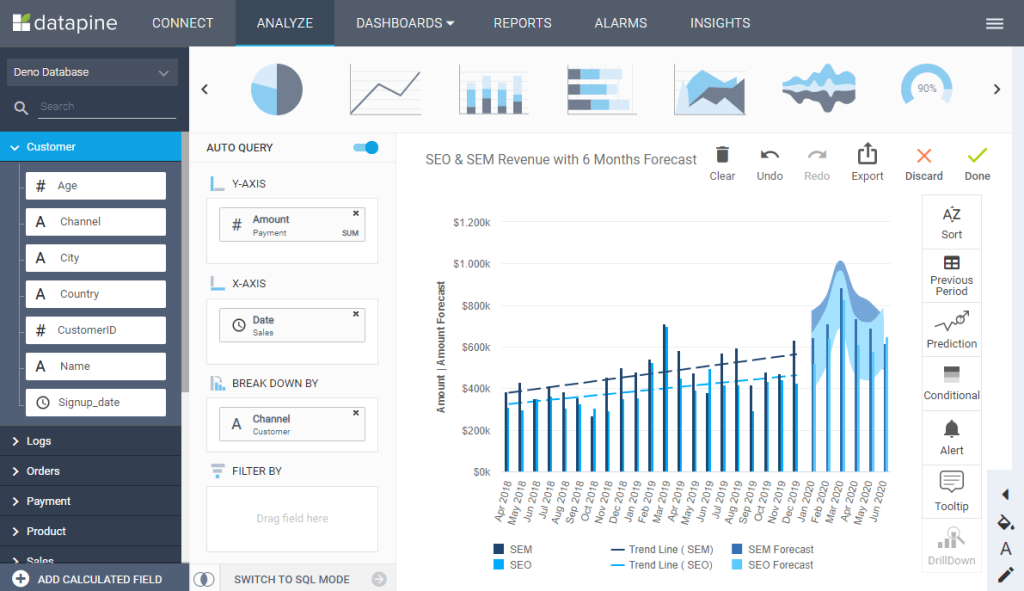
Are you ready to unlock the full potential of your business data? Choosing the best business intelligence (BI) tool can transform how you understand your operations, spot opportunities, and make smarter decisions every day.
But with so many options out there, how do you find the one that fits your unique needs? You’ll discover the top BI tools that stand out for their features, ease of use, and value. Whether you want powerful data visualization, seamless integration, or AI-driven insights, we’ll guide you through the best choices so you can pick the perfect tool to drive your business forward.
Keep reading to find the BI solution that will turn your data into your most valuable asset.
Credit: www.knowledgehut.com
Top Bi Tools
Microsoft Power BIconnects well with other Microsoft products. It offers easy data visualizationand affordable pricing. Many businesses use it for real-time data analysis.
Tableauis known for beautiful, interactive dashboards. It helps users tell stories with data and explore insights visually. It suits companies that want advanced visualization tools.
Looker, now part of Google, focuses on data modelingand web collaboration. It allows teams to access and work on data through a browser easily.
Qlikoffers AI-powered insightsand strong data discovery features. It helps users find hidden patterns and trends quickly.
Looker Studio(formerly Google Data Studio) is a free tooland great for those using Google services. It provides simple reporting and easy sharing.
Other noteworthy tools include Domofor cloud integration and Zoho Analyticsfor small to mid-sized businesses.
Credit: posthog.com
Choosing The Right Tool
Choosing the right business intelligence tool starts with understanding your business needs and goals. Identify what data you want to analyze and the key questions you want answered. This clarity helps pick a tool that fits your purpose well.
Budget considerationsare crucial. Some tools offer free versions with limited features, while others require a subscription. Decide how much you can spend without hurting other parts of your business.
Check tech stack compatibility. The tool should easily connect with your current software and data sources. This avoids extra costs and technical headaches later.
Key Features To Compare
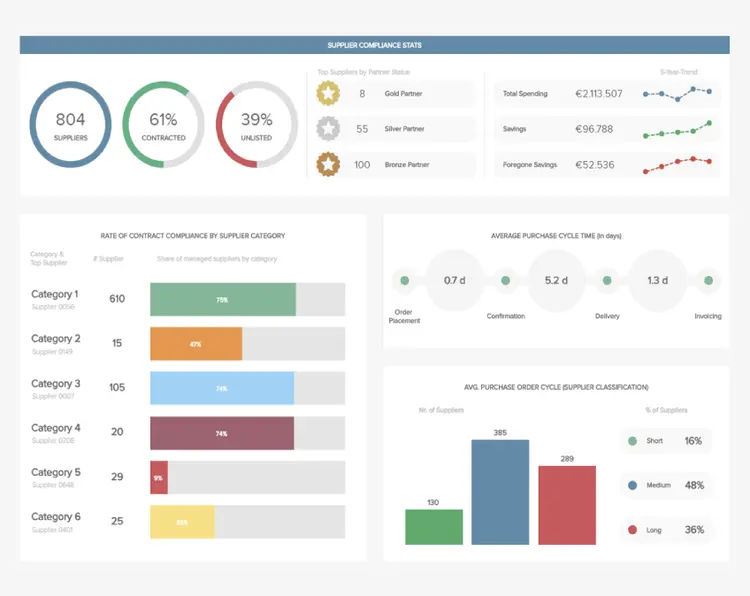
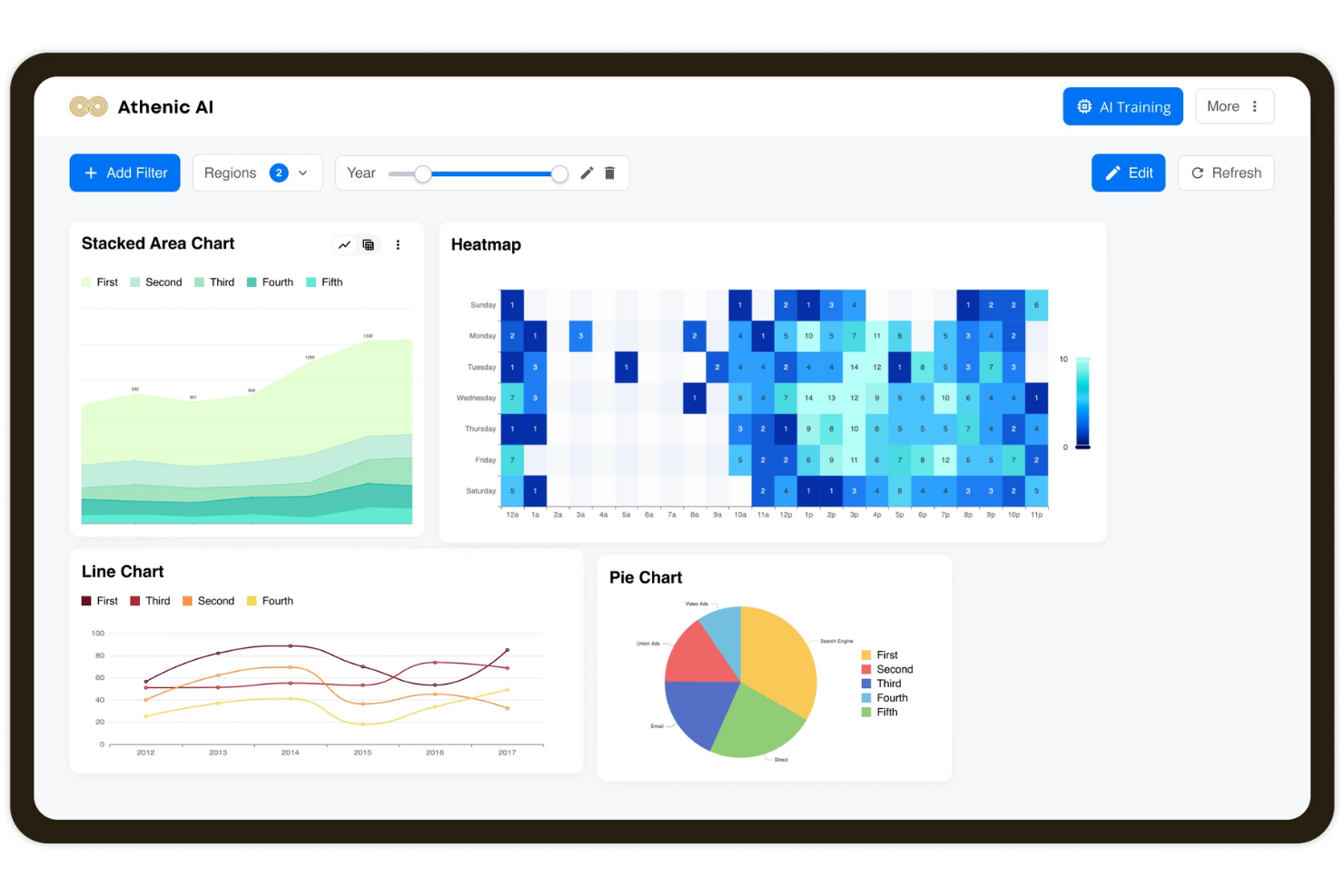
Data Visualizationshows information in charts and graphs. It helps people understand data quickly. Clear visuals make reports easier to read and share.
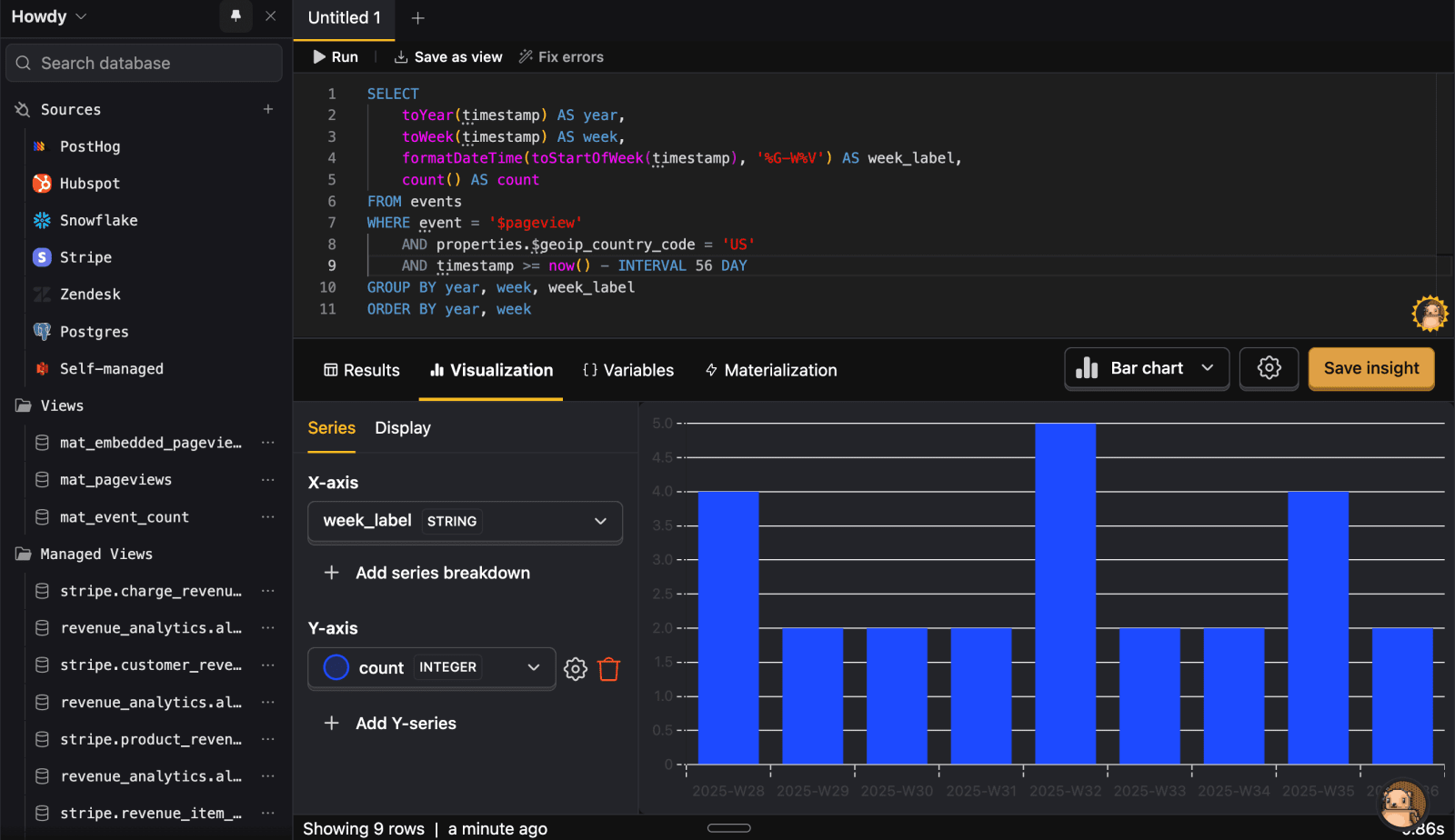
Data Modelingorganizes raw data into useful forms. It helps create connections between data points. Good models improve analysis accuracy.
Integration Capabilitiesallow tools to connect with other software. This means data from many sources can be used together. It saves time and reduces errors.
AI and Predictive Analyticsuse smart computer programs to find patterns. They help predict future trends and outcomes. This supports better planning and decisions.
Collaboration Toolslet team members work together easily. They enable sharing reports and notes in real time. This improves communication and speeds up work.
Credit: peoplemanagingpeople.com
Benefits Of Data-driven Decisions
Improved strategic planninghelps companies set clear goals using data. This leads to better choices and fewer risks. Teams can plan with facts, not guesses. It creates a strong foundation for growth.
Enhanced operational efficiencymeans doing tasks faster and with fewer errors. Data shows where time and money are wasted. Fixing these areas saves resources and boosts productivity. Employees work smarter, not harder.
Real-time insightsgive instant updates on business performance. Quick access to data allows faster reaction to problems. Decisions are based on current facts, not old reports. This keeps the business agile and ready.
Competitive advantagecomes from knowing more than others. Data-driven businesses spot trends early and act first. This leads to better products, happier customers, and higher sales. Staying ahead becomes easier with good data.
Implementation Tips
User trainingis vital for smooth BI tool adoption. Provide simple, clear instructions. Use hands-on sessions to help users. Encourage questions and feedback to improve learning.
Keep training materials short and easy. Repeat key points often. Focus on showing how the tool helps daily tasks. This builds confidence and increases use.
Data quality managementensures accurate insights. Regularly clean and update data. Set clear rules for data entry and validation. Poor data leads to wrong decisions.
Use automated checksto find errors fast. Keep data consistent across systems. Good data boosts trust in BI reports.
| Aspect | Tip |
|---|---|
| Scalability | Choose tools that grow with your business needs. |
| Flexibility | Pick solutions that adapt to different data sources. |
| Performance | Ensure the tool handles large data smoothly. |
Plan for future changes. BI tools must be scalable and flexible. This avoids costly replacements later. Choose software that fits your current and future goals.
Frequently Asked Questions
What Is The Most Popular Business Intelligence Tool?
Microsoft Power BI is the most popular business intelligence tool. It offers strong Microsoft integration, cost-effectiveness, and advanced analytics.
Does Google Have A Business Intelligence Tool?
Yes, Google offers business intelligence tools like Looker and Looker Studio for data analysis and visualization.
Is Tableau A Business Intelligence Tool?
Yes, Tableau is a business intelligence tool. It enables users to create interactive dashboards and visual reports for data analysis.
What Is The Best Business Intelligence Tool In 2024?
The best BI tool depends on your needs. Microsoft Power BI, Tableau, and Looker lead due to integration, visualization, and data modeling strengths. Choose based on budget, existing tech, and desired features for optimal results.
Conclusion
Choosing the right business intelligence tool depends on your specific needs. Consider factors like budget, data sources, and ease of use. Tools like Power BI, Tableau, and Looker offer strong features but serve different purposes. Test a few options to see which fits your team best.
The right BI tool helps turn data into clear, useful insights. This supports better decisions and drives business growth. Take time to find a tool that feels right and makes work easier.