Struggling to keep your day organized and your appointments on track? You’re not alone.
Finding the right scheduling app can transform how you manage your time, reduce stress, and boost your productivity. Whether you need a simple tool for personal task management or a powerful system for coordinating a busy team, the best scheduling apps are designed to fit your unique needs.
You’ll discover top apps that make scheduling effortless, so you can focus on what truly matters. Ready to take control of your time like never before? Keep reading to find the perfect app tailored just for you.
Credit: blog.planwiz.app
Personal Task Management
Todoisthelps create tasks, set priorities, and manage reminders easily. It works well with Google Calendarand Slack, making task tracking simple and clear.
Apple Remindersis a free and easy option for Apple users. It offers basic scheduling and reminder features that keep daily tasks organized without extra steps.
Sunsamafocuses on planning your day carefully. It helps you group tasks and focus on important work in a limited time, reducing distractions and boosting concentration.
Ai-powered Scheduling
Motion’s Smart Schedulinguses AI to build your day for you. It arranges tasksand meetings, so you stay on track. The app adjusts your schedule as priorities change, helping you avoid overload.
Clockwise for Focus Timeprotects your work hours by blocking distractions. It finds free slotsfor meetings without breaking your focus. This tool helps you keep deep work time undisturbed.
Reclaim.ai’s Calendar Balancereorganizes your calendar to fit your habits. It balances meetings, breaks, and worksmartly. You get a schedule that respects your personal and professional needs.
Team And Business Scheduling
YouCanBookMeoffers easy scheduling with automation. It sends automatic notificationsand prevents double-bookings. This app fits well for teams needing quick, reliable bookings without hassle.
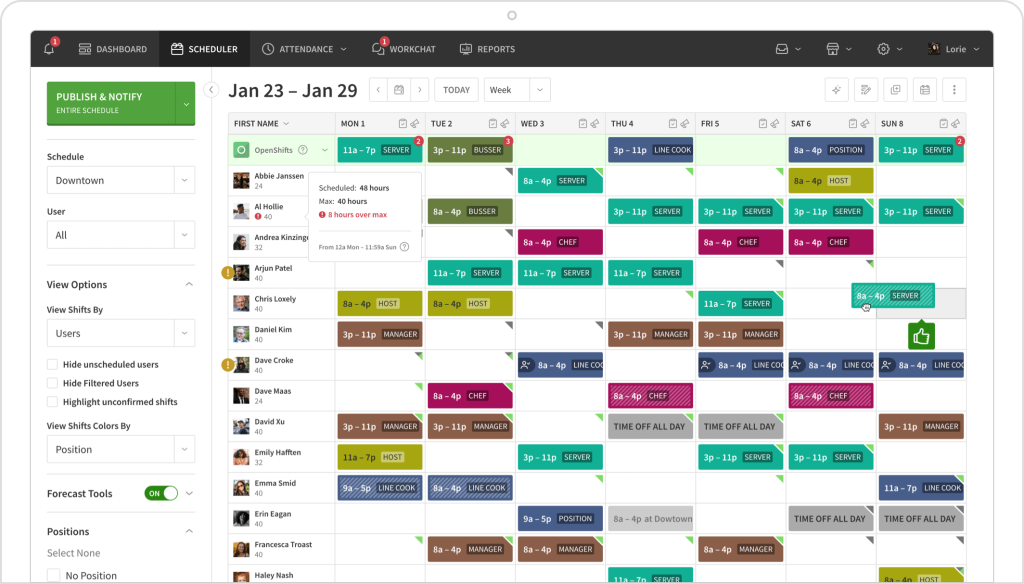
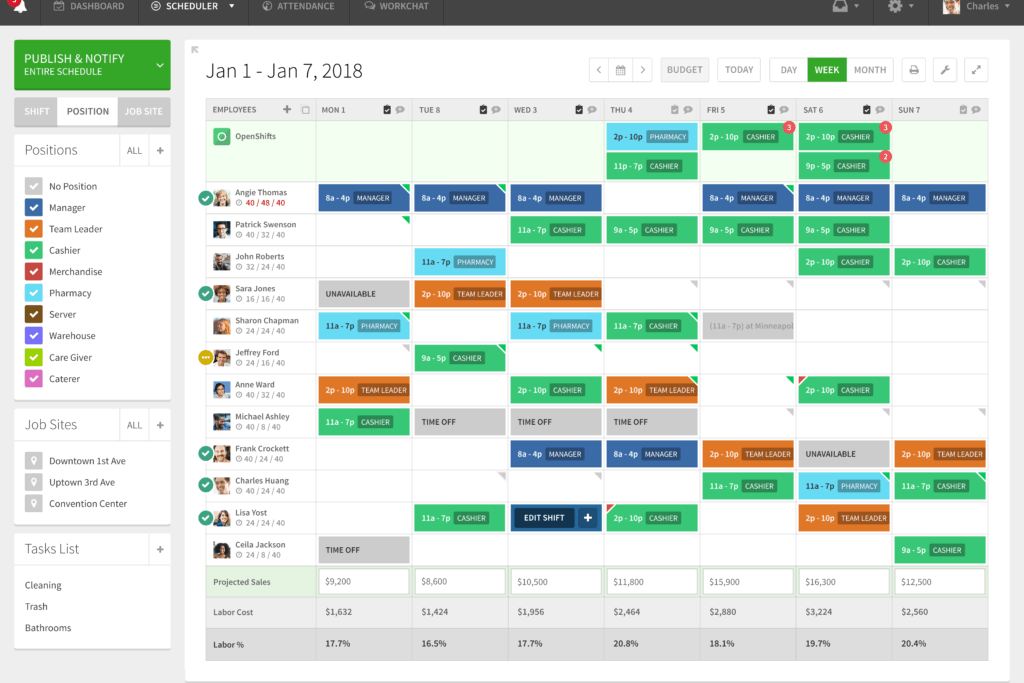
Homebasefocuses on employee shift scheduling. It helps track availability, manage shift swaps, and even supports payroll integration. Perfect for businesses managing hourly workers.

Credit: cybernews.com
Free And Accessible Options
Google Calendaris a free app that works well with many Google services. It helps you keep track of your events and reminders in one place. The app is easy to use and works on computers and phones. You can share your calendar with friends or coworkers, which makes planning simple.
Other free apps like Microsoft Outlook and Apple Calendar offer similar features. Outlook combines email and calendar in one app, which is good for work. Apple Calendar works best on Apple devices and syncs with other Apple apps. Compared to these, Google Calendar stands out for its simple sharing and integration with Google Drive and Gmail.
| App | Key Feature | Best For |
|---|---|---|
| Google Calendar | Easy sharing and Google service integration | Everyone |
| Microsoft Outlook | Email and calendar combined | Work users |
| Apple Calendar | Sync with Apple devices | Apple users |
Appointment Scheduling Tools
Calendlyhelps sales teamseasily set meetings without confusion. It syncs with calendars to avoid double bookings. This tool sends reminders, reducing no-shows and saving time.
Square Appointmentscombines booking and paymentsin one place. Clients can book and pay online, making the process smooth. It also sends automatic reminders to reduce missed appointments.
Acuity Schedulingoffers customizationfor different needs. You can set up intake forms, multiple calendars, and time zones. This app fits businesses wanting a tailored scheduling experience.
Credit: buddypunch.com
Frequently Asked Questions
What Is The Best App To Create A Schedule?
The best app to create a schedule depends on your needs. Google Calendar offers free, easy, and integrated scheduling. Todoist suits personal task management. Motion and YouCanBookMe provide AI-powered automation. For teams, Homebase handles employee shifts efficiently. Sunsama and Reclaim.
ai support mindful, prioritized planning.
What Is The Best App For Scheduling Appointments?
The best app for scheduling appointments depends on your needs. Popular choices include Calendly, SimplyBook. me, and Acuity Scheduling for easy, automated booking. Google Calendar offers free, accessible scheduling. Businesses often prefer Square Appointments for payment integration and YouCanBookMe for team management.
Is There A Better App Than Calendly?
Several apps like Motion, YouCanBookMe, and Google Calendar offer features that may suit different scheduling needs better than Calendly. The best choice depends on your specific requirements, such as AI automation, team management, or free access.
Is Google Calendar Or Calendly Better?
Google Calendar is free, integrates with Google services, and suits personal and team use. Calendly excels in automated booking, team scheduling, and customization. Choose Google Calendar for simplicity and cost; select Calendly for advanced scheduling and professional use.
Conclusion
Choosing the right scheduling app can boost your daily productivity. Each app offers unique features for different needs. Some focus on personal task management, while others help teams coordinate better. Free apps like Google Calendar work well for simple schedules.
AI-powered tools save time by planning your day automatically. Consider your priorities and try a few apps to find the best fit. Scheduling becomes easier and less stressful with the right tool. Start organizing your time today and enjoy smoother days ahead.