Are you looking for the best mind mapping software to boost your creativity, organize your ideas, or manage your projects more effectively? Choosing the right tool can make a huge difference in how easily you capture your thoughts and turn them into actionable plans.
Whether you’re working alone or collaborating with a team, the perfect mind mapping software will fit your style and needs, helping you stay clear, focused, and productive. You’ll discover top-rated options that are user-friendly, powerful, and designed to help you unlock your full potential.
Keep reading to find the best mind mapping software that’s just right for you.
Top Mind Mapping Tools
Choosing the right mind mapping software can simplify your ideas and boost creativity. The best tools offer unique features suited for different needs. Some focus on ease of use, while others excel in team collaboration or design.
Below are top mind mapping tools that stand out for their functionality and user experience. Each option fits a specific style or user group. Explore which one matches your workflow and project demands.
Coggle For Beginners
Coggle provides a simple and clear interface. It suits those new to mind mapping. The tool lets you create colorful, easy-to-follow maps. Sharing and collaboration are straightforward, perfect for casual users.
Mindmeister For Teams
MindMeister supports real-time collaboration for teams. It integrates with popular work apps to streamline projects. Users can comment and edit maps together. This tool keeps everyone on the same page during brainstorming.
Ayoa’s Modern Style
Ayoa combines mind mapping with task management. Its modern design appeals to creative professionals. The tool offers visual boards and radial maps. It helps organize ideas and tasks in one place.
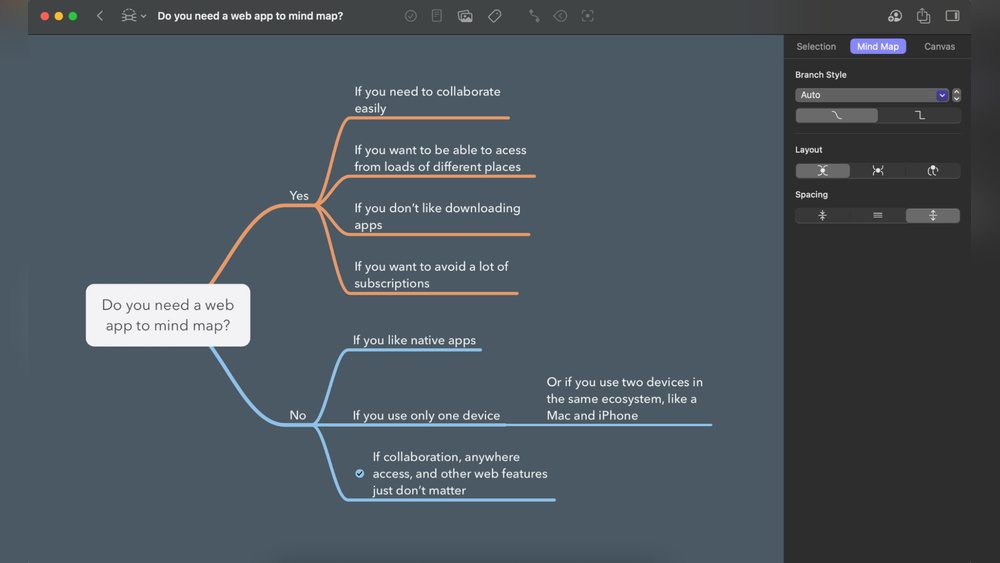
Mindnode For Apple
MindNode works seamlessly on Apple devices. It uses clean layouts and smooth animations. Users enjoy syncing maps across iPhones, iPads, and Macs. This app is ideal for Apple users seeking simplicity.
Xmind For Brainstorming
Xmind excels at powerful brainstorming sessions. It includes templates for different mind map types. The software supports exporting to various formats. It suits users needing detailed and flexible maps.
Quikflow For Fast Maps
QuikFlow lets you build mind maps quickly. Its focus is on speed and ease of use. The interface is minimal and distraction-free. This tool fits users who want fast, organized mapping.
Credit: zapier.com
Microsoft Mind Mapping Options
Microsoft offers several mind mapping options that suit different needs. These tools help organize ideas, plan projects, and improve creativity. Some are built into popular Office apps, while others are standalone or third-party integrations. Each option provides unique features to support visual thinking and collaboration.
Visio’s Visual Diagrams
Microsoft Visio is a powerful diagramming tool with dedicated mind mapping features. It offers an infinite canvas to create detailed mind maps. Users can add shapes, connectors, and text easily. Visio supports team collaboration with real-time editing in the web version. It integrates well with other Microsoft 365 tools, making it ideal for professional use.
Word And Onenote Tools
Microsoft Word and OneNote can also be used for mind mapping. In Word, users can insert SmartArt graphics or basic shapes to build hierarchical diagrams. OneNote allows freehand drawing of shapes and text boxes, making it flexible for quick sketches. Both apps are accessible and simple for users who prefer manual creation without extra software.
Third-party Apps In Teams
Microsoft Teams supports third-party mind mapping apps through the AppSource marketplace. Tools like MindMeister and MindMap integrate seamlessly within Teams channels and chats. These apps enable real-time collaboration and sharing during meetings. They enhance teamwork by keeping mind maps accessible alongside other project resources.
Ai-powered Mindmap Add-in
The AI-powered MindMap add-in for Microsoft Teams offers smart features for brainstorming. It automates the creation of mind maps from text input or meeting notes. This add-in connects with Microsoft Planner to track tasks linked to ideas. It boosts productivity by turning concepts into actionable plans quickly.
Google’s Mind Mapping Solutions
Google offers a variety of tools that help create and organize mind maps. These solutions fit different needs, from simple diagrams to AI-driven brainstorming. Many users appreciate Google’s easy access and cloud-based features. The tools work well for students, professionals, and teams.
Google Drawings Features
lets you create custom mind maps with shapes and lines. It offers a blank canvas with drag-and-drop ease. You can add text, colors, and images to make ideas clear. The tool supports real-time collaboration for group projects. It also saves your work automatically in Google Drive. This makes sharing and editing simple from any device.
Using Google Slides
Google Slides can be adapted for mind mapping by using slides as nodes. Each slide can represent a key idea or branch. You can link slides with shapes and arrows to show connections. The tool allows easy rearranging of slides to update your map. Presenting your map is smooth with full-screen mode. Google Slides also supports collaboration and commenting.
Notebooklm Ai Maps
NotebookLM uses artificial intelligence to help build mind maps faster. It can analyze your notes and suggest connections between topics. The AI assists in organizing ideas logically and visually. This tool saves time in planning and brainstorming sessions. You can refine the AI’s suggestions to fit your style. NotebookLM is ideal for users who want smart help while mapping.
Third-party Marketplace Apps
Google Workspace Marketplace offers many third-party mind mapping apps. These apps provide specialized features beyond Google’s native tools. Some apps focus on advanced visuals, templates, or task management. Integration with Google Drive ensures your maps stay synced and backed up. Many apps support team collaboration and export options. Users can pick apps that match their mind mapping needs and budgets.
Credit: www.mindmaps.com
Choosing The Right Software
Choosing the right mind mapping software is key to boosting creativity and organization. Each tool offers unique functions that fit different needs and skills. Focus on what matters most to you. This way, your chosen software will truly support your work or study sessions.
Ease Of Use
A simple interface helps you start quickly. Look for software with clear menus and easy controls. Drag-and-drop features save time and effort. Beginners prefer tools that do not require a steep learning curve. A clean design reduces distractions and enhances focus.
Collaboration Features
Sharing ideas with others improves outcomes. Choose software that allows real-time teamwork. Features like comments and version history keep track of changes. Some tools integrate chat or video calls. These make group work smoother and more productive.
Platform Compatibility
Check if the software works on your devices. Many apps support Windows, Mac, iOS, and Android. Cloud-based tools offer access from any browser. This flexibility helps you work anywhere. Offline mode is useful when internet is unavailable.
Pricing And Plans
Compare costs before committing to one. Some software offers free versions with basic features. Paid plans usually unlock advanced tools and more storage. Consider monthly or yearly subscriptions based on your budget. Free trials let you test features without risk.
Boosting Creativity With Mind Maps
Mind mapping software helps turn scattered ideas into clear, creative visions. It boosts creativity by allowing users to explore thoughts visually. This method makes complex ideas easier to understand and develop. Mind maps also spark new connections between concepts. Many people find that mind mapping opens fresh paths for problem-solving.
Using mind maps can bring structure to your creative process. They guide you in organizing your ideas logically. This approach leads to better focus and clearer outcomes. Teams benefit too, as mind maps improve communication and shared understanding. Integration with other tools makes mind mapping even more powerful and flexible.
Visualizing Ideas
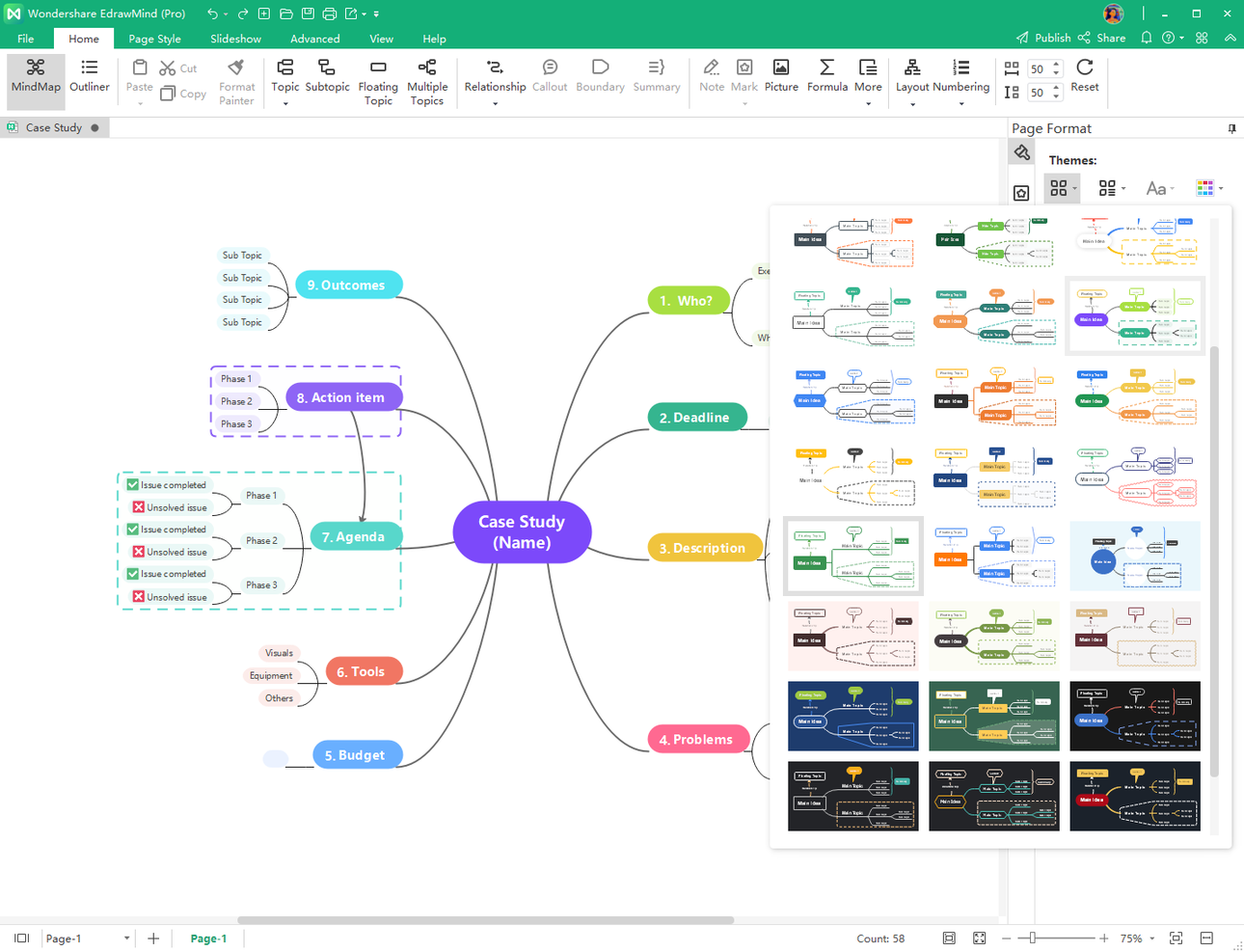
Mind maps display ideas as visual diagrams. This helps you see the big picture at once. Colors, icons, and branches highlight key points. Visualizing makes it easier to spot patterns and gaps. It also encourages free-flowing thoughts without limits. This simple view can trigger innovative ideas quickly.
Organizing Thoughts
Mind mapping organizes thoughts into clear categories. It breaks down complex topics into smaller parts. This step-by-step arrangement simplifies decision-making. You can group related ideas and set priorities. This structure keeps your mind focused and reduces overwhelm. Well-organized maps help track progress and next steps.
Enhancing Teamwork
Mind maps improve teamwork by sharing ideas visually. Everyone can contribute and see updates in real time. This boosts collaboration and reduces misunderstandings. Team members stay aligned on goals and tasks. The shared map acts as a central hub for brainstorming. It encourages open discussion and collective creativity.
Integrating With Other Tools
Many mind mapping apps connect with popular software. This integration saves time and streamlines workflows. You can link maps to calendars, documents, and project managers. It ensures ideas flow smoothly across platforms. Integration also allows for easy sharing and exporting. This makes mind maps a flexible part of your daily tools.
Credit: thedigitalprojectmanager.com
Frequently Asked Questions
How does mind mapping work?
It works by breaking down a main idea into smaller connected ideas, making information easier to see, understand, and remember.
Does Microsoft Have A Mindmap Tool?
Yes, Microsoft offers mind mapping tools like Visio for creating diagrams. Word and OneNote also support manual mind map creation. Third-party apps like MindMap and MindMeister integrate with Microsoft Teams for collaboration.
What are the benefits of mind mapping?
It boosts creativity, improves memory, helps with planning, learning, and problem-solving.
Conclusion
Choosing the right mind mapping software helps organize ideas clearly. Some tools work better for beginners, while others suit teams. Consider ease of use, features, and platform compatibility. A good mind map tool boosts creativity and focus. Try a few options to find the best fit for you.
Mind mapping makes planning and brainstorming easier every day.