Struggling to keep your tasks organized and your productivity on track? You’re not alone.
Whether you’re managing work projects, personal goals, or team collaborations, the right task management tool can make all the difference. Imagine effortlessly tracking your to-dos, meeting deadlines, and staying focused without the usual stress. You’ll discover the best task management tools designed to simplify your life and boost your efficiency.
Ready to transform how you manage your tasks and reclaim your time? Let’s dive in and find the perfect tool for you.

Credit: www.yahoo.com
Top Task Tools
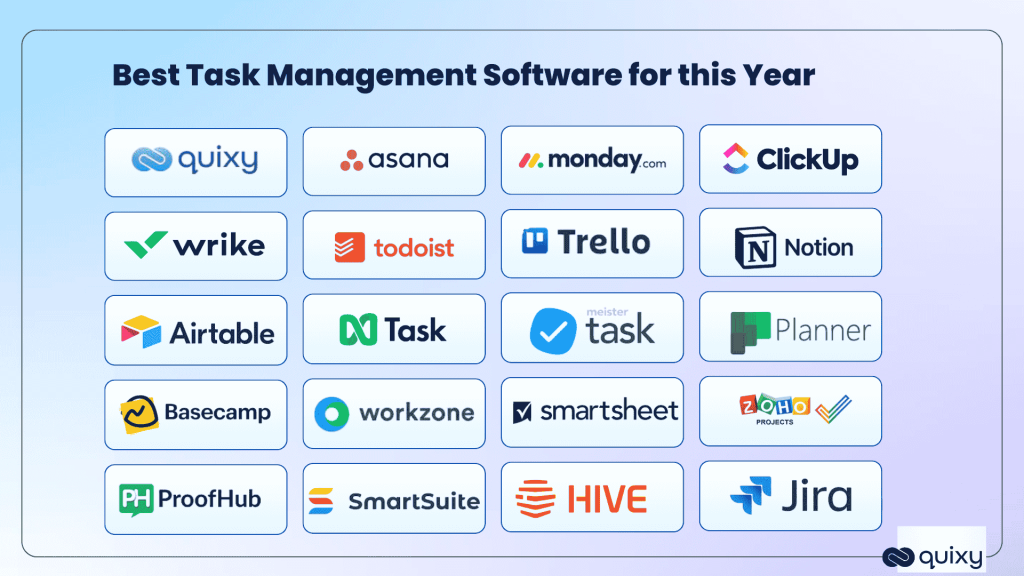
Motionhelps plan your day with smart scheduling. It moves tasks automatically to fit your time. Taskadesupports team chat and task lists in one place. It is good for group work.
ClickUpoffers many tools like reminders, docs, and goals. It fits small and big teams well. Todoistis simple and easy to use. It lets you set priorities and due dates.
Wrikeworks well for project tracking and team collaboration. It shows task progress clearly. Asanahelps organize work with boards and lists. It makes teamwork smooth.
Timeheroplans tasks based on your real-time availability. It tracks time and deadlines to keep you on track. Each tool has unique features to fit different needs.
Google Tasks Features
Google Tasksworks smoothly with Google Workspace. It links with Gmail, Calendar, and Drive for easy task adding. Tasks made in emails or chats appear right in your to-do list.
Syncing across deviceshappens automatically. Changes on one device show up everywhere else. This keeps your tasks updated all the time.
You can customize tasksby creating many lists. Each task can have dates, times, and notes. This helps keep everything neat and clear.
The tool is free to use. No cost for accessing all features. It works on web, Android, and iOS apps without limits.
Accessing Google Tasks
You can access Google Taskseasily through Gmailand Google Calendar. In Gmail, click the Tasks iconon the right sidebar to add or view your tasks. In Google Calendar, open the Tasks pane or click on a calendar spot to create new tasks fast.
The Google Tasks mobile appworks on both Android and iOS devices. It lets you create, edit, and check off tasksanytime, anywhere. Your lists sync automatically with your Google account, so you stay updated across all devices.
Using the web interfaceat tasks.google.comoffers a simple way to manage tasks online. The clean layout makes it easy to add details, due dates, and subtasks. All your changes save instantly in the cloud.

Credit: www.forbes.com
Comparing Google Tasks And Todoist
Google Tasksoffers a simple feature set with easy task creation, due dates, and subtasks. It has a clean interface with basic options suitable for users who want quick task tracking. Todoistprovides a richer feature set including labels, filters, project templates, and productivity tracking. It suits users who need more control and organization.
Google Tasks is very easy to use. It fits users who prefer minimal steps and straightforward lists. Todoist has a steeper learning curve but offers more options for power users. It can be complex for beginners but rewarding for advanced task managers.
Both tools integrate well with other apps. Google Tasks connects natively with Gmail, Calendar, and Google Drive. Todoist supports many integrations such as Google Calendar, Slack, and Amazon Alexa. Todoist’s options are broader for users with multiple tools.
Ideal users for Google Tasks include casual users and Google Workspace fans. Todoist fits professionals, teams, and people managing many projects. Each tool targets different needs and user skills.
Boosting Productivity
Intelligent schedulinghelps you plan tasks by priority and due dates. It saves time by organizing work automatically. Real-time collaborationallows team members to share updates instantly. Everyone stays on the same page, making teamwork easier and faster.
Custom workflowsfit different project needs. You can create steps that match your style. This makes work clear and simple. Time trackinghelps you see how long tasks take. It shows where time is spent and helps improve focus.

Credit: thedigitalprojectmanager.com
Frequently Asked Questions
What Is The Best Tool For Task Management?
The best task management tools include Asana, Todoist, ClickUp, and Google Tasks. They offer real-time collaboration, customizable workflows, and cross-device syncing for efficient productivity.
Does Google Have A Task Management Tool?
Yes, Google offers Google Tasks, a free tool to create, organize, and sync tasks across Gmail, Calendar, and devices.
Is Google Tasks Better Than Todoist?
Google Tasks integrates well with Google apps and is free, ideal for basic users. Todoist offers advanced features, better customization, and collaboration, suiting power users and teams. Choose based on your task complexity and collaboration needs.
What Replaces Google Tasks?
Popular alternatives replacing Google Tasks include Todoist, Asana, ClickUp, and Microsoft To Do. These apps offer advanced task management, collaboration, and cross-device syncing. They improve productivity with features like reminders, project tracking, and integrations with other tools, providing a more robust experience than Google Tasks.
Conclusion
Choosing the right task management tool can boost your daily productivity. Each tool offers unique features to fit different needs. Consider factors like ease of use, collaboration options, and device compatibility. Simple tools suit personal tasks, while advanced ones help teams work together.
Try a few options to find what works best for you. Staying organized helps reduce stress and meet deadlines. Use these tools to keep your tasks clear and manageable. Start small, stay consistent, and improve your workflow step by step.