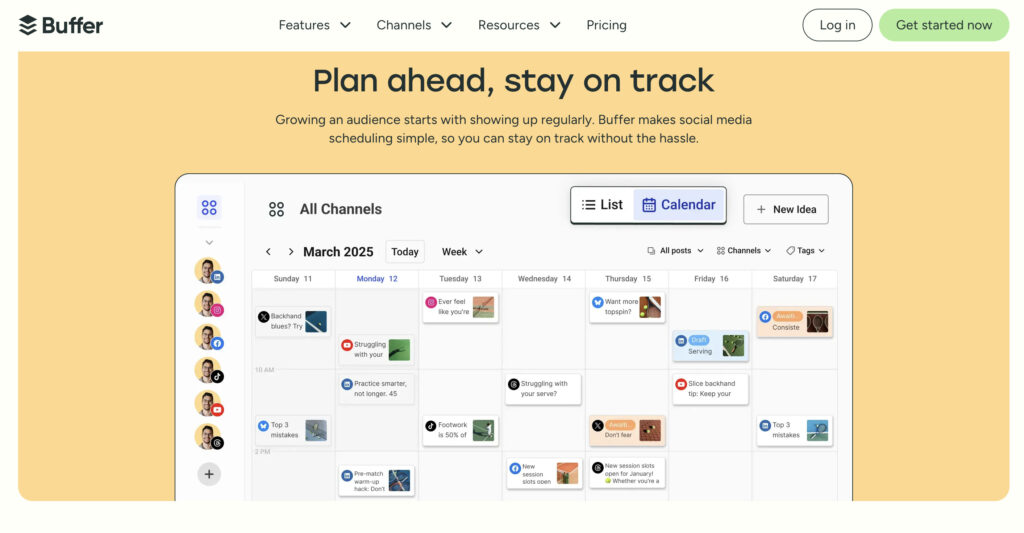
Are you tired of juggling multiple social media accounts and struggling to keep your posts consistent? Imagine having a tool that not only schedules your content but also helps you post at the perfect time to reach your audience.
That’s exactly what Buffer AI Social Media Scheduler offers. It’s designed to make your social media management simple, smart, and stress-free. Keep reading to discover how this powerful tool can save you time and boost your online presence effortlessly.
Credit: support.buffer.com
What Is Buffer Ai Scheduler
Buffer AI Scheduleris a tool that helps plan and post on social media easily. It uses artificial intelligenceto suggest the best times to share content. This makes sure posts reach more people and get more attention.
The tool can write captionsand choose imagesfor posts automatically. It saves time by creating posts for different platforms like Facebook, Instagram, and Twitter. Users can also set a schedule to post regularly without doing it manually.
With Buffer AI Scheduler, managing social media becomes simpler. It helps keep accounts active and growing without much effort. Perfect for small businesses or people who want to share content often.
Key Features That Drive Engagement
Smart Posting Timeshelp share posts when followers are most active. This increases the chance of more likes and comments. The AI studies past data to find the best times. Posting at these times means better reach and engagement.
AI-Powered Content Suggestionsoffer ideas for what to post next. The AI looks at trends and your past posts. It suggests content that fits your style and audience. This saves time and keeps your feed fresh.
Multi-Platform Schedulinglets you plan posts for many social media sites at once. You can schedule posts for Facebook, Instagram, Twitter, and more. This tool helps keep all your accounts active and organized.
Setting Up Your Buffer Ai Account
Start by connecting your social media profiles. Buffer AI supports popular platforms like Facebook, Twitter, and Instagram. Click the “Add Account” button, then log in to each profile you want to link.
Choose which profiles to schedule posts for. This makes managing multiple accounts easier. You can always add or remove profiles later.
Next, set your posting preferences. Pick your preferred time zone and post frequency. Decide if posts should be published automatically or manually approved.
Customize posting times for each day. This helps reach your audience when they are most active. Buffer AI also suggests times based on your past engagement.
| Setting | Description |
|---|---|
| Social Profiles | Connect accounts like Facebook, Twitter, Instagram |
| Time Zone | Select your local or target audience time zone |
| Post Frequency | Choose how many posts per day/week |
| Approval | Set posts to auto-publish or manual review |
| Posting Times | Customize times for each day of the week |
Credit: buffer.com
Creating And Scheduling Posts With Ai
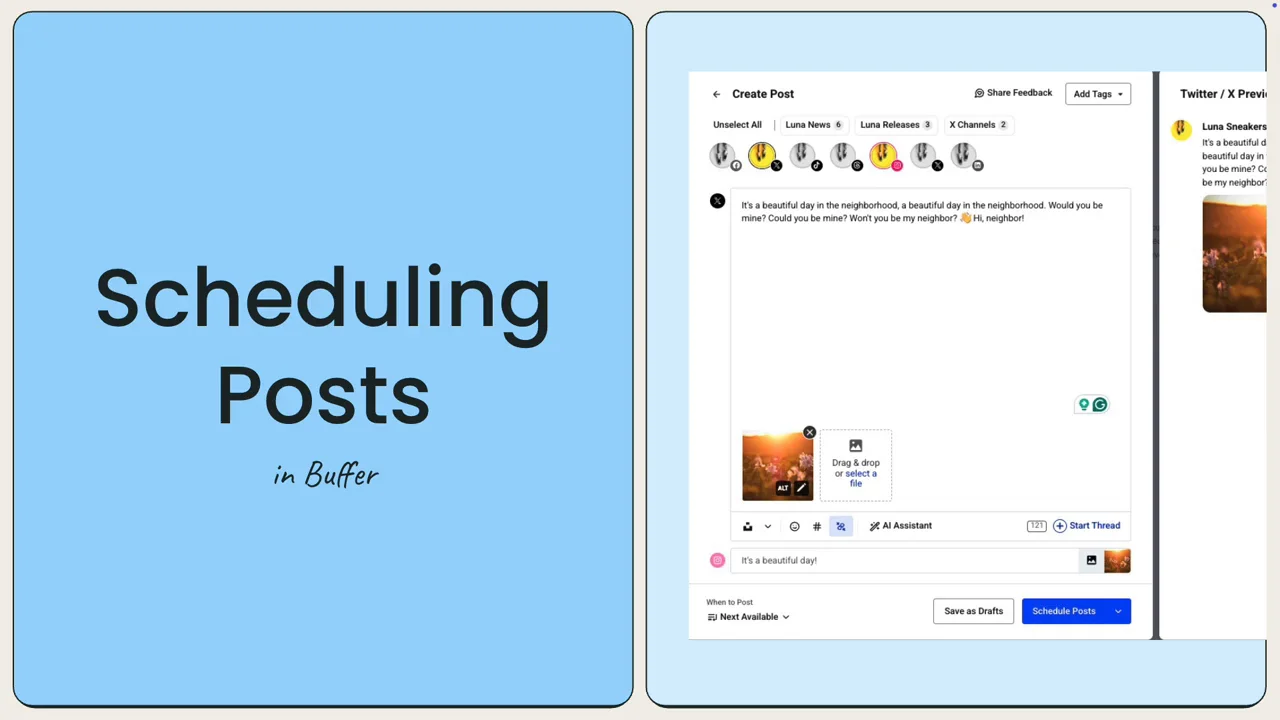
AI helps create captionsand hashtagsthat fit your posts. It suggests words based on your topic and audience. This saves time and keeps content relevantand engaging.
Visual content like images and videos can be added easily. The tool supports multiple file types for smooth integration. Good visuals attract more attention and make posts stand out.
| Step | Description |
|---|---|
| 1. Create Post | Write text or use AI to generate captions and hashtags |
| 2. Add Visuals | Upload images or videos to enhance the post |
| 3. Schedule | Pick dates and times for automatic posting |
The scheduling process is automaticand easy to manage. It helps keep your social media active without manual work.
Analyzing Performance Metrics
Engagement trackingshows how users interact with posts. It helps to see which content gets more likes, comments, and shares. This data guides better post timing and topics. Tracking engagement also reveals the best days to post for more views.
Post optimizationmeans improving posts based on data. Use clear images and short texts. Test different post times to find when followers are active. Ask questions or add calls to action to boost interaction. Keep posts simple and focused on one idea.
Comparing Buffer Ai With Other Tools
Buffer AIoffers a simple way to schedule posts with AI help. It suggests content ideas and best times to post. Other tools like Hootsuite and Later have more features but can be complex.
Buffer AI’s interface is clean and easy for beginners. It focuses on speedand ease. Other tools may need more setup and learning time.
| Feature | Buffer AI | Hootsuite | Later |
|---|---|---|---|
| AI Content Suggestions | Yes | No | No |
| Scheduling Posts | Yes | Yes | Yes |
| User Interface | Simple | Advanced | Moderate |
| Price | Affordable | Higher | Moderate |
For those who want easy AI helpand fast setup, Buffer AI fits well. Tools like Hootsuite suit users needing many options. Later works for visual planning but lacks AI support.
Tips For Maximizing Engagement
Consistent postinghelps keep your audience interested. Plan your posts ahead using the scheduler. This keeps your profile active and fresh. Set a regular time for posting. This builds trust and expectation. Avoid long gaps between posts to stay visible.
Leveraging AI insightsmeans using data to choose the best times to post. AI shows what content your audience likes most. Use this info to create posts that get more likes and shares. Trust the AI to help pick topics and styles that work well.
Engaging with your audiencemeans replying to comments and messages fast. Ask questions in your posts to invite replies. Show that you care about your followers’ thoughts. This builds a friendly community around your profile.
Common Challenges And Solutions
Managing multiple social media accounts can be confusing and time-consuming. Posting at the right time is trickywithout a schedule. Buffer AI helps by automatically planning poststo keep content regular and fresh.
Creating good posts daily may feel like a big task. Buffer AI suggests simple ideasand helps writeclear messages. This saves effort and keeps your audience interested.
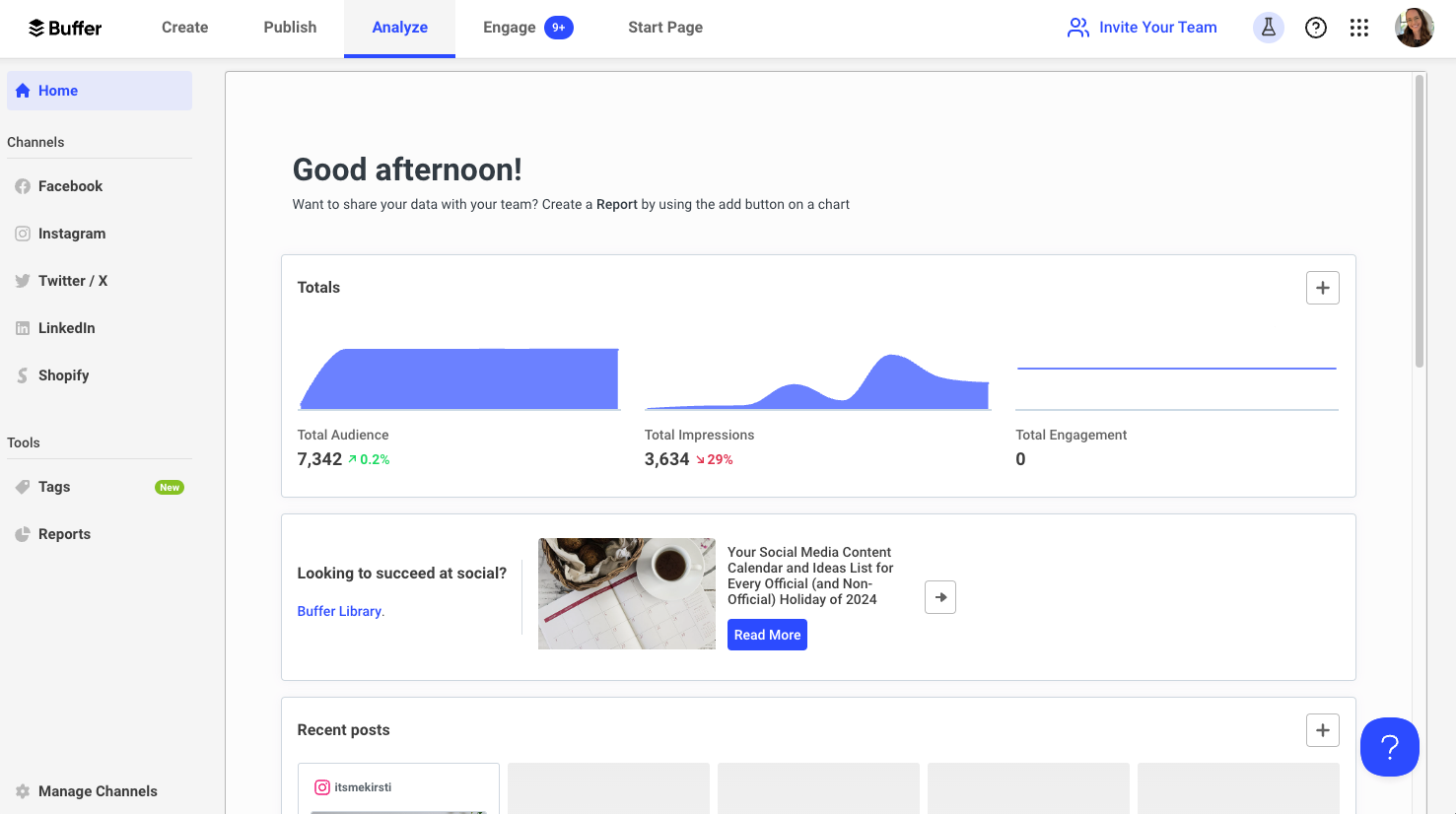
Tracking what works is hard. Buffer AI shows easy reportswith numbers and graphs. This helps you see which posts get more likes and shares. Then, you can post more of what your followers enjoy.

Credit: optimizebyai.com
Frequently Asked Questions
What Is Buffer Ai Social Media Scheduler?
Buffer AI Social Media Scheduler is a tool that automates post scheduling using AI. It helps users plan and publish content efficiently across multiple social platforms.
How Does Buffer Ai Improve Social Media Scheduling?
Buffer AI uses artificial intelligence to suggest optimal posting times and content ideas. This boosts engagement and saves time for social media managers.
Can Buffer Ai Schedule Posts On Multiple Platforms?
Yes, Buffer AI supports scheduling on platforms like Facebook, Twitter, LinkedIn, and Instagram. It centralizes management for easier content distribution.
Is Buffer Ai Suitable For Small Businesses?
Absolutely. Buffer AI offers affordable plans and simplifies social media management, making it ideal for small businesses and startups.
Conclusion
Buffer AI Social Media Scheduler helps save time and effort. It lets you plan posts easily and keep your content steady. You can reach your audience without stress or confusion. The tool fits well for beginners and busy users alike.
Try it to see if it suits your social media needs. Simple steps lead to better online presence. Small changes can bring steady growth. Give Buffer AI a chance to help your social media work.