
If you’ve been searching for Calendly vs x.ai alternatives because the ‘Amy and Andrew’ AI bots are gone, you’ve noticed things have changed.
Back in the day, x.ai was the pioneer of “invisible” AI scheduling. But as the tech landscape shifted—and the x.ai domain was famously acquired by Elon Musk for a very different kind of AI (Grok)—thousands of professionals were left looking for a new home.
Today, the big question isn’t just “Calendly vs x.ai”—it’s “Which tool actually uses modern AI to manage my time in 2026?”
In this guide, we’ll look at where x.ai went and which three x.ai alternatives have stepped up to take the throne.
What Happened to x.ai? (Best Calendly vs x.ai Alternatives)
The original x.ai service, which featured the virtual assistants Amy and Andrew Ingram, was sunset several years ago. While the team was acquired and the domain moved into the hands of X (formerly Twitter) to build xAI (the company behind Grok), the scheduling bot we knew and loved is officially retired.
If you are looking for a scheduling assistant today, you are essentially choosing between the “Link Method” (Calendly) or the “Autopilot Method” (Modern AI alternatives).
1. Calendly: The Reliable Standard
If you’re looking for Calendly vs x.ai alternatives, it’s important to start with the industry leader. Calendly remains the “category king” for a reason. It is simple, reliable, and everyone knows how to use it.
-
How it works: You send a link; they pick a time.
-
The AI Factor: In 2026, Calendly has added “Routing Forms” and automated workflows, but it is still fundamentally a manual tool. It doesn’t “think” about your schedule; it just shows people when you are free.
-
Best for: Sales calls, external recruitment, and anyone who just wants a clean, professional booking page.
2. Reclaim.ai: The Best for “Focus Time”
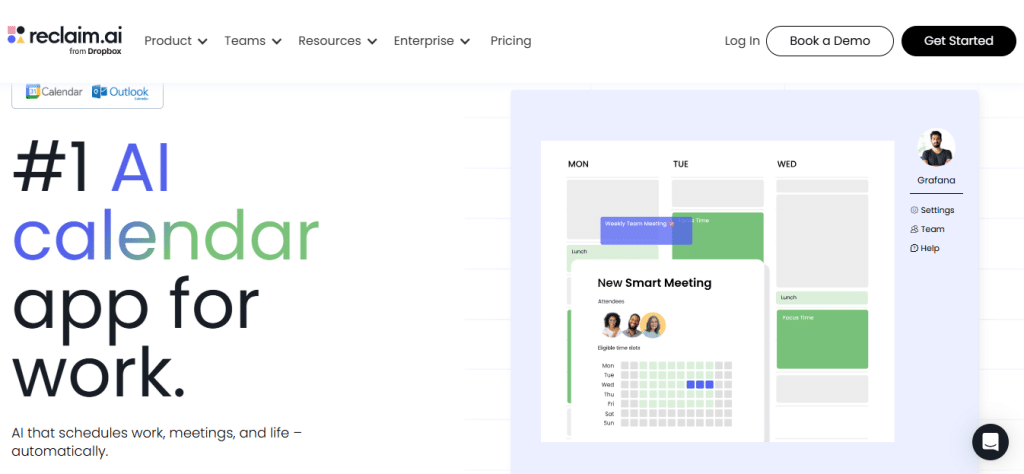
If you miss the “intelligence” of x.ai, Reclaim is likely your best bet. It doesn’t just book meetings; it defends your life.
-
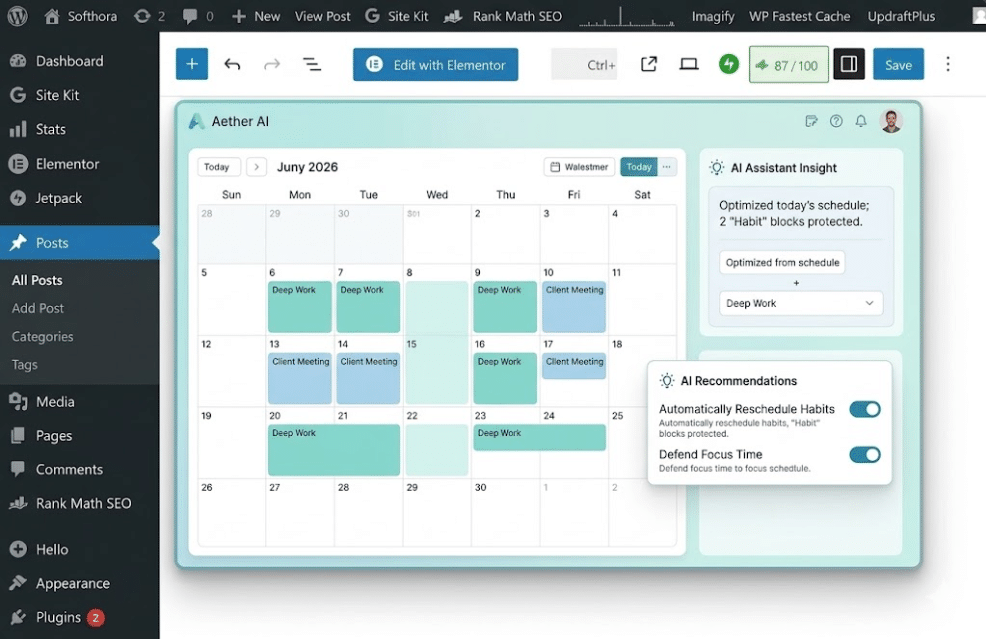
The “Secret Sauce”: Reclaim uses AI to automatically block time for your “Habits” (like lunch or deep work).
-
Why it beats Calendly: If an urgent meeting comes in, Reclaim can move your “Lunch” block automatically. It treats your calendar as a living, breathing thing rather than a static grid.
-
2026 Update: Reclaim now features “Priority Links,” which can actually show more availability to VIP clients by temporarily “hiding” your low-priority tasks.
3. Motion: The “All-in-One” Work Manager
Motion is one of the most powerful Calendly vs x.ai alternatives for heavy task management. Motion is for the person who wants the AI to do 90% of the work. It’s less of a “scheduling link” and more of a personal Chief of Staff.
-
How it works: You give Motion a list of tasks and deadlines. The AI then builds your entire daily schedule for you.
-
The AI Factor: If a meeting runs long, Motion automatically shifts the rest of your day’s tasks to ensure you still hit your deadlines.
-
Best for: Project managers and CEOs who have chaotic schedules and no time to manually move calendar blocks.
| Feature | Calendly | Reclaim.ai | Motion |
| Best For | Simple Booking | Habits & Tasks | Complex Projects |
| Method | Send a link | AI-Shielded Time | Auto-Schedule |
| Learning Curve | Very Low | Medium | High |
| 2026 Status | Industry Leader | Top AI Choice | Premium Power |
Pricing Plans
Calendlyoffers a free plan with basic features. Its paid plans start at $8 per user per month. The Premium plancosts $10 per user per monthand adds integrations. The Pro planis $15 per user per monthand includes advanced tools like workflows and SMS notifications.
X.Aiprovides a free trial but no free plan. Pricing begins at $25 per user per month. The Professional plansupports more meetings and calendar connections. The Teams plancosts more and offers team collaboration features. Custom enterprise pricing is also available.
| Feature | Calendly | X.Ai |
|---|---|---|
| Free Plan | Yes, with limited features | No |
| Starting Price | $8/user/month | $25/user/month |
| Advanced Features | Pro plan at $15/user/month | Professional and Teams plans |
Ai Scheduling Accuracy
Calendlyuses AI to suggest the best meeting times based on your availability and preferences. It can automatically detect time zones, reducing scheduling errors. The AI also sends reminders and follow-ups to keep meetings on track. Its simple interface helps users quickly set up meetings without confusion.
X.Ai offers an AI assistant that communicates via email to arrange meetings. It understands natural language, making scheduling feel like talking to a real person. The AI handles rescheduling and cancellations smoothly. It learns from past interactions to improve its accuracy over time. If you want more tools here it is.
| Feature | Calendly AI | X.Ai AI |
|---|---|---|
| Scheduling Method | Calendar integration with smart time suggestions | Email-based assistant for natural language scheduling |
| Time Zone Handling | Automatic detection and adjustment | Automatic detection and adjustment |
| Follow-ups | Automated reminders and follow-ups | Manages reschedules and cancellations |
| Learning Ability | Basic learning from user preferences | Improves accuracy from past interactions |

Customer Support
Calendlyoffers multiple support optionsfor users. You can access a help centerfilled with guides and FAQs. Live chat support is available during business hours. Email support responds within a day. There is also a community forumwhere users share tips and solutions.
X.Aiprovides a help deskwith detailed articles. Email support is the main way to get help. Response times vary but are usually quick. No live chat is currently offered. Users can find answers in the knowledge baseonline.
User Reviews
Reviews for these Calendly vs x.ai alternatives show that automation is the top priority. Calendly users praise its easy setup and clean interface. Many find it simple to share links for scheduling. The integration with calendars works well for most. Some mention limited features in the free plan. A few wish for more customization options in notifications.
Feedback on X.Ai often highlights its AI-powered scheduling that saves time. Users like that it can handle emails to set meetings. Some find the AI not always accurate in understanding requests. A few report occasional delays in response. Overall, many appreciate its hands-off approach to planning.
Best Use Cases
Calendlyworks well for people who want simple, easy scheduling. It fits best for small teams, freelancers, or anyone who needs to share their availability quickly. Its user-friendly interfacehelps set meetings without fuss. Calendly is good for integrationswith calendars like Google or Outlook.
X.Aiis better for those who want an AI assistantto handle emails and schedule meetings automatically. It suits busy professionalswho get many meeting requests. X.Ai can read emails and find the best time to meet, saving lots of time. It works well with complex calendars and multiple time zones.
Frequently Asked Questions
Frequently Asked Questions (FAQ)
Is x.ai (Amy/Andrew) still available?
No. The original x.ai scheduling assistant was sunset. The domain and company assets were transitioned into Elon Musk’s xAI project, which focuses on Large Language Models like Grok.
Does Calendly use AI now?
Calendly uses automation for workflows and reminders, but it does not currently offer the “autonomous scheduling” (moving tasks around based on priority) that tools like Reclaim or Motion provide. Many people searching for Calendly vs x.ai alternatives prefer Motion for its AI features.
What is the best free alternative to x.ai?
Reclaim.ai offers a very generous free tier that includes smart habits and basic task integration, making it the most accessible “intelligent” alternative in 2026.
Can Calendly And X.ai Integrate With Other Apps?
Yes, both Calendly and X. Ai integrate with popular calendars like Google Calendar and Outlook. Calendly also connects with CRM and video conferencing tools. X. Ai primarily integrates via email and calendar syncing.
Conclusion
The era of “Amy and Andrew” might be over, but AI scheduling is more powerful than ever. If you want to keep it simple, stick with Calendly. But if you’re ready for a calendar that actually understands your priorities, give Reclaim or Motion a try. Your future, less-stressed self will thank you. When choosing between these Calendly vs x.ai alternatives, consider your budget.
Try both to see which fits your style better. Scheduling should save time, not cause stress. Choose the tool that makes your work easier and keeps things organized.