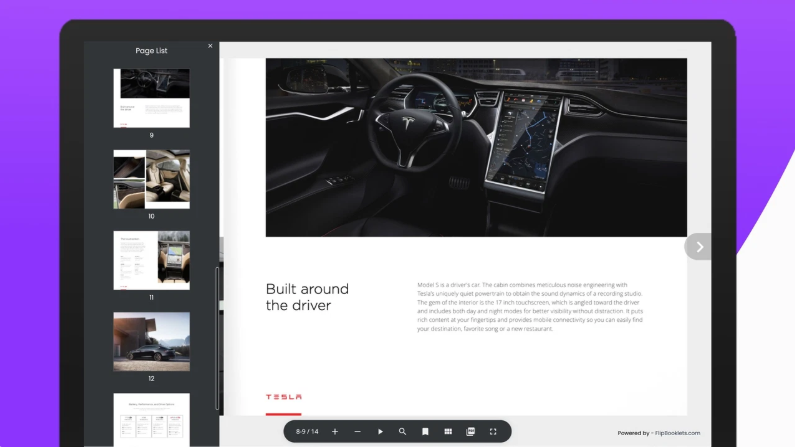
Are you trying to decide between Flipbooklets and FlippingBook for your digital publications? Choosing the right flipbook tool can make a big difference in how your content looks and performs.
You want something easy to use, reliable, and packed with features that fit your needs. But with so many options, it’s easy to feel overwhelmed. You’ll discover the key differences between Flipbooklets and FlippingBook, so you can pick the perfect tool to engage your audience and boost your results.
Keep reading to find out which one matches your goals and why it matters for your next project.
Credit: blog.flipsnack.com
Flipbooklets Features
Flipbooklets offers a range of features designed for easy digital publishing. These features help create interactive, engaging flipbooks. The platform focuses on usability and flexibility. Users can create, share, and protect their content effectively.
User Interface And Design
Flipbooklets has a simple and clean user interface. The design tools are easy to use for beginners. It offers drag-and-drop options to arrange pages and add media. The layout adapts well to different screen sizes. Users can create professional-looking flipbooks without design skills.
Offline Access And Responsiveness
Flipbooklets supports offline access for published flipbooks. Readers can download flipbooks and view them without internet. The flipbooks are responsive and work on all devices. This ensures smooth reading on phones, tablets, and desktops. Responsiveness improves the reader experience across platforms.
Security And Password Protection
Flipbooklets provides strong security features to protect content. Users can set passwords for their flipbooks. This restricts access to authorized viewers only. The platform uses encryption to keep data safe. These measures help maintain privacy and control over shared materials.
Customization Options
Flipbooklets offers many customization options for branding. Users can change colors, fonts, and backgrounds easily. It allows adding logos and custom covers. Interactive elements like links and videos can be included. Customization helps create unique flipbooks that fit brand identity.
Flippingbook Features
FlippingBook offers a range of features designed to enhance digital publications. These features help create engaging, interactive documents for business and marketing use. The platform focuses on easy conversion, powerful tools, and brand customization. Below, key features of FlippingBook are explained to highlight its strengths.
Interactive Pdf Conversion
FlippingBook converts PDF files into interactive flipbooks. Pages turn smoothly, mimicking a real book. Users can add links, videos, and audio to make content richer. This feature improves reader engagement and keeps attention longer. Interactive elements make documents more dynamic than static PDFs.
Marketing And Sales Tools
The platform includes tools to support marketing efforts. Users can add call-to-action buttons to guide readers. Analytics track how readers interact with the flipbook. This data helps improve marketing strategies. Integration with email and CRM tools boosts sales follow-up.
Branding And Exit Management
FlippingBook allows full branding customization. Users can add logos, colors, and custom URLs. This keeps the brand consistent and professional. Exit management controls where readers go after closing the flipbook. It directs users to websites or landing pages, enhancing user journey.
Subscription Vs One-time Purchase
FlippingBook offers subscription plans with regular updates and support. This suits businesses needing ongoing access to features. One-time purchase options are rare and limited. Subscriptions ensure users get the latest tools and security fixes. Pricing varies based on usage and features.
Pricing And Plans
Choosing the right pricing plan is important for any business or individual. Both Flipbooklets and FlippingBook offer various options to fit different needs. Understanding their pricing structures helps in deciding which one suits your budget and requirements best. Let’s explore the details. Learn more about Flipbooklets pricing here!
Flipbooklets Pricing Structure
Flipbooklets provides a simple pricing model. It offers a free plan with limited features. Paid plans start at a low monthly fee. These plans include more storage and premium features. Users can choose plans based on the number of flipbooks they need. There are no hidden costs. The pricing is straightforward and easy to understand. It is also a Lifetime Deal!
Flippingbook Pricing Options
FlippingBook offers several pricing tiers. These include monthly and yearly subscriptions. The basic plan covers essential features for small projects. Higher tiers unlock marketing tools and advanced branding options. FlippingBook’s plans also include customer support and analytics. It suits businesses needing professional presentations. Pricing varies depending on the number of users and features.
Cost-effectiveness Comparison
Flipbooklets is more affordable for beginners and small projects. It works well for users with simple needs. FlippingBook is better for businesses needing extra features. It offers more tools but at a higher cost. Consider how many flipbooks you will create. Factor in the features you truly need. Balance price with functionality for the best value.
User Experience
User experience shapes how readers interact with digital flipbooks. It affects satisfaction and engagement. Both Flipbooklets and Flippingbook aim to offer smooth and enjoyable reading. Let’s explore their user experience in detail.
Ease Of Use And Navigation
Flipbooklets offers a simple interface with clear controls. Users can easily flip pages and zoom in or out. Navigation buttons are intuitive and easy to find.
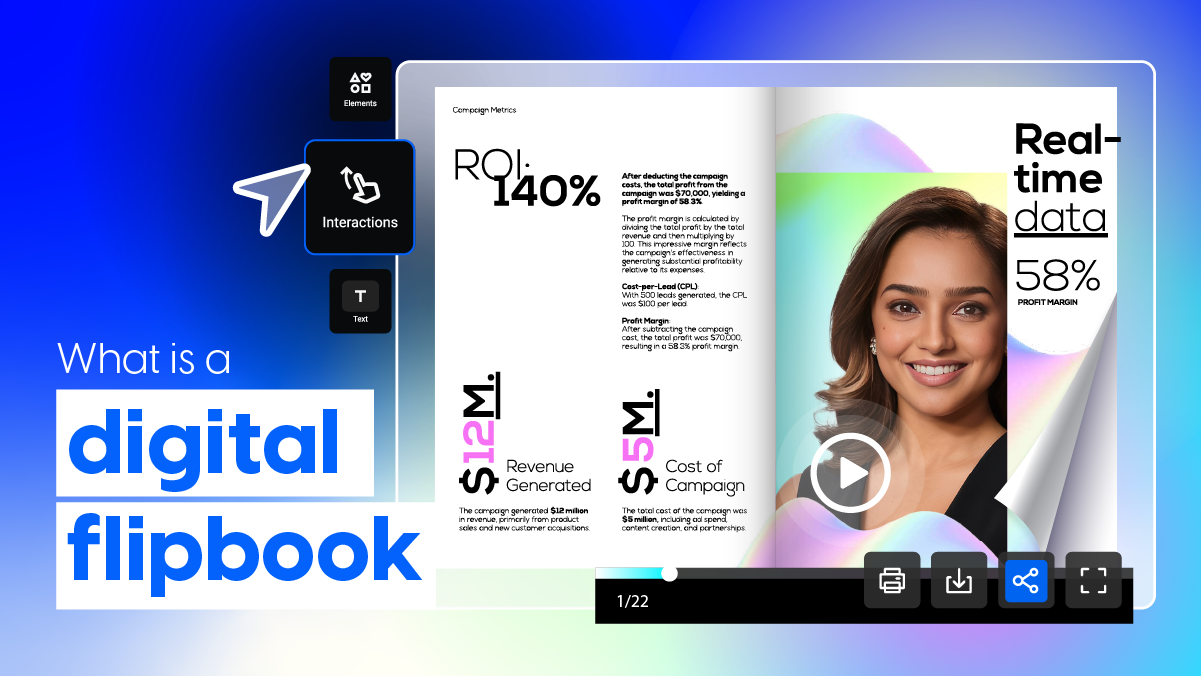
Flippingbook provides a clean layout with smooth page transitions. It includes a thumbnail preview to jump between pages quickly. Both platforms keep navigation straightforward for all users.
Performance And Speed
Flipbooklets loads content quickly, reducing wait times. It handles images and graphics efficiently for fast rendering.
Flippingbook also performs well, especially with large documents. It uses optimized technology to ensure pages turn without lag. Speed remains consistent across various file sizes.
Mobile And Browser Compatibility
Flipbooklets works well on most modern browsers and mobile devices. It adapts to screen sizes for easy reading on phones and tablets.
Flippingbook supports a wide range of browsers and mobile platforms. The responsive design adjusts layout for different devices. Users get a seamless experience whether on desktop or mobile.
Security And Privacy
Security and privacy are top priorities for users choosing digital flipbook platforms. Protecting sensitive content and controlling access build trust and ensure safe sharing. Both Flipbooklets and Flippingbook offer tools designed to keep your publications secure. Understanding their security features helps you pick the right option for your needs.
Data Protection Features
Flipbooklets uses encryption to protect data during upload and storage. It safeguards your files from unauthorized access. Flippingbook applies advanced encryption protocols to secure your documents. Both platforms comply with industry standards to maintain data safety. Regular backups and secure servers add extra protection to your content.
Password And Access Controls
Flipbooklets allows setting passwords for individual flipbooks. You decide who can view your content by sharing passwords. Flippingbook also supports password protection and offers user authentication. You can restrict access by setting expiration dates or limiting views. These controls help keep your flipbooks private and secure.
Secure Sharing Capabilities
Flipbooklets provides secure links with optional password protection for sharing. You control whether recipients can download or print the flipbook. Flippingbook offers similar features, with detailed sharing settings. You can share privately or embed flipbooks on trusted websites. Both platforms ensure your content stays safe during distribution.
Integration And Compatibility
Integration and compatibility define how easily a tool fits into your existing workflow. For digital flipbooks, these factors affect productivity and user experience. Flipbooklets and FlippingBook each offer unique options to connect with other software and platforms.
Supported File Formats
Flipbooklets mainly supports PDF files for creating flipbooks. This focus ensures smooth conversion and consistent display. FlippingBook also uses PDFs but allows importing Microsoft Office files like Word and PowerPoint. This adds flexibility for users working with different document types.
Third-party Integrations
Flipbooklets offers basic integrations with email marketing tools and social media platforms. It helps you share content quickly but has limited options for advanced automation. FlippingBook supports more third-party tools, including CRM systems and analytics platforms. This support helps businesses track reader behavior and manage leads effectively.
Embedding And Sharing Options
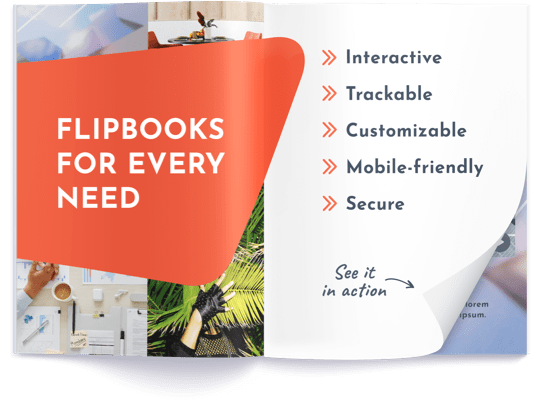
Both platforms allow easy embedding of flipbooks on websites via HTML code. Flipbooklets provides simple sharing links and social media buttons. FlippingBook enhances sharing with options for password protection and custom branding. It also supports mobile-friendly embeds that adjust to different screen sizes.
Customer Support And Resources
Customer support and resources play a vital role in choosing between Flipbooklets and FlippingBook. Reliable support ensures smooth usage and quick problem resolution. Useful resources help users learn and maximize the tools’ potential. Both platforms offer various support options and learning materials to assist users.
Support Channels
Flipbooklets provides email support and a contact form for inquiries. Response times are generally fast. FlippingBook offers multiple support channels, including live chat, email, and phone support. This variety allows users to choose their preferred contact method. FlippingBook’s live chat helps solve urgent issues quickly.
Documentation And Tutorials
Flipbooklets maintains a help center with guides and FAQs. These materials cover setup, customization, and troubleshooting. FlippingBook offers a more extensive knowledge base with detailed articles and video tutorials. Their step-by-step guides make it easier for beginners to create flipbooks. Both platforms update their content regularly to reflect new features.
Community And Feedback
Flipbooklets has an active user community forum. Users share tips, ask questions, and provide feedback. FlippingBook encourages user interaction through forums and social media groups. They often collect user feedback to improve their product. Engaging with these communities helps users learn from real experiences and enhance their projects.
Credit: flippingbook.com
Pros And Cons
Choosing between Flipbooklets and FlippingBook requires understanding their pros and cons. Both tools offer digital flipbook creation but differ in features and usability. Evaluating advantages and drawbacks helps pick the right one for your needs.
Flipbooklets Advantages And Drawbacks
Flipbooklets allows easy creation of interactive flipbooks without coding. It supports offline viewing, which is useful when internet access is limited. The platform offers password protection to secure your content.
Its user interface is simple, making it accessible for beginners. Flipbooklets also provides responsive designs that work well on mobile devices.
On the downside, Flipbooklets has fewer marketing tools compared to competitors. Customization options are limited, which may restrict branding efforts. Some users report occasional glitches with large files.
Flippingbook Strengths And Weaknesses
FlippingBook excels in converting PDFs into professional flipbooks quickly. It includes powerful marketing features like lead capture forms and analytics. The software supports branding with custom logos and colors.
FlippingBook offers smooth page-turning animations that enhance reader experience. It also integrates with many business tools, helping with sales and marketing workflows.
Weaknesses include a higher price point, which may not suit small budgets. The learning curve can be steep for users new to digital publishing. Some features require additional purchases or subscriptions.
Best Use Cases
Choosing the right digital flipbook tool depends on the task and audience. Both Flipbooklets and FlippingBook offer unique features. Knowing their best use cases helps you pick the right one for your needs.
Ideal Scenarios For Flipbooklets
Flipbooklets work well for small businesses and educators. They allow easy creation of simple, interactive flipbooks. Use Flipbooklets for brochures, catalogs, and presentations. It fits users who want quick results without complex tools. Offline access and password protection make it good for secure sharing. Flipbooklets suit projects that need responsiveness across devices. The platform supports basic customization and simple navigation. It is ideal for straightforward content without heavy marketing needs.
When To Choose Flippingbook
FlippingBook fits marketers and sales teams best. It offers strong marketing and sales tools built-in. Use FlippingBook to create professional catalogs and reports with branding. It supports lead capture and detailed analytics. Choose FlippingBook for customer engagement and tracking results. The tool integrates well with CRM and email platforms. It is great for companies needing polished, branded digital documents. FlippingBook handles large files and complex content effectively. It is perfect for businesses focusing on growth and outreach.
Credit: www.vfxapprentice.com
Frequently Asked Questions
What Is The Difference Between Flipsnack And Flippingbook?
Flipsnack offers a built-in design studio for easy creation, while FlippingBook focuses on converting PDFs into interactive flipbooks with advanced marketing tools.
What Is The Best Flip Book Maker?
FlippingBook and Heyzine rank among the best flip book makers. They offer interactive features, easy customization, and strong marketing tools. Heyzine stands out for affordability and analytics, while FlippingBook excels in PDF conversion and branding options. Choose based on your specific needs and budget.
Is Flippingbook Better Than Pdf?
FlippingBook offers interactive, page-turning digital content, enhancing engagement beyond static PDFs. It suits marketing and sales better. PDFs remain simpler and more universally accessible. Choose FlippingBook for interactivity; select PDF for simplicity and broad compatibility.
Conclusion
Choosing between Flipbooklets and Flippingbook depends on your specific needs. Both offer interactive digital documents with page-flipping effects. Flipbooklets provide easy offline access and simple features. Flippingbook focuses on marketing tools and customization options. Consider your budget, usage, and desired features carefully.
Test each platform to see which fits your style best. Clear goals help make the right choice. Both tools can improve how you share content online. The final decision rests on what suits your project most.