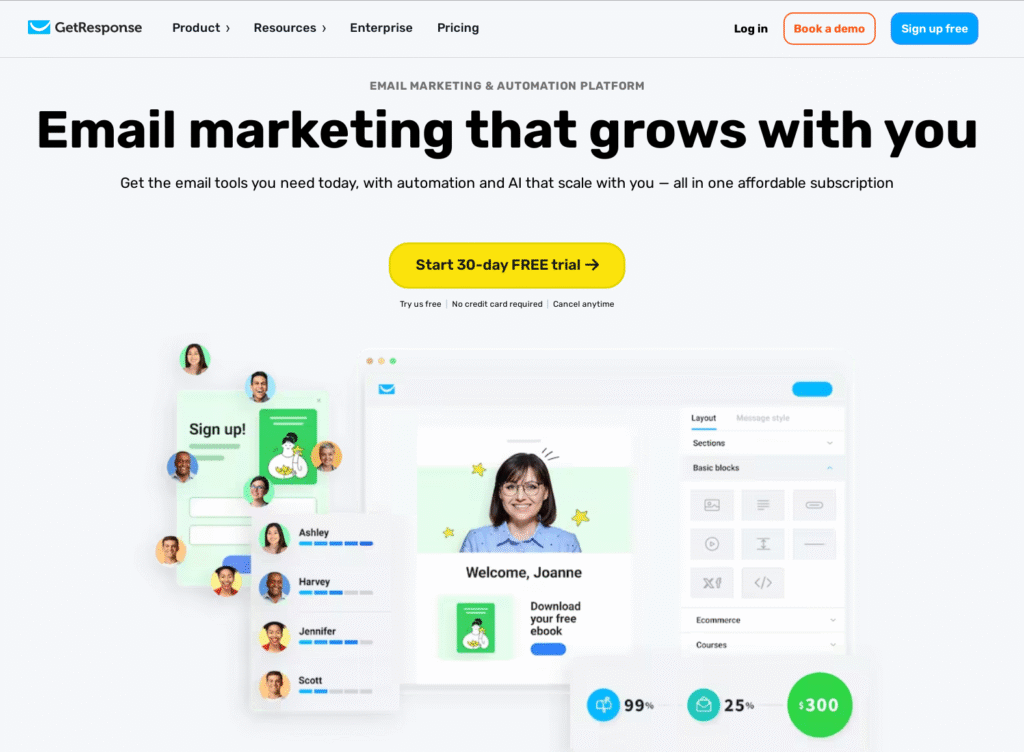
Are you looking for a powerful tool to host your webinars without hassle? You’ve probably heard about GetResponse, but is it really the right fit for your needs?
In this review, you’ll discover how GetResponse Webinar can help you connect with your audience, boost your engagement, and grow your business. Stick around, because by the end, you’ll know exactly if this platform is worth your time and investment.
Let’s dive in!

Credit: miloudimarketing.com
What Is Getresponse Webinar
GetResponse Webinaris an easy tool for hosting online meetings. It helps you connect with many people at once. You can share videos, slides, and your screen during the webinar. The tool also lets you send messages to everyone or just one person.
It works on phones, tablets, and computers. You don’t need to download anything to join. The platform also records your sessions so you can watch them later or share them with others.
GetResponseoffers features like polls and Q&A to keep people interested. You can also see who is online and track how many people join. This makes it simple to plan and run your webinars smoothly.

Credit: miloudimarketing.com
Key Features For Sales Growth
Interactive toolshelp keep your audience involved during webinars. Features like live polls, chat, and Q&A let viewers share thoughts and ask questions easily. These tools build trust and make sessions more fun.
Automation optionssave time by managing invitations, reminders, and follow-ups automatically. You can set emails to send before and after events without extra work. This helps reach more people and keeps them engaged.
| Analytics and Reporting | Benefits |
|---|---|
| Attendance tracking | See who joined and for how long |
| Engagement reports | Know which parts kept viewers interested |
| Conversion data | Measure how many attendees took action |
Setting Up Your First Webinar
Creating a webinar event is easy with Getresponse. First, choose a clear titleand set the date and time. You can pick if the webinar is liveor automated. Next, customize your registration page. Add your logo, change colors, and write a simple description. This makes the page look professionaland trustworthy. Make sure the form asks for only important information, like name and email. Finally, invite attendees by sending emails. Use the built-in email tool to write short, friendly messages. You can also share the registration link on social media or websites. Remind people a day before the webinar. These easy steps help you set up your first webinar without stress.
Engaging Your Audience
Live pollshelp keep your audience active during webinars. They allow quick feedback and make sessions interactive. QAsessions let viewers ask questions in real time, making the event more personal and clear.
The chat featuresupports ongoing conversations and lets attendees share ideas easily. It creates a sense of community and keeps interest high throughout.
Follow-up emailsare important to keep contact after the webinar ends. These emails can remind attendees about key points and offer extra resources. They help build trust and encourage future participation.
Integrations And Compatibility
GetResponseworks well with many CRM and marketing tools. It connects easily with popular platforms like Salesforce, HubSpot,and Zoho CRM. This helps users keep all customer data in one place. Email marketing tools like Mailchimpand ActiveCampaignalso sync smoothly.
Payment gatewayssupported include PayPal, Stripe,and Authorize.Net. These let users accept payments during webinars. The setup is simple, helping users sell products or services online.
Many third-party appswork with GetResponse. Popular tools like Zapierconnect GetResponse to hundreds of other apps. This adds more features and custom options. Users can automate tasks easily without coding.
Pricing And Plans
The free planoffers basic webinar features like hosting up to 100 contacts and limited emails. It includes one webinar sessionwith up to 100 attendees. Paid plans provide more advanced tools, such as automated webinars, larger attendee limits, and detailed analytics.
Subscription options include Monthlyand Annualplans. Annual plans save money with a discount. Paid plans start with the Basictier and go up to Professional. Higher tiers give access to better support and extra features.
| Feature | Free Plan | Paid Plans |
|---|---|---|
| Webinar Sessions | 1 session | Unlimited sessions |
| Attendee Limit | 100 attendees | Up to 1,000+ attendees |
| Automated Webinars | No | Yes |
| Analytics | Basic | Advanced |
Value for money depends on how many webinars you run. Paid plans suit users needing more attendeesand features. Free plan fits small users or beginners testing the platform.
Pros And Cons
GetResponse Webinaroffers easy setup and clear interface. It supports live and automated webinars, helping users reach many attendees. The platform allows email remindersto boost participation. Tools for polls and Q&A sessionskeep audiences engaged. It integrates well with other marketing tools.
Some users find the pricing higher than similar services. Limited customization options may not suit all brands. The video qualitycan vary depending on internet speed. Customer support response time is sometimes slow. No free plan is available, only a trial period.
Tips For Maximizing Sales
Crafting compelling contentmeans making your message clear and interesting. Use simple words and short sentences. Focus on benefits for your audience. Tell stories or give examples to keep people engaged. Use questions to make them think.
Timing and schedulingare key to good attendance. Choose times when your audience is free, like evenings or weekends. Send reminders before the webinar starts. Avoid scheduling at busy hours or holidays. Consistency helps people remember your events.
Using analytics effectivelyhelps improve future webinars. Track how many join and how long they stay. See which parts keep attention and which lose it. Use this data to change your content or timing. Small changes can lead to better results.
Real User Experiences
Many usershave shared their positive experienceswith Getresponse webinars. They enjoy the easy setupand smooth streaming. Some report increased audience engagementand better lead generation. These success stories highlight the platform’s user-friendly interfaceand reliable features.
Common challengesinclude occasional technical glitchesand a learning curvefor beginners. Some users mention limited customizationin certain plans. Still, many find these issues manageable with practice and patience.
Customer support feedbackis mostly positive. Users appreciate the quick responsesand helpful guides. Some feel support could be more availableduring busy times, but overall, it meets user needs well.

Credit: saaschooser.com
Frequently Asked Questions
What Is Getresponse Webinar And How Does It Work?
GetResponse Webinar is an all-in-one platform for hosting live and automated webinars. It integrates email marketing and CRM. Users can create, promote, and analyze webinars easily to engage their audience and boost sales.
Can Getresponse Webinar Handle Large Audiences?
Yes, GetResponse Webinar supports up to 1,000 attendees per webinar. It offers scalable plans to accommodate growing audiences. The platform ensures smooth streaming and interactive features for large groups.
What Are The Key Features Of Getresponse Webinar?
Key features include real-time chat, polls, polls, surveys, webinar replay, and automated webinars. It also offers analytics, email reminders, and CRM integration. These features help increase engagement and measure webinar success.
Is Getresponse Webinar Easy For Beginners?
Yes, GetResponse Webinar is user-friendly with a simple interface. It offers templates, drag-and-drop tools, and step-by-step guidance. Beginners can set up and run webinars without technical skills.
Conclusion
GetResponse Webinar offers useful tools for online presentations. It supports easy setup and reliable streaming. The platform helps connect with audiences smoothly. Features like polls and Q&A boost engagement. Pricing fits small and medium businesses well. Overall, it suits those needing straightforward webinar software.
Give it a try to see how it works for you. A good option for simple, effective webinars.