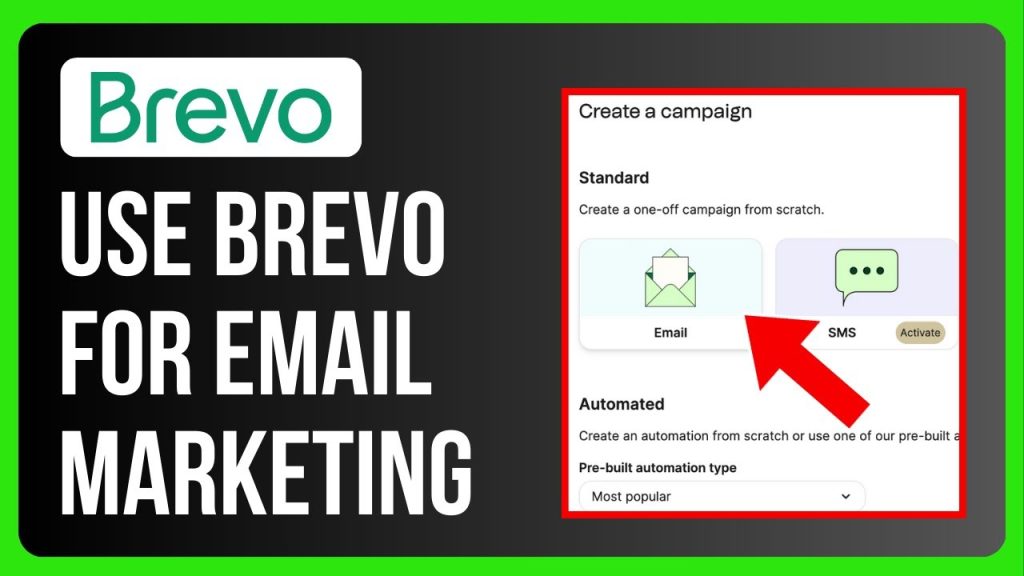
Are you struggling to get your emails noticed and opened? Imagine having a simple tool that helps you create eye-catching emails, reach the right audience, and boost your business—all without spending hours figuring it out.
That’s exactly what Brevo offers. In this post, you’ll discover how to use Brevo for email marketing step by step, so you can connect with your customers effortlessly and see real results. Ready to make your email campaigns work harder for you?
Keep reading.
Credit: www.gravityforms.com
Setting Up Your Brevo Account
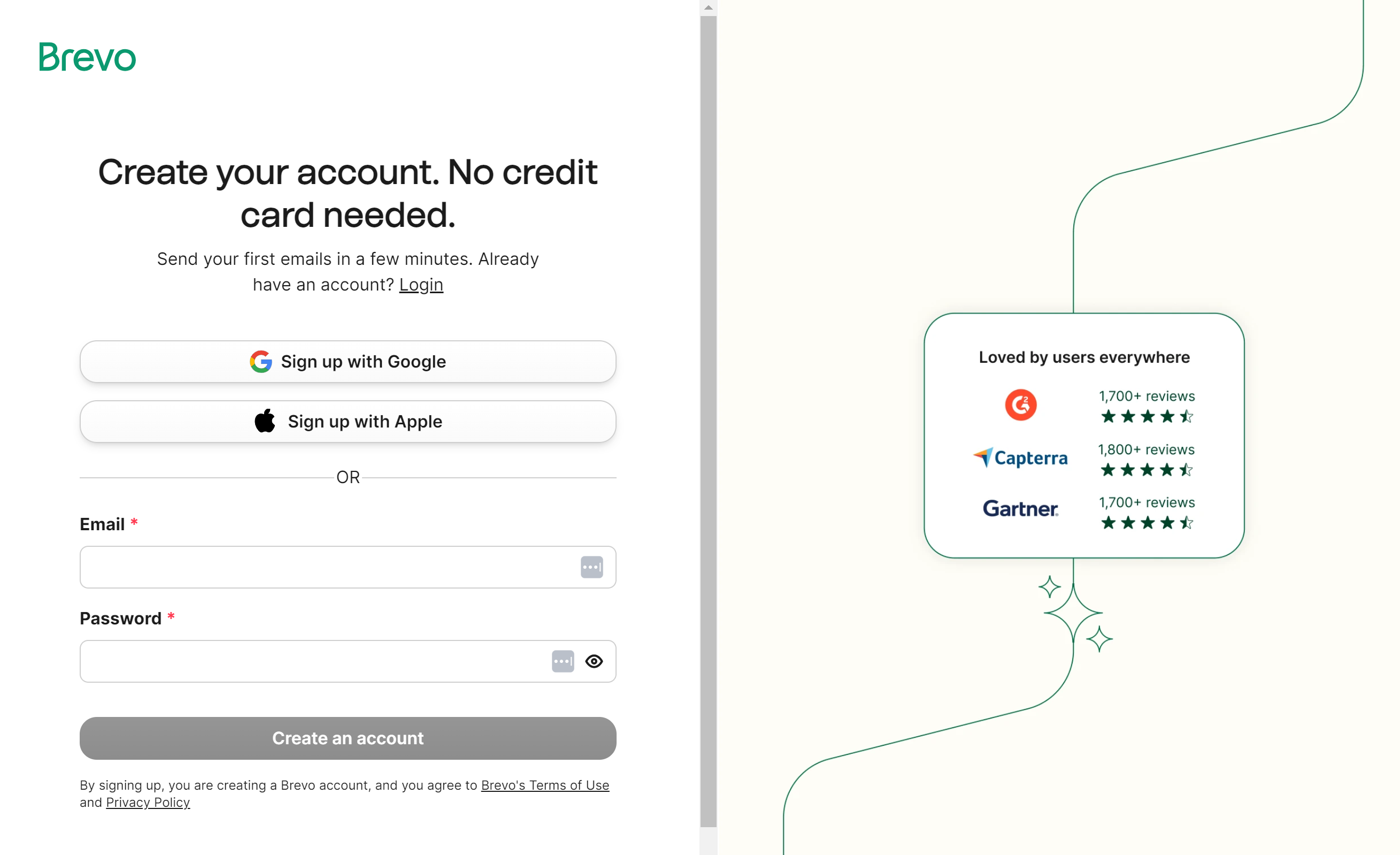
Start by visiting Brevo’s website to create your account. Enter your email and choose a strong password. After signing up, confirm your email to activate the account.
The dashboardis your control center. It shows your campaigns, contacts, and stats. Simple menus help you find tools fast. You can start a new email or check past reports here.
Importing contacts is easy. Upload a file or copy-paste emails. Group contacts by tags for better targeting. Keep your list clean by removing duplicates or wrong addresses.
Building Effective Email Campaigns
Choosing the right templatehelps create a clear message. Brevo offers many templates made for different goals. Pick one that fits your brand and audience. Simple layouts work best for easy reading. Templates with clear sections guide readers through your email.
Customizing your email designmeans changing colors, fonts, and images. Use your brand’s colors to stay consistent. Add your logo for recognition. Keep the design clean and not too busy. Mobile-friendly design is key because many read on phones.
Crafting compelling contentrequires short sentences and strong words. Start with a greeting that feels friendly. Use bullet points to list offers or benefits. Ask simple questions to keep readers interested. End with a clear call to action, like “Click here” or “Learn more.”
Segmenting Your Audience
Brevo lets you organize your contacts into contact lists. This helps send emails to specific groups. Lists can be based on age, location, or interests. Using lists saves time and makes emails more relevant.
Applying filters and tagshelps find the right people fast. Filters sort contacts by details like signup date or purchase history. Tags mark contacts with labels like “VIP” or “New customer.” This method makes targeting easier.
Targeting based on behaviormeans sending emails according to actions. For example, people who clicked a link or bought a product get special offers. This keeps emails personal and useful.
Automating Email Workflows
Triggersstart your email workflows automatically. They react to actions like signing up, clicking a link, or making a purchase. You can choose from many trigger types to fit your goals. Setting triggers right saves time and keeps contacts engaged.
Drip campaignssend emails over time. Each message builds on the last. You decide the timing and content of each email. This helps to keep your audience interested without sending too many emails at once.
Personalizing automationmakes emails feel special. Use names, past actions, or preferences to tailor messages. Personal touches can make readers pay more attention and feel valued.
Analyzing Campaign Performance
Open and click ratesshow how many people read and interact with emails. Tracking these rates helps find which emails work best. High open rates mean the subject line is good. High click rates show that content is interesting.
Bounce ratestell how many emails did not reach inboxes. There are two types: hard bounces(invalid email) and soft bounces(temporary issue). Keeping bounce rates low protects your sender reputation. Unsubscribe ratesshow how many people leave your list. Watching these helps keep your audience happy.
| A/B Testing | Purpose | Example |
|---|---|---|
| Subject Line | Find which subject gets more opens | Test “Sale today” vs “Big discounts” |
| Email Content | See which message gets more clicks | Test short vs long message |
| Send Time | Discover best time to send emails | Test morning vs evening |
Optimizing Deliverability
Authenticating your domainhelps emails reach inboxes, not spam. This process shows Brevo and email providers that you own the domain. It usually involves adding special codes (called DNS records) to your domain settings. This step improves trustand stops emails from being blocked or marked as junk.
Managing spam complaintsis key to keeping a good sender reputation. Emails that annoy recipients may get marked as spam. Brevo provides tools to track complaint rates. Lower complaint rates mean better delivery and happier subscribers.
Maintaining list hygienemeans keeping your email list clean. Remove inactive or wrong email addresses often. This reduces bounce rates and improves deliverability. Use Brevo’s features to find and delete bad emails. Healthy lists help your messages reach real people.
Integrations And Advanced Features
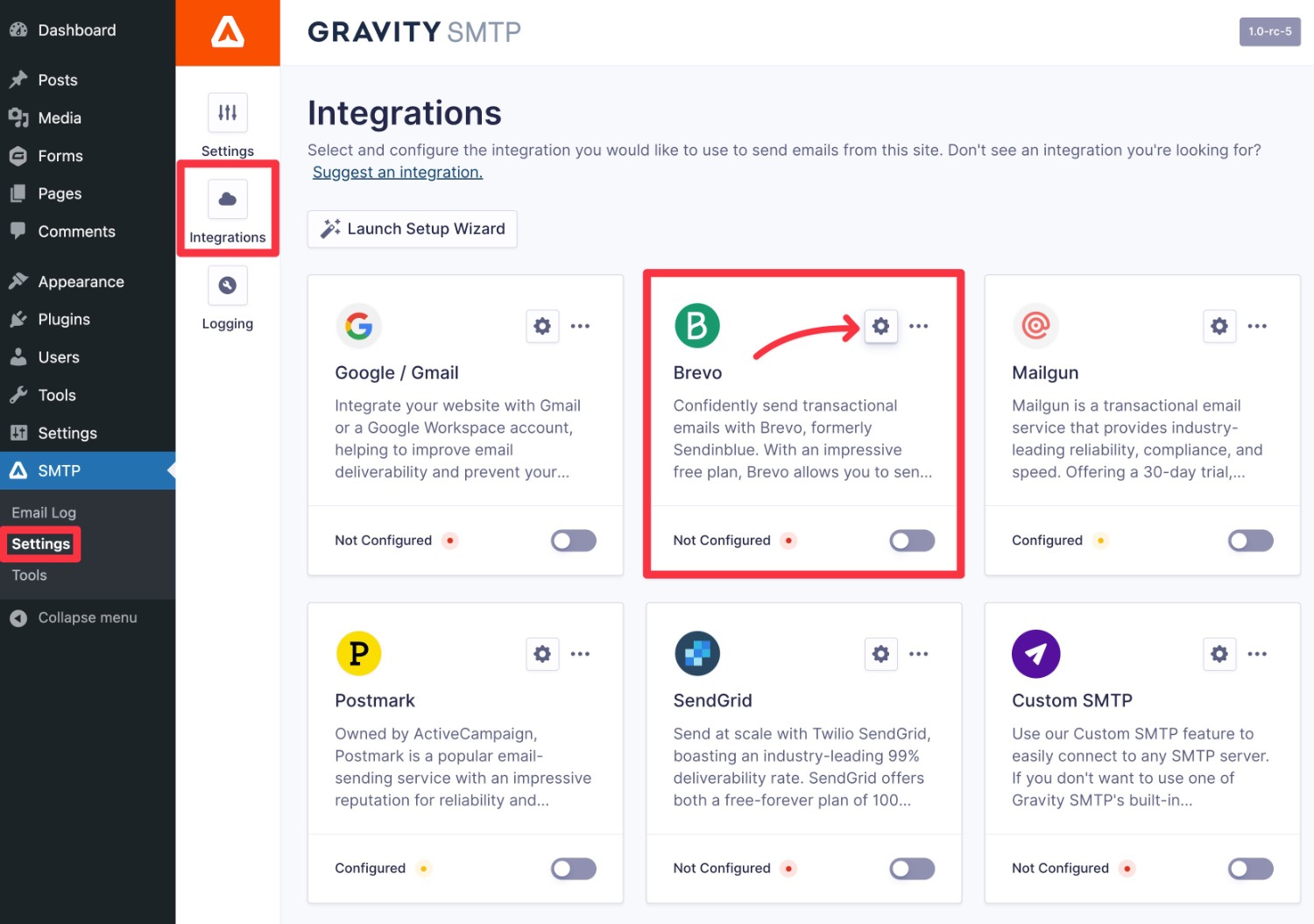
Brevo easily connects with many CRM tools. This helps you keep all customer data in one place. You can sync contacts and track customer actions. This makes your email marketing more personal and effective.
The APIlets you build custom solutions. You can automate tasks and connect Brevo to other apps. This fits your unique business needs.
Brevo also supports SMS marketing. You can send text messages to your customers. This adds another way to reach people fast and directly.
Credit: www.gravityforms.com

Credit: www.youtube.com
Frequently Asked Questions
What Is Brevo And How Does It Work For Email Marketing?
Brevo is an email marketing platform that helps create, send, and track campaigns. It offers automation, segmentation, and analytics to improve engagement and ROI. Users can design emails with templates and manage contacts efficiently for targeted communication.
How To Create Effective Email Campaigns Using Brevo?
Start by selecting a template or designing from scratch. Personalize content and segment your audience. Set automation rules for timely delivery. Test emails before sending. Use analytics to monitor open rates, clicks, and conversions for continuous improvement.
Can Brevo Integrate With Other Marketing Tools?
Yes, Brevo supports integration with popular CRM, e-commerce, and analytics tools. This allows seamless data synchronization and enhances marketing workflows. Integrations help automate tasks, improve targeting, and provide comprehensive campaign insights.
What Are The Benefits Of Using Brevo For Small Businesses?
Brevo offers affordable pricing, user-friendly interface, and powerful automation. It helps small businesses build customer relationships, increase sales, and save time. Its detailed analytics and segmentation features enable smarter marketing decisions.
Conclusion
Brevo makes email marketing simple and effective. You can create emails quickly and send them to many people. It helps you track results and see what works best. Using Brevo saves time and effort in managing campaigns. Try different templates to find what fits your audience.
Keep your messages clear and friendly for better response. Start small and grow your email list over time. Brevo offers tools that anyone can use with ease. Give it a try to improve your email marketing today.