
Are you tired of juggling endless emails and scattered messages that slow down your team’s progress? Imagine having one simple platform where all your team communication happens in real time—organized, secure, and easy to navigate.
That’s exactly what Slack offers. Whether you’re managing projects, sharing files, or collaborating with colleagues near and far, Slack’s team communication platform keeps everything in one place so you can focus on what really matters: getting work done. Ready to discover how Slack can transform the way your team communicates and boosts productivity?
Keep reading to unlock the full potential of this powerful tool.
Credit: slack.com
Slack Basics
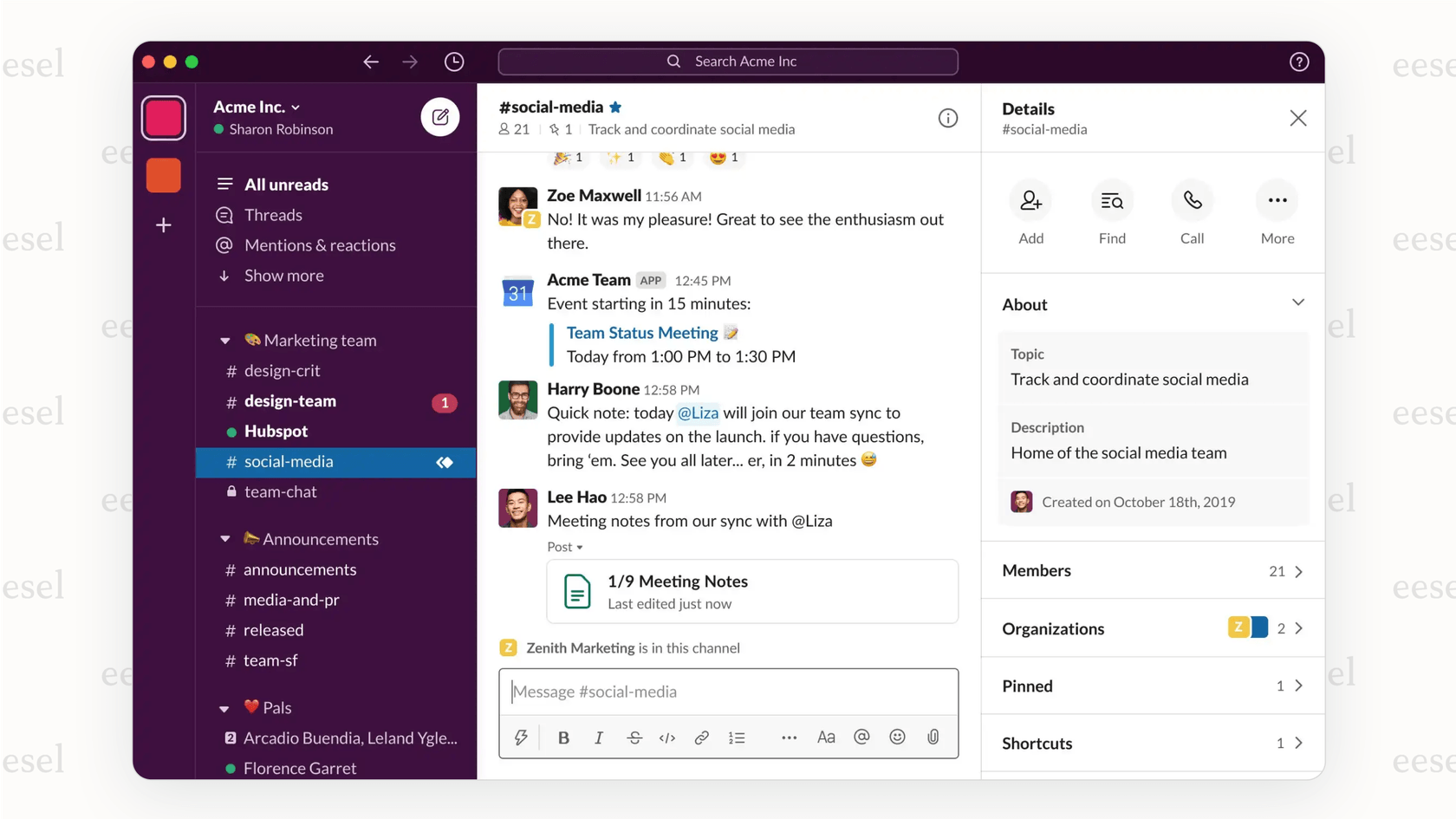
Channelsare spaces for specific projects, teams, or topics. They help keep messages organized and easy to find. Some channels are open for everyone, while others are private for certain team members.
Direct Messagesallow private chats between two or more people. These are useful for quick talks or sensitive topics not meant for the whole team.
Threaded Conversationskeep replies grouped under one message. This stops the main chat from getting messy and helps follow the flow of the discussion.
Core Features
Centralized communicationin Slack keeps all messages in one place. Teams use public and private channels to talk about projects or topics. This helps everyone stay on the same page without losing important information.
File sharingis simple and fast. Users can upload documents, images, and other files directly into chats. Adding emojismakes conversations more fun and clear by showing feelings or reactions quickly.
| App Integrations | Description |
|---|---|
| Google Drive | Access and share files directly from Google Drive inside Slack. |
| Zoom | Start video calls without leaving Slack channels or messages. |
| Trello | Manage tasks and projects linked with Slack conversations. |
Boosting Productivity
Streamlined workflowshelp teams finish tasks faster. Slack lets you create channelsfor each project or topic. This keeps conversations clear and easy to follow. Files and messages stay in one place for quick access. Direct messages allow private talks without cluttering group chats.
Organized team collaborationmakes teamwork simple. Everyone can see updates and share ideas in the right channels. Threaded conversations group replies, so chats stay neat. Team members stay on the same page, even if they work from different places.
Reducing email overloadis a big help. Slack cuts down on long email chains. Quick messages and alerts keep communication fast and easy. This saves time and helps teams focus on important work.
Collaboration Beyond Teams
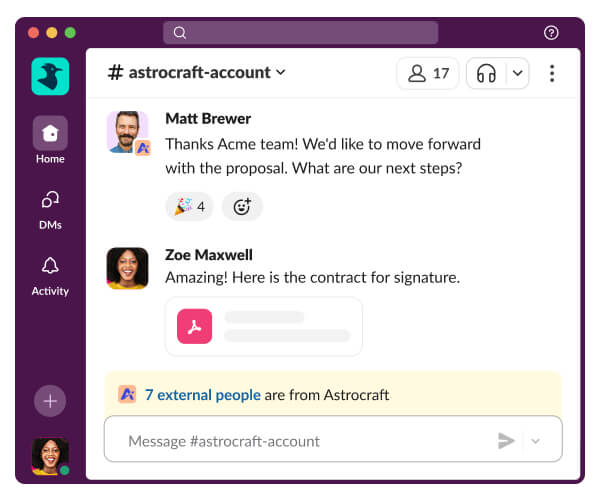
Slack Connectallows teams to work with external partnerseasily. It creates a secure space where different organizations chat and share files together. Instead of switching apps or emails, everything happens in one place.
This feature helps manage communicationacross many companies. Each team can control who sees messages and what information is shared. It reduces confusion and keeps conversations clear.
| Benefit | Description |
|---|---|
| Secure Sharing | Only invited partners can join channels and view messages. |
| Easy Collaboration | Work together on projects without leaving Slack. |
| Clear Organization | Separate channels for different partners or topics. |
| Time-saving | Less email, faster replies, and fewer meetings. |
Security And Control
Slackoffers enterprise-grade security featuresthat protect team communication and data. It uses end-to-end encryptionto keep messages and files safe. Access controls help admins manage who can see and share information.
Slack supports multi-factor authentication (MFA)to add an extra layer of protection. Regular security audits ensure the platform meets strict standards. It also provides detailed logs for tracking user activity.
Regarding data privacy and compliance, Slack complies with major regulations like GDPRand HIPAA. It offers tools for data retention and export, helping companies meet legal requirements. User data is stored securely and handled carefully.
| Security Feature | Benefit |
|---|---|
| End-to-end Encryption | Protects messages and files from unauthorized access |
| Multi-factor Authentication | Strengthens account security with additional verification |
| Compliance with GDPR and HIPAA | Ensures data privacy and legal adherence |
| Access Controls | Limits who can view or share sensitive information |
Credit: slack.com
Ai And Automation
AI-powered productivity toolsin Slack help teams work faster and smarter. These tools can automate routine taskslike scheduling meetings, sorting messages, and sending reminders. Automation reduces manual work and frees up time for important tasks.
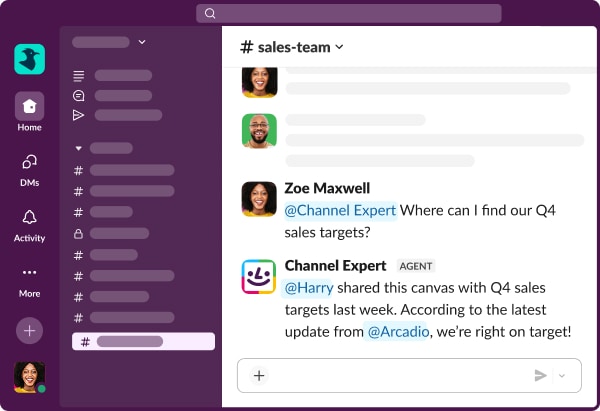
Slack’s AI can sort messagesby priority, highlight key points, and suggest quick replies. This keeps conversations clear and helps users respond quickly. Bots can also handle repetitive questions, saving time for team members.
Automation tools in Slack include:
- Task remindersthat notify users about deadlines
- Meeting schedulersthat find free times for groups
- Message sortingto show important updates first
- Auto-generated summariesof long conversations
Using these AI features helps teams stay organizedand focus on workthat needs creativity and decision-making.
Getting Started
Start by creating your Slack workspaceusing a valid email address. Choose a clear workspace name that matches your team’s purpose. Invite team members by entering their emails to connect everyone quickly. Organize your workspace with channels. Create channels for projects, departments, or topics to keep conversations tidy. Use public channelsfor open discussions and private channelsfor sensitive information. Set simple rules for channel use to avoid confusion. Customize your workspace by adding a logo and description. Explore Slack’s basic settings to adjust notifications and preferences. Encourage team members to download the Slack app for easy access. Keep messages short and clear. Use threads to reply and keep conversations organized. Remember, a well-structured workspace helps everyone communicate faster and better.
- Choose a clear and simple workspace name
- Invite team members via email
- Create channels for different topics
- Set rules for channel usage
- Customize workspace with logo and info
- Adjust notification settings
- Encourage app download for easy use
- Use threads to keep discussions clear
Credit: www.eesel.ai
Frequently Asked Questions
What Is Slack’s Communication Platform?
Slack’s communication platform enables real-time team collaboration using organized channels, direct messages, and integrations. It centralizes conversations, files, and apps for efficient, secure, and streamlined communication across teams and external partners.
How To Use Slack For Team Communication?
Use Slack by creating channels for teams or projects, sending direct messages, and organizing conversations with threads. Share files and integrate apps to streamline communication and boost team collaboration.
Can Slack Communicate With Teams?
Slack communicates with teams via channels, direct messages, and Slack Connect for external collaboration. It centralizes conversations and files efficiently.
Can Slack Be Used For Communication?
Slack enables real-time, organized communication through channels and direct messages. It centralizes conversations, files, and apps for efficient team collaboration.
Conclusion
Slack makes team communication simple and clear. It brings messages, files, and tools together in one place. Teams stay organized with channels for different topics and projects. Quick chats and threaded replies keep conversations easy to follow. Integrations help automate tasks and save time.
Remote teams can work closely no matter where they are. Secure features protect your important information. Using Slack helps teams communicate fast and work better every day. It’s a practical choice for smooth, real-time collaboration.