When it comes to managing your projects smoothly and efficiently, choosing the right software can make all the difference. You want a tool that fits your team’s style, keeps everyone on the same page, and simplifies your workflow—not adds more complexity.
But with so many options out there, how do you find the one that’s just right for you? You’ll discover the top project management software that stands out for their features, ease of use, and ability to boost your team’s productivity.
Whether you’re handling a small project or a large enterprise, keep reading to find the perfect match that will transform the way you work.
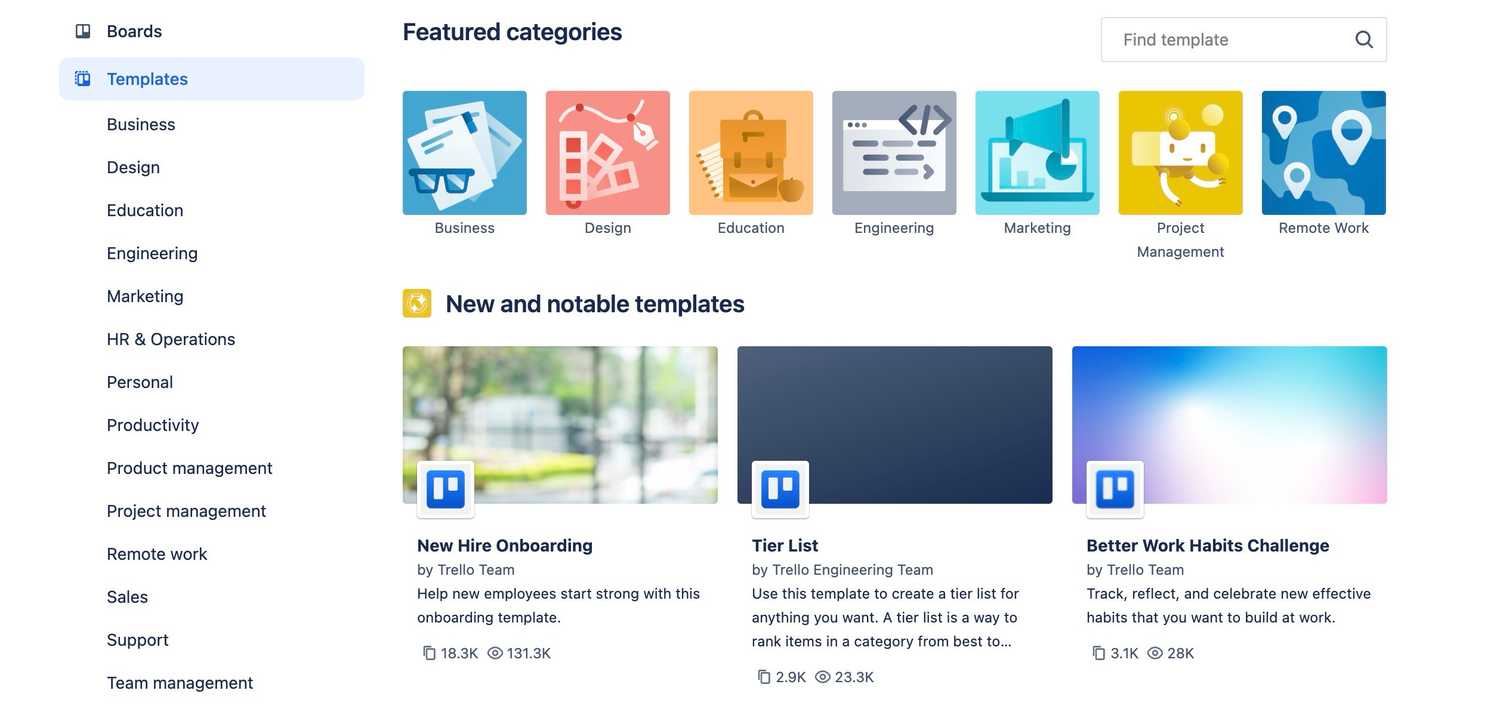
Credit: www.xda-developers.com
Popular Project Management Software
Asanaoffers easy task tracking and strong integration options. It helps teams stay organized with clear task lists and deadlines. Automation features reduce repetitive work, saving time.
Monday.comuses colorful visual workflows. It lets teams customize boards to fit their work style. Progress is easy to see with charts and timelines.
Jirais built for software teams. It focuses on bug tracking and agile project methods. Developers can track issues and releases smoothly.
Microsoft Projectprovides detailed control of resources and budgets. It is good for large projects needing careful planning. Gantt charts help visualize timelines clearly.
ClickUpis an all-in-one platform with many built-in tools. It combines task management, docs, and chats. Teams can keep all work in one place for easy access.
Choosing The Right Software
User interfaceshould be simple and easy to understand. Clear menus and buttons help users start quickly.
Tool integrationslet teams connect the software with apps they already use. This saves time and avoids switching between tools.
Collaboration featuresallow team members to share ideas and updates in real time. Chat, comments, and file sharing are important.
Support for workflowsmeans the software fits your way of working. Features like Kanban boards or Gantt charts help organize tasks clearly.
Scalabilitymatters if your team grows. The software should handle more users and bigger projects without slowing down.
Solutions For Large Projects
Celoxishelps teams manage large portfolios easily. It offers resource trackingand budget controltools. You can see all projects in one place, making it easy to spot delays.
ProofHubgives a shared space for teams. It combines task management, chat, and file sharing. This keeps all communication clear and organized.
Wrikeworks well for big companies. It supports custom workflowsand real-time updates. Wrike also allows easy collaborationacross different teams and locations.
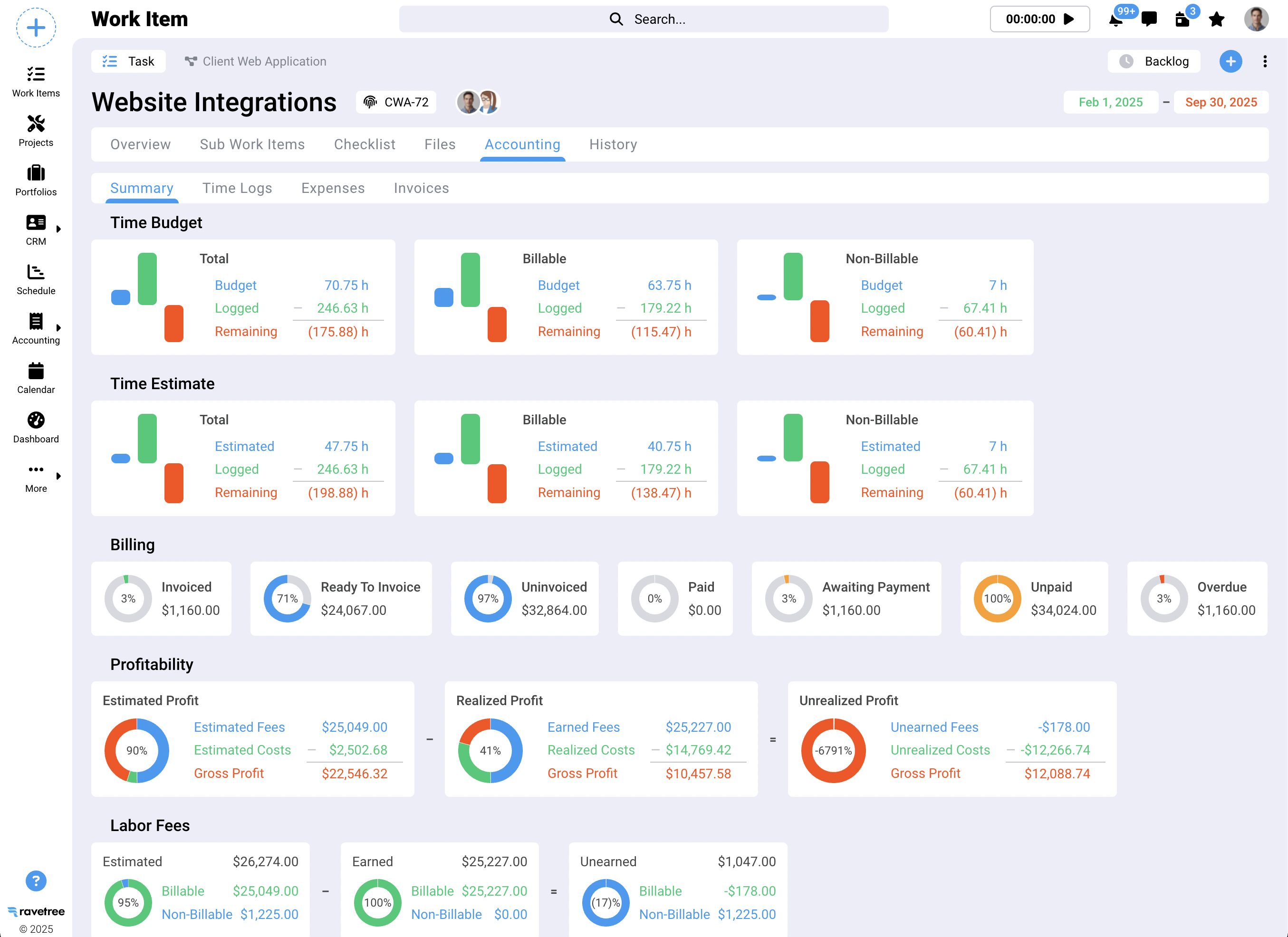
Credit: www.ravetree.com
Specialized Project Tools
GanttProis simple and good for beginners. It helps create clear Gantt chartsto track project steps. Users can easily see deadlines and progress.
Teamworkworks well for client projects. It offers tools for time tracking, billing, and collaboration. This keeps clients updated and teams organized.
Paymoand ActiveCollabare great for small teams. Both provide task management, time tracking, and invoicing. They help teams manage work and payments in one place.
Larkand SCANDoffer communication and project tools combined. Lark includes chat, video calls, and docs. SCAND focuses on custom workflowsand team collaboration.
Boosting Team Productivity
Agilemania techniqueshelp teams stay flexible and responsive. They focus on quick tasks, regular feedback, and clear goals. This way, teams can adjust work fast and keep projects on track.
Top tools to enhance outputinclude Asana, Monday.com, and Jira. These tools help teams plan, track, and finish tasks efficiently. They offer features like task lists, calendars, and progress reports.
Supercharging with LinkedIn insightsmeans using LinkedIn data to find skilled team members and learn industry trends. It helps managers build strong teams and make smarter decisions.
Credit: eluminoustechnologies.com
Industry-specific Software Uses
Jirais widely used in IT projects. It helps teams track bugs and tasks easily. Agile methods like Scrum and Kanban work well with Jira. It supports fast changes and clear communication.
Microsoft Projectsuits training and educational projects. It offers detailed planning tools like Gantt charts. You can manage timelines, resources, and budgets in one place. It helps trainers keep everything on track.
Smartsheetis perfect for those who love spreadsheets. It looks like Excel but adds project features. Teams can collaborate, set deadlines, and automate tasks. It is simple for users familiar with spreadsheets.
Frequently Asked Questions
What Is The Most Widely Used Project Management Software?
The most widely used project management software includes Asana, Monday. com, Jira, Microsoft Project, and ClickUp. Each suits different team needs.
What Is The Best Project Management Program?
The best project management program depends on your needs. Popular choices include Asana for integrations, Jira for software teams, Monday. com for visuals, Microsoft Project for enterprise control, and ClickUp for all-in-one features. Choose based on your team’s size, workflow, and required tools.
What Are The Big 3 In Project Management?
The big 3 in project management are scope, time, and cost. They form the project management triangle.
What Is 90% Of A Project Manager’s Job?
Ninety percent of a project manager’s job involves planning, organizing, and coordinating tasks to ensure project goals are met efficiently. They communicate with teams, manage resources, monitor progress, and solve problems to keep the project on track and within budget.
Conclusion
Choosing the right project management software helps teams work better together. Consider what features your team needs most. Some tools suit small teams, others fit large enterprises. Easy navigation and good integrations save time daily. Collaboration features keep everyone on the same page.
The best software matches your project style and goals. Take time to explore options before deciding. The right tool can improve your workflow and project success.