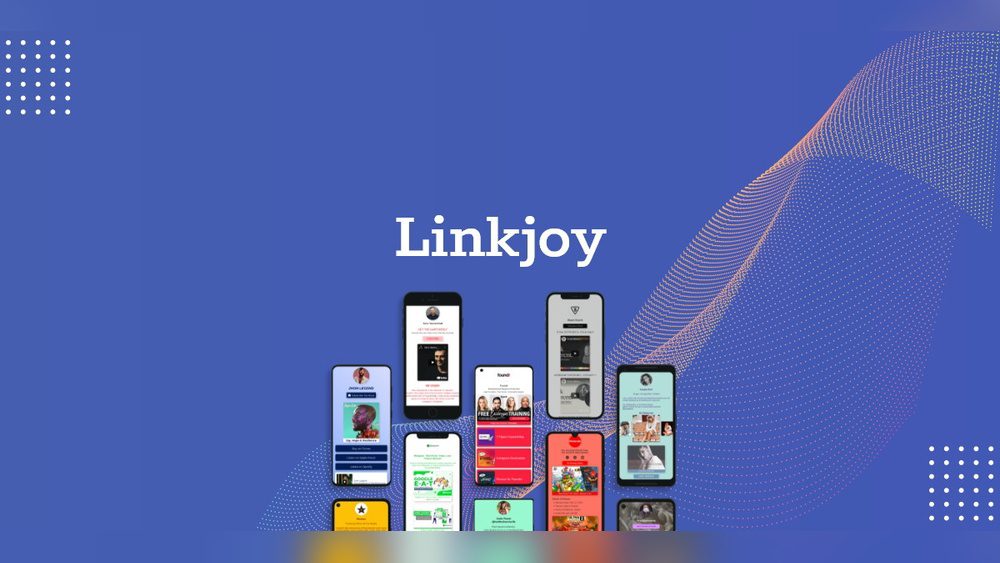
Are you struggling to manage multiple links in your online profiles or marketing campaigns? What if there was a simple tool that lets you organize all your important links in one place, making it easy for your audience to find exactly what they need?
That’s where Linkjoy comes in. This powerful platform helps you create a single, clickable link that leads your followers to everything you want to share. Keep reading to discover how Linkjoy can simplify your online presence and boost your engagement like never before.
Credit: appsumo.com
What Is Linkjoy
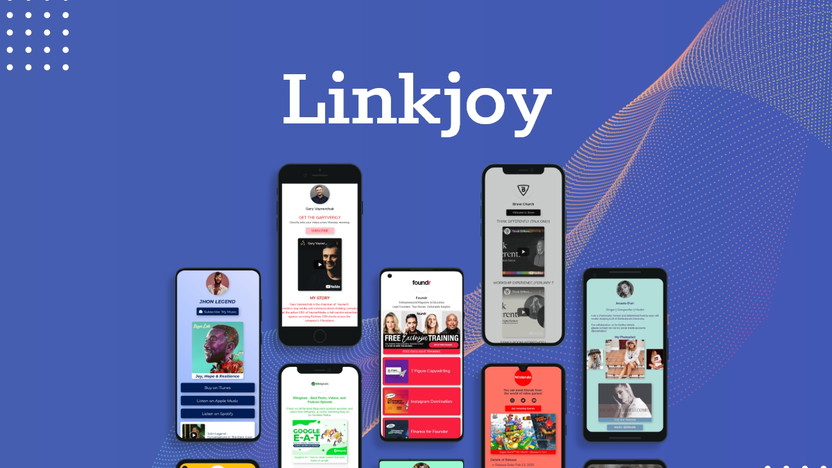
Linkjoy is a tool that helps people share multiple links easily.
It is sold on AppSumo. It creates a single page with many links. This page can be shared on social media or other platforms. It is useful for those who want to share several links without confusion.
Many users, like bloggers, influencers, and businesses, use Linkjoy. It organizes links in one place. This makes it simple for followers to find and visit different sites or pages.
What Does Linkjoy Do?
Linkjoy creates a custom landing page with many links. Users add their important links, like websites, stores, or social profiles. Then, they share one main link that leads to this page. Visitors see all links on one screen. This saves time and space on social media profiles.
Who Uses Linkjoy?
Influencers use Linkjoy to share content easily. Businesses share product links and contact info. Bloggers collect readers’ favorite posts in one place. This tool helps many people stay connected with their audience.
Why Choose Linkjoy?
Linkjoy offers simple setup and easy use. It allows tracking clicks on each link. Users learn which links are popular. It helps improve sharing and marketing strategies. The tool fits many needs with clear results.

Credit: linkjoyconsulting.com
Key Features Of Linkjoy
Linkjoy offers several useful tools for managing and improving your links. These features help increase clicks and track your audience easily. Each feature works to make your link sharing simple and effective.
Explore the main features that make Linkjoy a helpful tool for anyone sharing links online.
Link Shortening
Linkjoy shortens long URLs into small, neat links. Short links look cleaner and fit better on social media. They are easier to share and remember. This helps attract more clicks from users.
Custom Domains
Use your own domain name to create branded links. Custom domains make links look professional and trustworthy. This builds confidence with your audience. It also helps keep your brand visible.
Link Retargeting
Linkjoy allows you to add retargeting pixels to your links. This means you can show ads to people who clicked your links. Retargeting improves marketing by reaching interested users again. It helps boost conversions and sales.
Analytics And Tracking
Track how many clicks each link gets in real time. See where clicks come from and what devices people use. This data helps understand your audience better. You can improve your content and strategy based on these insights.
Link Management Dashboard
The dashboard lets you organize and control all your links in one place. Edit, delete, or update links quickly. The clear layout saves time and keeps your links organized. Manage multiple campaigns easily from this dashboard.
Benefits Of Using Linkjoy
Using Linkjoy brings many benefits for managing your online links. It helps improve how links perform and makes your brand more visible. The tool also allows targeting the right audience better. Automation features save time by handling routine tasks efficiently.
Improved Link Performance
Linkjoy tracks each click on your links. This data helps understand what works best. You can increase clicks by optimizing links based on real results. It also reduces broken links, ensuring visitors always reach the right page.
Enhanced Brand Visibility
Linkjoy lets you customize links with your brand name. Branded links look trustworthy and professional. This builds confidence in your audience. Consistent branding across links helps people recognize your business easily.
Better Audience Targeting
Linkjoy offers tools to target specific groups. You can direct visitors to pages that suit their interests. This increases engagement and chances of conversions. Knowing your audience helps deliver the right message every time.
Time-saving Automation
Linkjoy automates many link management tasks. It updates links automatically when needed. Scheduled campaigns run without manual work. This saves hours and reduces errors, freeing time for other priorities.
How To Set Up Linkjoy
Setting up Linkjoy is simple and fast. It helps you manage and track your links easily. Follow these steps to start using Linkjoy effectively.
Creating An Account
Go to the Linkjoy website. Click on the sign-up button. Enter your email and create a password. Confirm your email address by clicking the link sent to your inbox. Your account is ready to use.
Connecting Custom Domains
Log in to your Linkjoy dashboard. Find the domain settings section. Add your custom domain by entering its name. Follow the instructions to update your domain’s DNS records. Verify the domain to connect it to Linkjoy.
Generating Short Links
On the dashboard, click on the create link button. Paste the long URL you want to shorten. Choose your custom domain if connected. Add a title or tag to organize links. Click generate to get your short link.
Setting Up Retargeting Pixels
Access the retargeting section in your Linkjoy account. Select the platform for your pixel, like Facebook or Google. Copy the pixel code provided. Paste the code into your website or link settings. This tracks visitors and helps with ads. Learn more about Linkjoy here.
Tips To Maximize Linkjoy Efficiency
Using Linkjoy effectively helps improve your link management and tracking. Simple steps can make your links more organized and useful. These tips focus on making your Linkjoy experience smooth and productive.
Organizing Links Strategically
Group links by topic or campaign to keep them tidy. Use clear names for each link for quick access. Avoid clutter by removing old or unused links regularly. This method saves time and reduces errors.
Using Utm Parameters
Attach UTM parameters to track where traffic comes from. This data helps understand which sources work best. Keep UTM tags consistent to avoid confusion. Use simple terms for easy analysis later.
Monitoring Link Analytics Regularly
Check your link stats daily or weekly to spot trends. Look for clicks, locations, and devices used by visitors. Use this info to adjust your content or strategy. Regular monitoring keeps your links effective.
A/b Testing Link Variations
Create different versions of your links to test performance. Change titles, descriptions, or target URLs and compare results. Choose the version that brings more clicks or conversions. Testing helps find the best approach.

Credit: crozdesk.com
Comparing Linkjoy With Other Tools
Comparing Linkjoy with other similar tools helps you find the right fit for your needs. Each tool offers different features, prices, and support. Understanding these differences can save time and money.
Feature Comparison
Linkjoy offers link tracking, custom domains, and easy link sharing. Many tools provide basic link shortening, but Linkjoy adds detailed analytics. Some competitors focus only on URL shortening without advanced stats. Linkjoy also supports QR codes and retargeting pixels. These features help track and grow your audience better.
Pricing Differences
Linkjoy has a simple pricing plan with a free tier and affordable upgrades. Some tools charge high monthly fees for similar features. Others offer free plans but limit link clicks or customization. Linkjoy balances cost and value for small businesses and creators. It fits different budgets without sacrificing key functions.
User Experience
The Linkjoy interface is clean and easy to use. It works well on both desktop and mobile devices. Some tools have cluttered dashboards that confuse users. Linkjoy keeps navigation simple and fast. Setting up links and tracking data takes just a few clicks. This ease helps beginners and busy users alike.
Customer Support
Linkjoy provides responsive customer support through chat and email. Some competitors only offer slow ticket systems. Quick answers reduce downtime and frustration. Linkjoy’s team guides users with clear instructions and helpful tips. Good support makes managing links less stressful and more effective.
Common Use Cases
Linkjoy offers many ways to help you share links easily. It works well for different tasks. Here are some common ways people use Linkjoy.
Social Media Marketing
Linkjoy helps share multiple links through one URL. Social media users post this link in bios or posts. Followers can see all important links in one place. This saves space and keeps profiles neat.
It also tracks clicks, showing which links get the most attention. Marketers use this data to improve posts and timing.
Affiliate Marketing
Affiliate marketers use Linkjoy to manage many product links. They combine links into a single, clean URL. This makes sharing easier and more organized.
Linkjoy tracks which affiliate links perform best. This helps marketers focus on top products and increase earnings.
Content Promotion
Content creators share blogs, videos, and other work through Linkjoy links. Followers can find all recent content quickly in one place.
Linkjoy also shows how many people click on each link. Creators learn what content is most popular and adjust their strategy.
Email Campaigns
Email marketers use Linkjoy to include multiple links in one URL. This keeps emails simple and clean.
Tracking features reveal which links get more clicks. Marketers use this to improve future emails and offers.
Troubleshooting And Support
Troubleshooting and support are key to using Linkjoy smoothly. Users may face issues that slow down their work. Quick help saves time and keeps links effective. Linkjoy offers several ways to solve common problems and find answers fast.
Common Issues
Linkjoy users often report login troubles or link errors. Some links might not track clicks properly. Others find problems with customizing their link pages. Technical glitches can occur during setup or updates. Knowing these issues helps users fix them quickly.
Accessing Customer Support
Linkjoy provides customer support through email and chat. Support agents respond quickly and offer clear solutions. Users can submit detailed questions or report bugs. Support is available during business hours for timely help. Fast responses ensure users stay on track.
Helpful Resources
Linkjoy offers guides and tutorials on its website. FAQs cover many common questions and fixes. Video walkthroughs show how to use features step-by-step. The community forum allows users to share tips. These resources help users solve problems independently.
Frequently Asked Questions
What Is Linkjoy Used For?
Linkjoy helps create smart, short links that track clicks and improve sharing.
How Does Linkjoy Improve Link Management?
It organizes links in one place and provides clear data on link performance.
Can Linkjoy Work With Social Media Platforms?
Yes, Linkjoy works well with social media for easy sharing and tracking.
Conclusion
Linkjoy helps you share multiple links easily in one place. It saves time and keeps your content organized. You control how your links look and work. Many people use it to grow their audience and connect better. It suits bloggers, marketers, and anyone with online content. Check out Linkjoy on AppSumo.
Try it to see how simple managing links can be. A small change that makes sharing smoother and clearer.