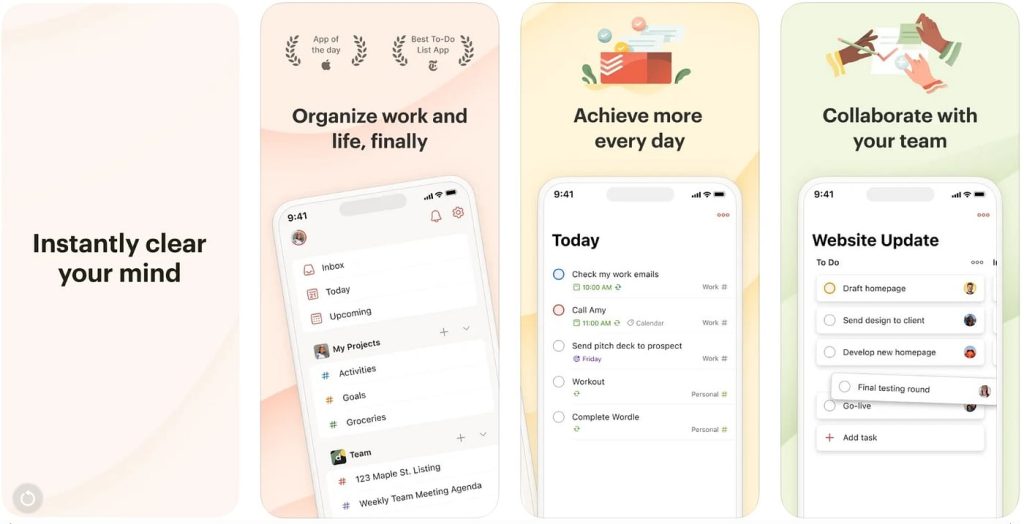
Struggling to keep your team on the same page? You’re not alone.
When everyone juggles different tasks, tools, and deadlines, staying productive can feel like a constant battle. But what if you had the right apps that make teamwork smoother, communication clearer, and projects easier to manage? You’ll discover the best productivity apps for teams that actually work—helping you save time, reduce stress, and get more done together.
Ready to transform how your team works? Let’s dive in.
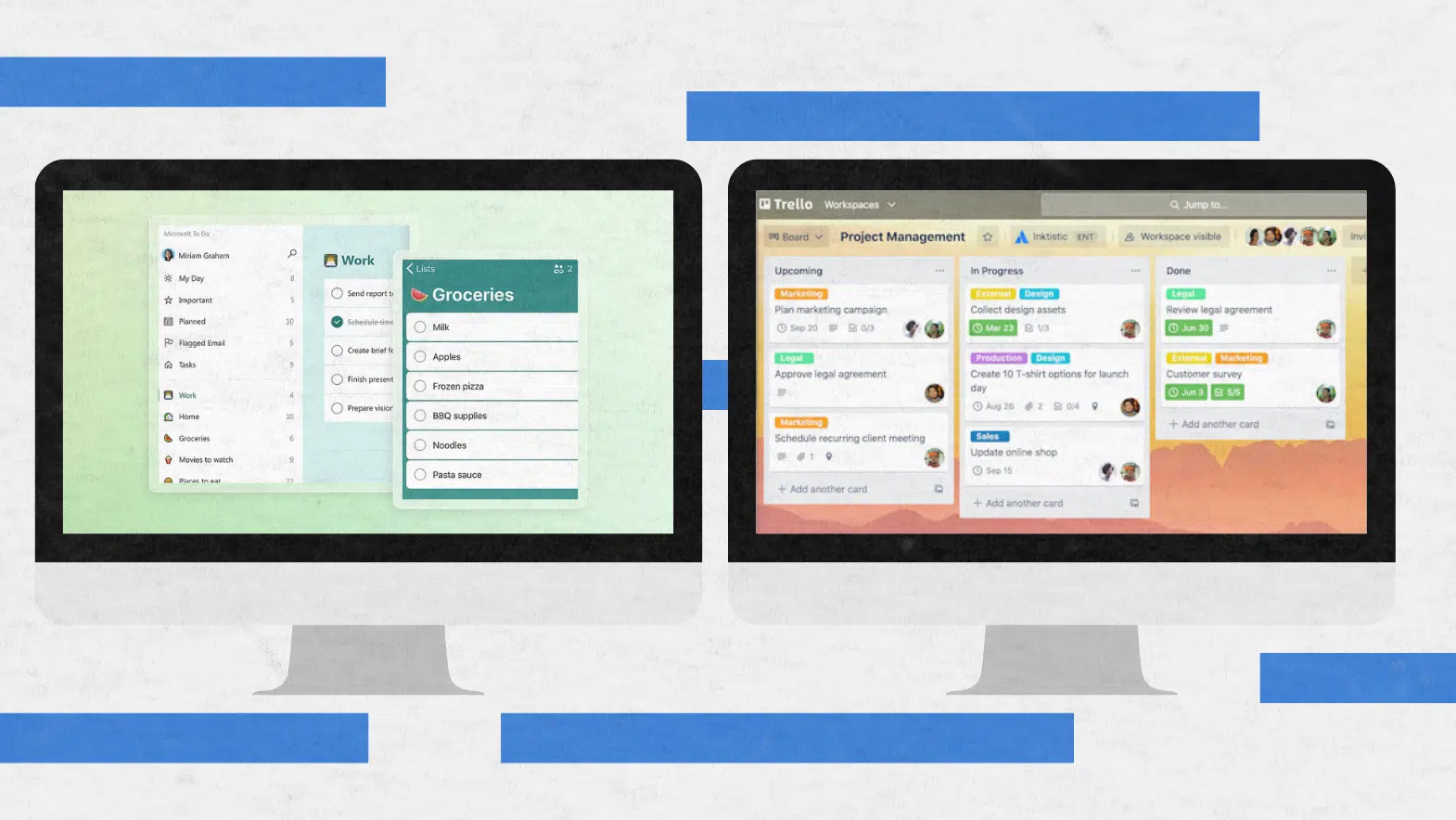
Credit: leadadvisors.com
Top Productivity Apps
Task Management Toolslike Trello, Asana, and Monday help teams track work easily. They let you create tasks, set deadlines, and check progress. Clear task lists keep everyone on the same page.
Calendar and Scheduling Appssuch as Google Calendar and Calendly make planning simple. These apps sync with your devices and send reminders. They help avoid double bookings and missed meetings.
Communication Platformslike Microsoft Teams and Slack allow quick chatting and video calls. They keep conversations organized and reduce emails. Teams can share files and updates in real time.
Collaboration Softwaresuch as Google Workspace and Microsoft 365 enable group work on documents. Multiple people can edit files at once. This speeds up project work and improves teamwork.
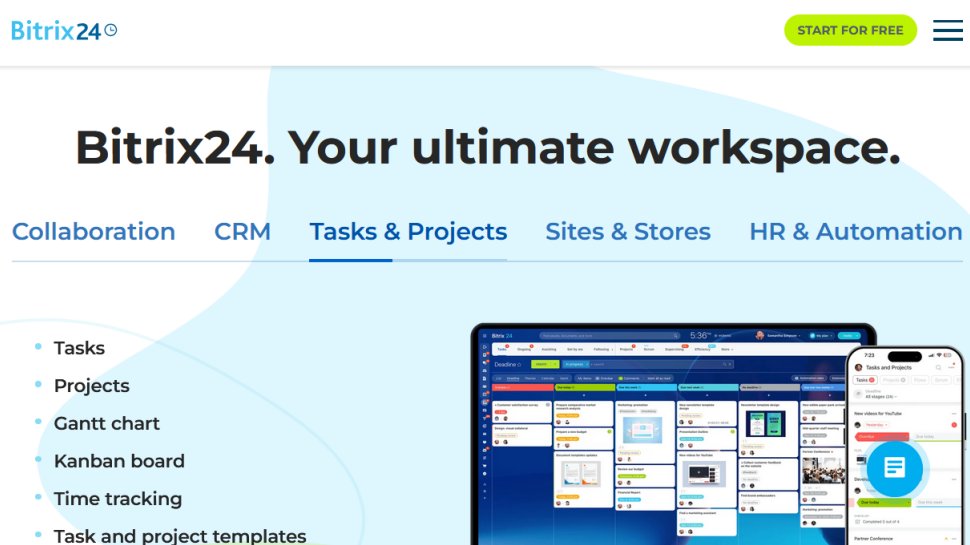
Credit: www.techradar.com
Features That Boost Efficiency
Real-time collaborationlets team members work together instantly. Everyone can see updates and share ideas at the same time. This speeds up decision-making and reduces errors.
Automation and workflowfeatures help teams save time. Tasks like reminders, approvals, and data entry happen without manual work. This keeps projects moving smoothly and frees up time for important work.
Integration capabilitiesconnect different apps and tools. Teams can link calendars, chat, file storage, and project management in one place. This avoids switching between apps and keeps all information connected.
User-friendly interfacesmake apps easy to use. Simple designs and clear menus help all team members, even beginners, work efficiently. Less confusion means faster progress and less frustration.
Best Apps For Microsoft Teams
Trellohelps teams organize tasks clearly. It uses boards, lists, and cards to track work steps. Teams can move cards to show progress easily. Visual task management keeps everyone on the same page.
Pollyboosts employee engagement by gathering quick feedback. It lets teams vote or answer polls during meetings. This helps leaders understand team mood and ideas fast.
ClickUpoffers tools to track projects and deadlines. It combines tasks, docs, goals, and chat in one place. Teams can see what needs doing and who is responsible, making work smoother.
Kudosencourages team motivation by letting members praise each other. Giving and receiving thanks builds a positive work culture. It’s simple and helps improve team spirit.

Credit: www.makeuseof.com
Choosing Apps For Your Team
Assessing team needshelps find the right app for your group. Consider what tasks your team does daily. Choose apps that match those tasks well. Some teams need strong communication tools, while others want task trackingor file sharing. Ask team members what features they want most.
Balancing features and simplicityis key. Apps with too many features can confuse users. Simple apps help teams adopt them quickly. Focus on tools that offer essential featureswithout extra clutter. Easy-to-use apps save time and reduce frustration.
Budget considerationsmatter for choosing apps. Some tools have free plans but limited features. Paid plans offer more options but cost more. Find apps that fit your team’s budget and needs. Think about long-term expenses before deciding.
Trial and feedbackimprove app choices. Test apps with your team before buying. Gather opinions on ease of use and usefulness. Adjust choices based on feedback. This helps select tools that work best for everyone.
Tips To Maximize App Use
Keyboard shortcutssave time by letting you do tasks fast. Learn common keys for your app. Use commands to jump between tasks or open menus quickly.
Turn off unnecessary notifications. They distract and slow work. Set alerts only for urgent messages. Use “Do Not Disturb” modes during focus time.
Custom workflowsfit the app to your team’s way of working. Arrange tasks, approvals, and updates to match daily routines. This keeps work smooth and clear.
Provide training and supportfor all team members. Use videos, guides, or quick help chats. Regular practice helps everyone use apps well and avoid mistakes.
Future Trends In Productivity Apps
AI and Automationhelp teams finish tasks faster by handling routine jobs. These features allow team members to focus on important work. Many productivity apps now include AI tools for smart scheduling and task management.
Enhanced Security Featuresprotect team data from cyber threats. Apps use encryption and secure logins to keep information safe. This is very important for teams working with sensitive data.
| Feature | Benefit |
|---|---|
| Cross-Platform Compatibility | Lets teams use apps on phones, tablets, and computers. Work continues smoothly on any device. |
| Personalization and Adaptability | Apps adjust to each user’s needs and work style. This improves comfort and efficiency. |
Frequently Asked Questions
How To Increase Productivity With Microsoft Teams?
Increase productivity in Microsoft Teams by using keyboard shortcuts, @mentions for quick communication, and integrating apps like Trello or Polly. Utilize Loop components to collaborate in real-time, customize backgrounds to reduce distractions, and enable notifications wisely to stay focused.
What Is The No. 1 Productivity App?
The No. 1 productivity app varies by need, but Microsoft Teams leads for collaboration and workflow integration.
Is Microsoft Teams A Productivity App?
Yes, Microsoft Teams is a productivity app that enhances collaboration, communication, and project management for teams. It integrates tools to boost efficiency and streamline workflows.
What Are The Best Apps For Microsoft Teams?
Top apps for Microsoft Teams include Trello for workflow, Polly for engagement, ClickUp for productivity, Kudos for motivation, Workato for integration, Power BI for analytics, and GitHub for development collaboration. These apps enhance teamwork, streamline tasks, and boost overall productivity.
Conclusion
Choosing the right productivity apps helps teams work smarter together. Simple tools improve communication, task tracking, and scheduling. Teams can stay organized and focused throughout the day. Testing a few apps can reveal what fits your team best. Consistent use of these apps builds better workflows over time.
Small changes lead to big gains in team efficiency. Keep your team connected and tasks clear with these apps. Productivity grows when everyone uses the same tools well.