Key Takeaway (Quick Answer)
If you want a simple, affordable, no-code survey tool, then Surveynoodle can still be a solid choice—especially for freelancers, small businesses, and beginners. However, the AppSumo lifetime deal is not currently available, so you’ll need to evaluate its value based on current pricing. If you need advanced customization, analytics, or integrations, tools like Typeform or Jotform may still be better. Is Surveynoodle Worth Buying on AppSumo? Read the full article to know.
What Is Surveynoodle?
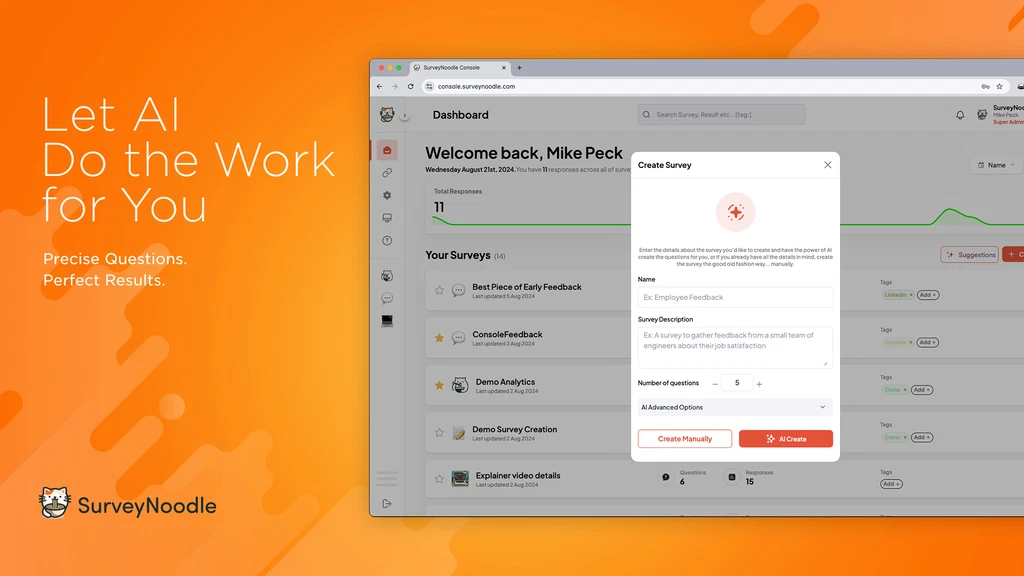
Surveynoodle is a lightweight online survey builder designed to help users create forms, polls, and feedback surveys quickly—without needing technical skills.
Unlike traditional tools that come with steep monthly fees, Surveynoodle focuses on:
- Simplicity
- Speed
- Ease of use
Think of it as a budget-friendly Typeform alternative that gets the job done without overwhelming you. Here is the complete review of Surveynoodle.
Why Was Surveynoodle Popular on AppSumo?
AppSumo is known for offering lifetime deals (LTDs)—you pay once and use the tool long-term. That’s a huge reason why Surveynoodle gained attention initially.
Key Reasons:
- One-time payment (during the deal period)
- Beginner-friendly interface
- Fast survey creation
- Ideal for startups and solopreneurs
For many users, avoiding recurring costs was a major advantage.
Is Surveynoodle Lifetime Deal Still Available?
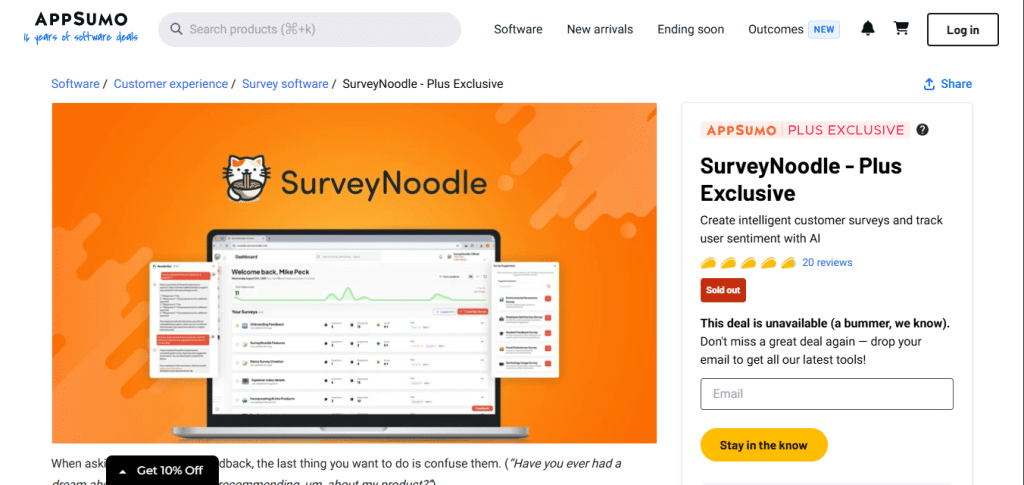
No, the Surveynoodle lifetime deal on AppSumo is currently not available.
Like many AppSumo campaigns, the offer was:
- Limited-time
- Promotional
- Removed after the campaign ended
What You Should Do Now
If you’re interested in Surveynoodle:
- Check the official website for current pricing
- Monitor AppSumo in case the deal returns
- Compare with other active AppSumo tools
Conversion Insight
Even without the lifetime deal, Surveynoodle can still be worth considering if:
- You don’t want a steep learning curve
- You prefer simplicity over advanced features
- You need a quick solution for surveys
However, if your main reason for buying was the one-time pricing, you may want to explore alternatives.
Surveynoodle Features Breakdown
Let’s look at what you actually get.
1. Easy Survey Builder
Surveynoodle offers a drag-and-drop interface that makes creating surveys quick and intuitive.
You can:
- Add multiple question types
- Rearrange sections easily
- Preview surveys instantly
Personal insight: If you’ve used complex tools before, Surveynoodle feels much easier to navigate and faster to set up.
2. Multiple Question Types
It supports:
- Multiple choice
- Open-ended questions
- Ratings/scales
- Yes/No questions
This is enough for:
- Customer feedback
- Lead generation forms
- Basic market research
3. Real-Time Responses
You can track responses as they come in.
It allows you to:
- View responses quickly
- Export data
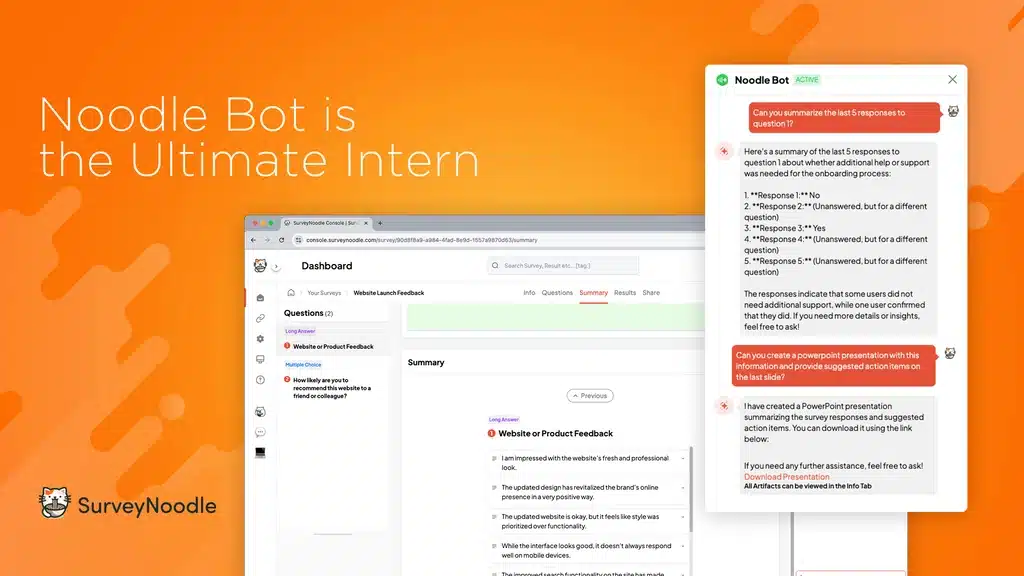
- Understand user feedback
While not advanced, it covers essential needs.
4. Integration Capabilities
Surveynoodle supports some integrations depending on the plan.
However:
- It’s not as powerful as Typeform with automation tools
- Works best for simple workflows
5. Clean UI (But Limited Customization)
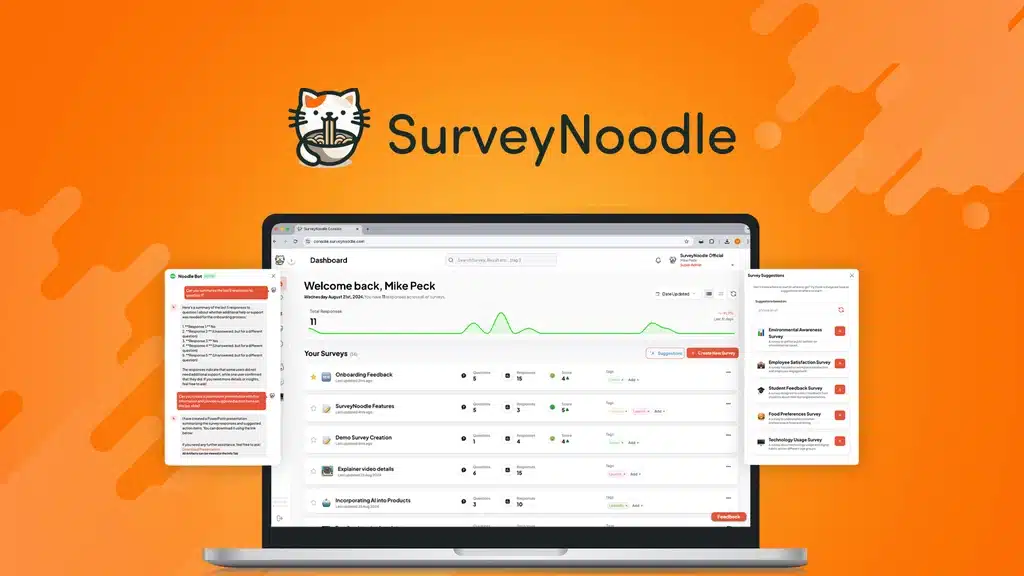
The interface is clean and distraction-free.
But:
- Customization options are limited
- Branding flexibility is basic
Surveynoodle Pricing (Updated Reality)
Since the AppSumo deal is gone, pricing now depends on the official platform.
Current Situation:
- No active lifetime deal
- Likely subscription-based or standard pricing
Compare that to competitors:
| Tool | Pricing Model |
|---|---|
| Surveynoodle | Standard / subscription |
| Typeform | Monthly subscription |
| Jotform | Monthly subscription |
This changes the value proposition significantly. Details of the pricing.
Surveynoodle vs Typeform (Quick Comparison)
Ease of Use
- Surveynoodle: Simple, beginner-friendly
- Typeform: More polished but slightly complex
Design & UX
- Surveynoodle: Basic
- Typeform: Highly interactive
Pricing
- Surveynoodle: No longer lifetime deal
- Typeform: Expensive monthly plans
Features
- Surveynoodle: Essential features
- Typeform: Advanced logic and integrations
Verdict:
- Choose Surveynoodle for simplicity
- Choose Typeform for advanced capabilities
Who Should Buy Surveynoodle?
This tool is still useful if you are:
Freelancer
Need quick surveys for clients without complexity.
Startup Owner
Testing ideas or collecting feedback.
Marketer
Creating simple lead capture forms.
Beginner
Looking for an easy entry into survey tools.
Who Should NOT Buy It?
Avoid Surveynoodle if you need:
- Advanced survey logic
- Deep analytics
- High-end customization
- Strong integrations
In these cases, alternatives may be better.
Real User Pain Points
“Is it too basic?”
Yes, but that’s also why it’s easy to use.
“Can it replace Typeform?”
For simple use, yes. For advanced workflows, no.
“Is it still worth it without lifetime deal?”
That depends on pricing vs your needs.
How to Use Surveynoodle Effectively
Keep Surveys Short
Short surveys improve completion rates.
Use Clear Questions
Avoid confusion to get better data.
Focus on One Goal
Each survey should target one outcome.
- Feedback
- Lead generation
- Research
SEO & Marketing Use Cases
Lead Generation
Capture emails with simple forms.
Customer Feedback
Understand your audience better.
Content Research
Use surveys to guide your content strategy.
Is Surveynoodle Worth Buying on Appsumo?
YES, if you want:
- A simple survey tool
- Quick setup
- No learning curve
NO, if you want:
- Lifetime deal savings
- Advanced features
- Deep integrations
How Surveynoodle Actually Works (Step-by-Step)
Surveynoodle works as a simple drag-and-drop survey builder where users can create forms without coding or technical knowledge.
Here’s how the process typically works:
Step 1: Create a survey
You start by choosing a blank template or pre-built structure depending on your goal.
Step 2: Add questions
You can add different types of questions such as multiple choice, ratings, or open-ended answers.
Step 3: Customize layout
Basic customization allows you to adjust structure, but it remains simple compared to advanced tools.
Step 4: Share your survey
Once ready, you can share your survey through a link or embed it into a website.
Step 5: Collect responses
Responses are collected in real-time and can be viewed from your dashboard.
This simplicity is what makes it attractive for beginners and small businesses.
Real-World Use Cases of Surveynoodle
Surveynoodle is not just a survey tool—it can be used in multiple practical scenarios:
1. Customer Feedback Collection
Businesses can collect feedback after purchases or services to improve customer satisfaction.
2. Lead Generation Forms
Marketers can use surveys as lead capture tools to collect emails and qualify users.
3. Product Research
Startups can validate ideas before launching a product.
4. Content Research
Bloggers and creators can ask their audience what topics they want next.
These use cases make it more than just a “survey tool”—it becomes a marketing asset.
Pros and Cons of Surveynoodle
Pros:
- Very easy to use
- Beginner-friendly interface
- Fast survey creation
- No technical skills required
- Good for simple surveys
Cons:
- Limited advanced features
- Basic customization
- Not ideal for enterprise use
- No strong analytics compared to Typeform
Best Alternatives to Surveynoodle
If Surveynoodle doesn’t fully match your needs, here are strong alternatives:
Typeform
Best for advanced design and interactive surveys
Downside: Expensive monthly pricing
A comparison between Surveynoddle and Typeform for you to decide.
Google Forms
Best for free and simple surveys
Downside: Very basic UI
Jotform
Best for powerful forms and integrations
Downside: Can get complex
Compared to these, Surveynoodle sits in the simple and affordable category
Personal Experience and Practical Perspective on Surveynoodle
Even without deep long-term usage, Surveynoodle gives a very clear “first impression” experience that matters a lot when choosing a survey tool.
From a usability perspective, the platform feels designed for speed rather than complexity. The setup process is straightforward, and you can create a basic survey within minutes without needing tutorials or technical knowledge.
What stands out most is how lightweight the tool feels compared to more advanced platforms like Typeform or Jotform. Instead of overwhelming users with too many options, Surveynoodle focuses on getting a survey live quickly.
However, this simplicity also comes with trade-offs. Users looking for advanced logic, automation workflows, or deep analytics may feel limited over time. It is more suited for quick feedback collection rather than complex research systems.
In a practical sense, Surveynoodle fits best for:
- Small business owners who need quick customer feedback
- Beginners who want a simple entry into survey tools
- Marketers who need fast lead forms without setup complexity
Overall, the experience can be summarized as: easy to start, limited as you scale.
Final Verdict
Surveynoodle was extremely attractive because of its AppSumo lifetime deal—but that advantage is no longer available.
Now, it competes more directly with other survey tools on features and usability rather than price.
If you value simplicity, it’s still a solid option. But if your main goal was long-term savings through a one-time purchase, you may want to look at alternatives or wait for similar deals.
FAQs
Is Surveynoodle lifetime deal still available?
No, the AppSumo lifetime deal is currently not active.
Can the deal come back?
Possibly. AppSumo deals sometimes return, but there’s no guarantee.
Is Surveynoodle still worth it?
Yes, for simplicity. Less so for pricing advantage.
What are the best alternatives?
Typeform, Google Forms, and Jotform are strong options depending on your needs.
Is Surveynoodle better than Typeform?
It depends. Surveynoodle is better for simplicity and cost, while Typeform is better for advanced design and features.
Can Surveynoodle be used for business?
Yes, especially for small businesses, startups, and freelancers.
Is Surveynoodle beginner-friendly?
Yes, it is designed for users with no technical background.
Final Thoughts Before You Decide
Choosing the right survey tool depends heavily on your goals. Surveynoodle stands out for its simplicity and ease of use, which makes it ideal for beginners and small projects. If your main priority is speed and affordability, it can be a practical choice.
However, if you are planning to scale your surveys into more advanced workflows or need deeper analytics, it may not fully replace more established platforms. In that case, tools like Typeform or Jotform might be a better long-term fit.
The key is to match the tool with your actual needs instead of focusing only on features. For lightweight survey creation and quick deployment, Surveynoodle does the job effectively.