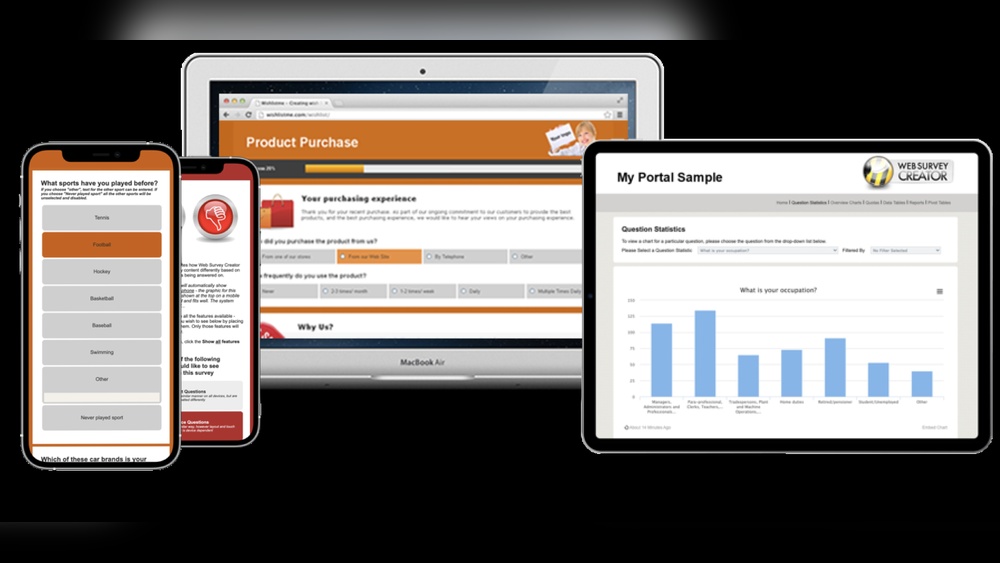
Are you looking for a simple way to gather honest feedback from your customers, team, or audience? An online survey creator can be your secret weapon.
Before choosing the right tool, it’s helpful to understand how systems like a Survey Generator Tool work behind the scenes to power modern survey creation.
Imagine creating surveys that are quick to build, easy to share, and deliver clear results—all without any technical hassle. You’ll discover how the right survey tool can save you time, boost your response rates, and give you insights that truly matter.
Ready to turn opinions into action? Keep reading to find out how.
Benefits Of Online Survey Creators
Online survey creators make gathering feedback simple and fast. If you’re comparing real-world tools and how they perform, this SurveyNoodle Review gives a clear breakdown of usability and features. They help collect opinions from many people without much hassle. These tools offer many benefits for businesses, educators, and researchers. They improve how surveys reach audiences and how data is collected and used.
Increase Response Rates
Online survey creators reach people easily through email or social media. They allow quick and simple survey designs that invite more participation. Users can complete surveys on phones, tablets, or computers. This flexibility boosts the chance of getting more answers.
Save Time And Effort
Creating surveys online cuts down the time needed to design questions. There is no need to print or mail paper surveys. Responses are collected automatically, reducing manual work. This lets you focus on analyzing results instead of gathering data.
Access To Real-time Data
Survey creators provide instant access to answers as soon as they come in. You can track responses live and spot trends quickly. This helps make faster decisions based on current information. Real-time data keeps surveys dynamic and useful throughout the process.

Credit: www.userfeedback.com
Key Features To Look For
Choosing the right online survey creator matters. The best tools offer features that save time and improve results. If you want to understand how pricing connects to features, this SurveyNoodle Pricing guide helps explain what you get in different plans. These features make surveys easy to build, reach more people, and provide clear insights.
User-friendly Interface
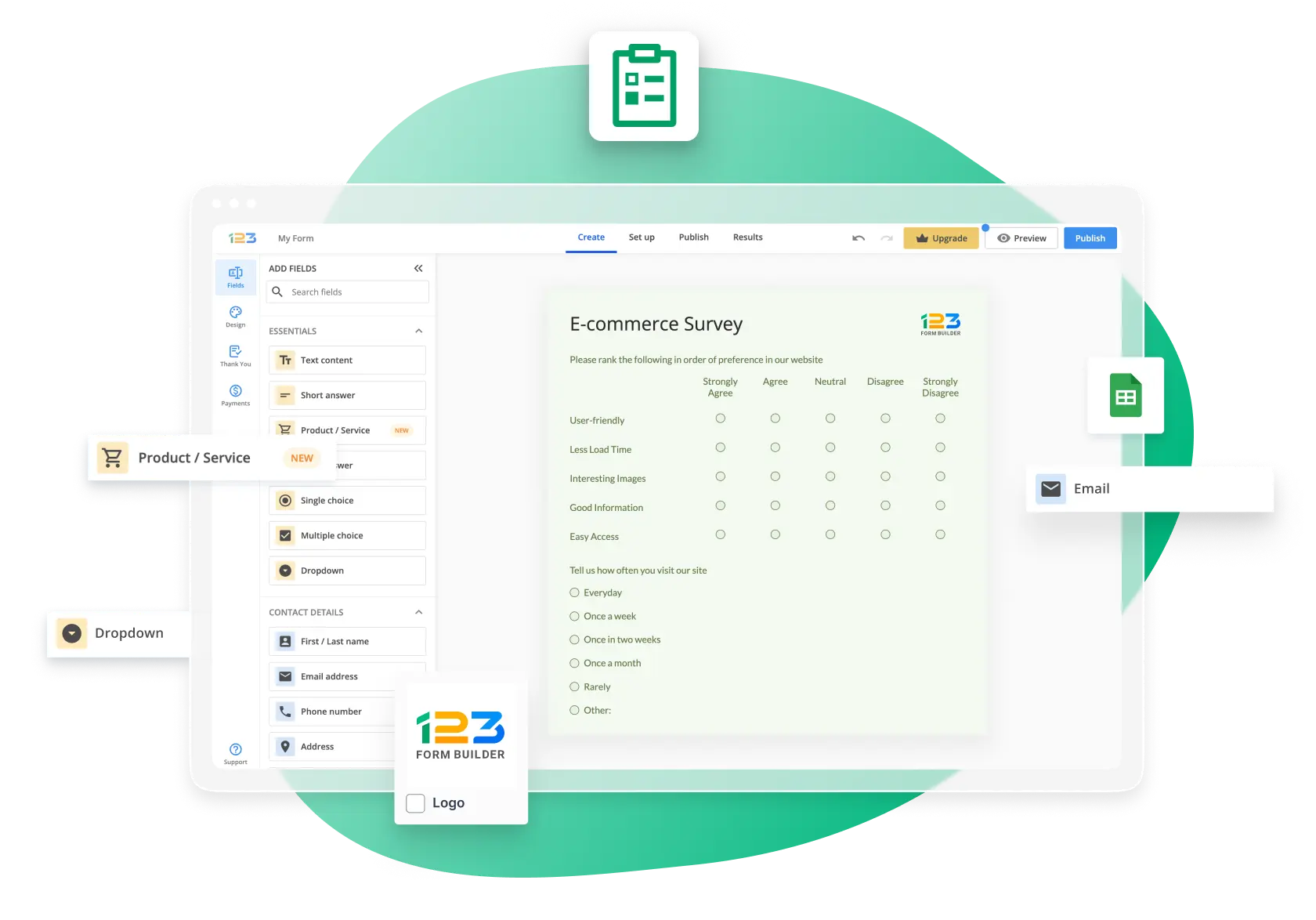
A simple and clear interface helps anyone create surveys quickly. Drag-and-drop options make adding questions easy. No coding skills needed. This feature saves time and reduces errors. Users can focus on survey content, not the tool.
Customizable Templates
Templates speed up survey creation. They come with ready-made questions for different topics. Customizing templates lets you match your brand style. Change colors, fonts, and logos. This keeps surveys professional and consistent. Templates also help beginners start fast.
Multi-device Compatibility
Surveys must work on phones, tablets, and computers. A responsive design adjusts to any screen size. This allows more people to answer easily. Mobile-friendly surveys increase response rates. It also helps collect data anytime, anywhere.
Advanced Analytics
Good survey tools provide clear data reports. They show charts, graphs, and trends. Filters and export options make analysis easier. You can spot patterns and make better decisions. Analytics help understand responses in depth.
Tips To Boost Survey Engagement
Boosting engagement in online surveys is key to collecting useful data. High engagement means more responses and better insights. When comparing engagement-focused tools, this SurveyNoodle vs Typeform comparison shows how design impacts response rates. Small changes can make surveys more inviting and easier to complete.
Crafting Clear Questions
Write questions that are simple and direct. Avoid complex words or long sentences. Each question should focus on one idea only. Clear questions help respondents answer quickly and correctly. Use straightforward language everyone can understand.
Using Visual Elements
Add images, icons, or colors to make surveys more attractive. Visuals break up text and keep interest alive. Use charts or pictures to explain tricky questions. Visuals guide respondents and make surveys less boring.
Offering Incentives
Give small rewards to encourage participation. Rewards can be coupons, discounts, or gift cards. Incentives show you value respondents’ time and effort. They increase the chance people will finish the survey.
Optimizing Survey Length
Keep surveys short and to the point. Long surveys cause people to lose interest. Limit questions to what is truly needed. A brief survey respects the respondent’s time and keeps answers honest.

Credit: chartexpo.com
Popular Online Survey Tools
Choosing the right online survey tool can save time and improve results. These tools help create, send, and analyze surveys easily. Many popular options offer unique features to suit different needs. If you’re still exploring options, this SurveyNoodle Alternatives guide helps you compare other platforms with similar or advanced features.
Here are some widely used online survey creators. Each one has strengths for various survey projects.
Surveymonkey
SurveyMonkey is a trusted tool for many users. It offers easy survey design with many templates. You can collect responses quickly and see real-time results. It supports multiple question types and data export options.
Google Forms
Google Forms is free and simple to use. It integrates well with other Google apps. You can create surveys with basic question formats. Results are stored in Google Sheets for easy analysis. It is ideal for quick surveys and small projects.
Typeform
Typeform focuses on user experience and design. Surveys look clean and modern on any device. It uses one question at a time to keep users engaged. You can add images and videos for better interaction. Typeform suits surveys needing higher response rates.
Qualtrics
Qualtrics is a powerful tool for detailed surveys. It offers advanced question logic and data analysis. Many businesses use it for customer feedback and research. It supports large-scale surveys with complex structures. Qualtrics is best for professional and academic use.
Surveynoodle
SurveyNoodle is a simple and modern survey tool made for people who just want to collect feedback without any hassle. It doesn’t overload you with too many features. Instead, it keeps things fast, clear, and easy to use. That’s why it works well for creators, marketers, and small businesses who just want quick answers without wasting time figuring things out.
Why SurveyNoodle on AppSumo Is a Smarter Choice for Most Users
If you’re comparing survey tools and feeling overwhelmed, here’s the straightforward truth: SurveyNoodle on AppSumo gives you more value for less complexity—and that’s exactly what most creators, marketers, and small businesses actually need.
Built for Simplicity Without Sacrificing Power
SurveyNoodle focuses on what matters—collecting clear, useful feedback fast. Unlike tools like Typeform that can feel overly designed (and sometimes slow), SurveyNoodle keeps things clean and efficient. You can create surveys in minutes, not hours.
This is especially helpful if you:
-
Don’t want a steep learning curve
-
Need to launch surveys quickly
-
Prefer a no-fluff interface that just works
Focus on Real Insights, Not Just Design
While some tools prioritize aesthetics, SurveyNoodle leans into data clarity and usability. You still get clean-looking surveys, but the real strength is:
-
Easy-to-understand responses
-
Practical analytics
-
Faster decision-making
That’s what actually helps you grow.
Lightweight and Fast Performance
Heavy tools can slow down both you and your respondents. SurveyNoodle is lightweight, which means:
-
Faster load times
-
Better completion rates
-
Less drop-off from users
And that directly impacts how much data you collect.
Ideal for Beginners and Lean Teams
If you’re not a large enterprise, you probably don’t need dozens of advanced features you’ll never use. SurveyNoodle hits the sweet spot:
-
Simple setup
-
Essential features
-
No unnecessary complexity
Perfect for bloggers, affiliate marketers, small business owners, and creators.
Integrating Surveys With Marketing Strategies
Integrating surveys with marketing strategies helps gather valuable feedback directly from customers. Surveys reveal preferences, opinions, and trends that guide marketing decisions. Marketers can use survey data to create more targeted and effective campaigns. Embedding surveys into various marketing channels increases engagement and response rates.
Email Campaigns
Including surveys in email campaigns boosts interaction. Short surveys ask for opinions or satisfaction levels. Emails with surveys feel personal and invite quick replies. Survey results help tailor future email content. Tracking responses shows which offers or messages work best.
Social Media Sharing
Sharing surveys on social media reaches a wide audience fast. Quick polls or questions encourage followers to engage. Social platforms allow easy sharing, increasing survey visibility. Responses provide insights into audience interests and behavior. Use survey feedback to adjust social media content strategies.
Website Embedding
Embedding surveys on websites collects feedback from visitors in real time. Placement on landing pages or checkout areas captures opinions at key moments. Website surveys help identify user experience issues or product preferences. Results guide website improvements and content adjustments. Embedded surveys keep users involved without leaving the site.
Analyzing Survey Results Effectively
Analyzing survey results effectively helps you understand what your audience thinks. It allows you to see clear patterns and make smart choices. Before choosing a platform for long-term use, it’s worth checking if it’s actually valuable in practice through Is SurveyNoodle Worth Buying on AppSumo. Good analysis turns raw data into useful insights. This process guides your next steps and improves your services or products.
Identifying Trends
Look for common answers or repeated ideas in the data. Trends show what most people feel or think. Notice changes over time or frequent comments. This helps spot important issues or popular opinions fast. Use charts or graphs for easier spotting of trends.
Segmenting Respondents
Divide your respondents into groups based on age, location, or other traits. This reveals different views in each group. Segmenting helps tailor solutions to specific groups. For example, younger people may have different needs than older ones. Analyzing groups separately gives clearer insights.
Taking Action On Feedback
Use the insights to improve your product or service. Focus on the main problems or requests from respondents. Share the results with your team to plan changes. Act quickly to show you value customer opinions. This builds trust and improves satisfaction.
Credit: www.123formbuilder.com
Frequently Asked Questions
What Features Should An Online Survey Creator Have?
An online survey creator should offer easy-to-use templates, question variety, and data export options. It must support multiple question types like multiple choice and rating scales. Good tools also provide real-time results and mobile-friendly designs.
How Can I Ensure My Online Survey Gets More Responses?
Keep your survey short and clear to encourage participation. Use simple language and offer incentives if possible. Share the survey link on social media or via email to reach more people.
Is It Safe To Collect Data Using An Online Survey Creator?
Most online survey creators use encryption to protect your data. Always check the privacy policy before collecting sensitive information. Choose platforms that comply with data protection laws like GDPR.
Conclusion
Creating surveys online saves time and reaches many people fast. It helps gather clear, honest answers to improve decisions. Easy tools make building surveys simple for everyone. You can change questions anytime to fit your needs. Sharing surveys is quick through email or social media.
If you’re still comparing tools, this SurveyNoodle Alternatives guide can help you find a better fit based on features and pricing.
The data collected guides better choices for business or school. Online survey creators make feedback simple and useful. Try using one to see how it helps your work. Simple steps lead to strong results every time.