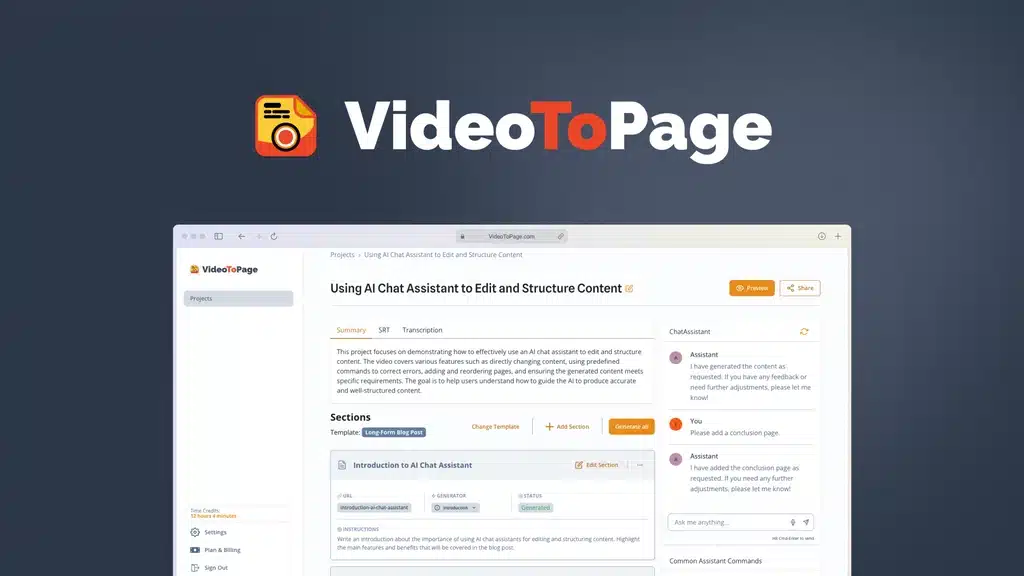
Looking for Videotopage alternatives? You’re not alone.
Maybe you’ve hit some limits, or you want features that Videotopage doesn’t offer. Whatever your reason, finding the right tool can change how you create and share videos. You’ll discover easy-to-use options that fit your needs and help you save time.
Before exploring alternatives, it helps to understand how video-to-text systems work. A YouTube transcription tool can give you a basic idea of how raw video content is converted into written format.
Keep reading to find the perfect match for your video projects and unlock new possibilities.

Credit: www.youtube.com
Key Takeaway
If you’re looking for tools similar to VideoToPage, several platforms can help convert videos into text, transcripts, or articles. However, before comparing alternatives, it’s useful to understand the core system first. This Videotopage review explains how the tool turns videos into structured content instead of just raw transcripts.nPopular alternatives include Descript, Otter.ai, Sonix, Rev, and VEED.io. However, most of these tools focus only on transcription, while VideoToPage goes a step further by automatically turning videos into structured articles and readable blog content. That’s why many creators still prefer VideoToPage—especially when it was available as a lifetime deal on AppSumo.
What Is VideoToPage?
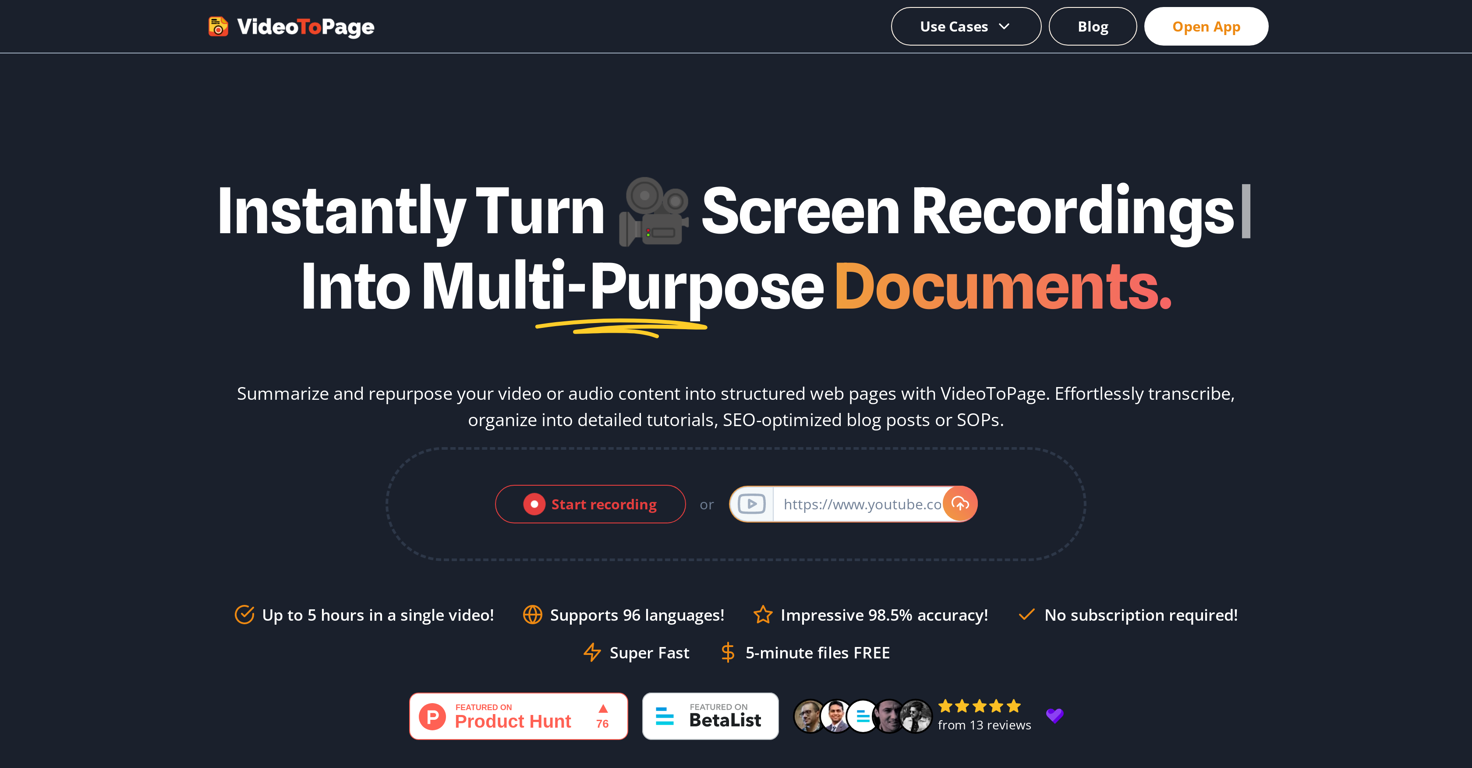
VideoToPage is an AI-powered platform that converts video content into structured written content such as:
- Blog posts
- Tutorials
- Documentation
- Articles
- Knowledge base content
Instead of just generating a transcript, the tool organizes the content into sections, headings, and readable paragraphs.
This makes it particularly useful for:
- Bloggers
- YouTubers
- Content marketers
- Online educators
- Agencies
Although VideoToPage is currently unavailable on AppSumo, it gained a lot of attention because of its lifetime pricing and powerful content repurposing features.
Why People Look for VideoToPage Alternatives
There are several reasons why users search for alternatives.
The AppSumo Deal Is Currently Unavailable
Many people discovered VideoToPage through AppSumo’s lifetime deal, which is currently not available.
Different Feature Needs
Some users only need:
- Simple video transcription
- Subtitle generation
- Podcast transcripts
While others want full article generation from videos.
Credit: www.youtube.com
Key Features To Look For
Choosing the right Videotopage alternative means focusing on key features. These features affect how easy and useful the tool will be for your needs. The right features help save time and make your video pages look professional.
Look for tools that offer simple controls, good design options, smooth connections with other apps, and clear pricing. These aspects help you build your video pages without trouble and suit your budget.
User-friendly Interface
A simple, clear interface helps you work faster. Good tools have easy menus and buttons you can find quickly. This saves frustration and lets you focus on content. Users with less tech experience can also use it well.
Customization Options
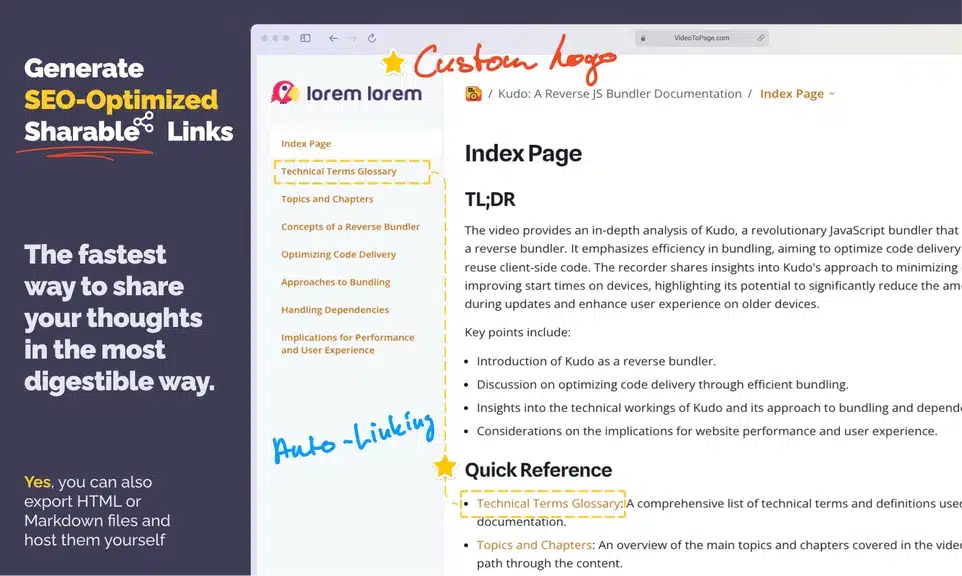
Customization lets you change layouts, colors, and fonts. This makes your video pages unique. Some tools also let you add your logo or change buttons. More options mean your page fits your brand and style better.
Integration Capabilities
Check if the tool connects with other apps you use. Email services, social media, and analytics tools are common examples. Good integration helps automate tasks and track results easily. It keeps your workflow smooth and organized.
Pricing Plans
Choose a tool with clear and fair pricing. Some offer free plans with basic features. Paid plans usually add more options and higher limits. Pick a plan that fits your budget and needs without paying for extras you don’t use. Many transcription tools charge monthly subscriptions, which can become expensive for heavy users. Many users originally discovered it through AppSumo lifetime deals, so pricing comparisons become important. You can check the full breakdown in this Videotopage pricing guide to understand cost expectations.
Best VideoToPage Alternatives
Here are some of the most popular tools that offer similar features.
1. Descript
Descript is one of the most well-known tools for audio and video transcription.
Key Features
- Automatic transcription
- Video editing by editing text
- Podcast editing
- Screen recording
Pros
Accurate transcription
Good for podcasts and interviews
Integrated video editing
Cons
Not designed to create blog articles automatically
More complex interface for beginners
Descript is excellent for content creators and podcasters, but it focuses more on editing rather than article creation.
2. Otter.ai
Otter.ai is widely used for meeting notes and lecture transcripts.
Key Features
- Real-time transcription
- Speaker identification
- Meeting summaries
Pros
Easy to use
Great for meetings and lectures
Fast transcription
Cons
Not optimized for YouTube videos
Doesn’t convert transcripts into blog posts
Otter works best for meeting documentation, not content repurposing.
3. Sonix
Sonix is a professional AI transcription platform used by businesses and media teams.
Key Features
- Automatic transcription
- Subtitle generation
- Translation into multiple languages
Pros
High transcription accuracy
Multi-language support
Good subtitle tools
Cons
Monthly subscription pricing
Limited article generation features
Sonix is powerful but mainly focused on transcription and subtitles.
4. Rev
Rev offers both AI transcription and human transcription services.
Key Features
- Human transcription
- AI transcription
- Caption generation
Pros
Very accurate human transcripts
Good for professional work
Cons
Human transcription can be expensive
Not designed for automated article creation
Rev is commonly used for professional transcripts and captions.
5. VEED.io
VEED.io is primarily a video editing platform but also includes transcription features.
Key Features
- Auto subtitles
- Video editing
- AI transcription
Pros
Good for video creators
Easy subtitle generation
Cons
Focused more on editing than writing content
Limited blog conversion capabilities
VEED works well for video editing workflows rather than written content creation.
Before deciding, it also helps to compare how Videotopage performs against other tools like Descript. This Videotopage vs Descript comparison shows the key differences clearly.
Credit: theresanaiforthat.com
Comparing Performance And Usability
Choosing the right video platform depends on how well it performs and how easy it is to use. Comparing these factors helps find a tool that fits your needs. Performance affects how fast and smooth your videos load. Usability determines how simple the platform is to navigate and operate.
Speed And Efficiency
Fast loading times keep viewers engaged. Platforms with efficient servers deliver videos without delay. Some alternatives optimize video delivery to reduce buffering. A quick interface saves time when uploading or editing videos. Efficiency in processing helps handle large files smoothly.
Video Quality
High video quality improves viewer experience. Alternatives vary in supporting HD or 4K resolution. Some platforms compress videos to save space but may lose clarity. Check if the tool adapts quality based on internet speed. Consistent quality matters for professional presentations.
Customer Support
Reliable customer support solves issues quickly. Look for platforms with multiple support channels like chat or email. Fast response times reduce downtime and frustration. Clear help guides and tutorials aid in self-service. Good support enhances overall user satisfaction.
Why VideoToPage Is Still the Better Choice
Even with these alternatives, VideoToPage remains unique in several ways.
It Creates Structured Articles
Most tools only generate raw transcripts.
VideoToPage converts videos into:
- Organized sections
- Headings
- Readable paragraphs
This saves a huge amount of editing time.
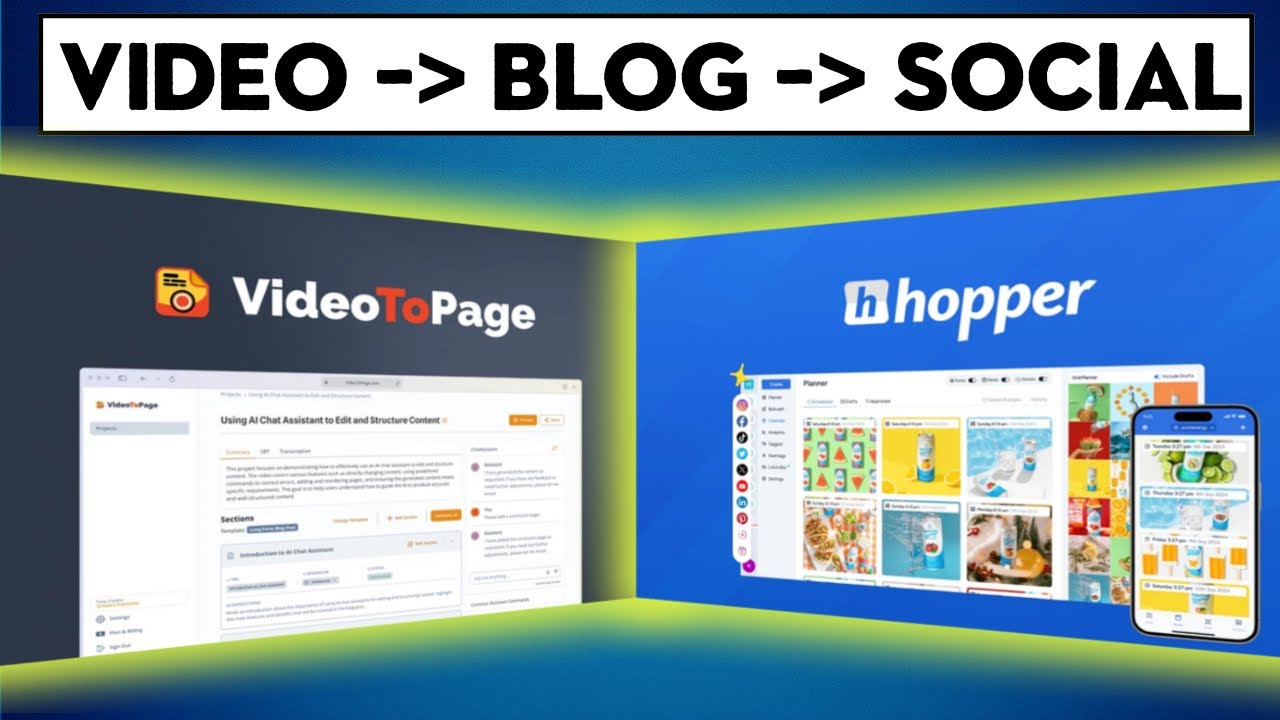
Built for Content Repurposing
Content repurposing is one of the most effective strategies in digital marketing.
With VideoToPage, one video can become:
- Blog posts
- Tutorials
- Knowledge base articles
- Social media content
Few transcription tools are built specifically for this workflow.
Saves Hours of Work
Manually converting a video into a blog post usually involves:
- Transcribing the video
- Extracting key points
- Writing and formatting the article
This process can take 2–3 hours or more.
VideoToPage automates most of these steps, allowing creators to produce publish-ready drafts quickly.
Great Value Through AppSumo
One reason VideoToPage became so popular was its AppSumo lifetime deal.
Instead of paying monthly subscriptions like many alternatives, users could pay once and access the tool forever.
Benefits of buying from AppSumo include:
- Lifetime access
- Lower long-term cost
- 60-day refund policy
- Early access to innovative tools
For creators who regularly repurpose video content, this offers excellent value.
Is VideoToPage Available Right Now?
At the moment, VideoToPage is not available on AppSumo.
However, many popular AppSumo products return later due to demand.
If the deal comes back, it may again become one of the best lifetime tools for converting videos into articles and written content.
For content creators who rely on video, it could be a smart investment to watch for its return.
Tips To Maximize Your Video Impact
Maximizing the impact of your videos helps reach more viewers and keeps them interested. Using the right methods can boost your video’s success on any platform. Focus on content quality, viewer interaction, and data insights to improve results.
Optimizing Video Content
Start with a clear and simple message. Keep videos short and to the point. Use strong visuals and clear audio. Add subtitles for better understanding. Choose the right title and description with important keywords. This helps search engines find your video easily.
Enhancing Viewer Engagement
Ask questions to involve viewers. Use calls to action like “subscribe” or “comment.” Create videos that solve problems or answer common questions. Show your personality to build trust. Respond to comments to keep the conversation alive.
Leveraging Analytics
Track views, watch time, and engagement rates. See which videos perform best and why. Use data to improve future videos. Pay attention to drop-off points to keep viewers interested. Adjust your strategy based on real results, not guesses.
Frequently Asked Questions
1. What is the best VideoToPage alternative?
Popular alternatives include Descript, Otter.ai, Sonix, Rev, and VEED.io. However, most focus only on transcription rather than converting videos into full articles.
2. Can I turn a YouTube video into a blog post?
Yes. Tools like VideoToPage can convert videos into structured blog posts, while transcription tools can provide the raw text to edit.
3. Are video transcription tools accurate?
Most AI transcription tools offer 80–95% accuracy, depending on audio quality and clarity.
4. Why is VideoToPage different from other transcription tools?
VideoToPage doesn’t just create transcripts—it transforms video content into structured articles, making it ideal for bloggers and marketers.
5. Is VideoToPage worth it?
For creators who regularly convert videos into written content, VideoToPage can save hours of work and simplify content repurposing.
Final Thoughts
Many tools today can convert videos into text, including Descript, Otter.ai, Sonix, Rev, and VEED.io.
However, most of these platforms focus on transcription only.
VideoToPage stands out because it transforms video content into structured articles, which is extremely valuable for bloggers, marketers, and content creators.
Although the AppSumo deal is currently unavailable, it may return in the future. If you’re still deciding, reading the full Videotopage review can give you a clearer idea of its strengths and limitations.
If it does, it could once again become one of the best tools for turning video content into blog posts, tutorials, and SEO-friendly articles.
Conclusion
Choosing the right Videotopage alternative can boost your video projects. Many tools offer easy features to help you create and share videos. Consider your needs and budget before deciding. Try a few options to see what fits best. This way, you find a tool that works well for you.
Keep experimenting and enjoy making great videos.